View AutoML menu
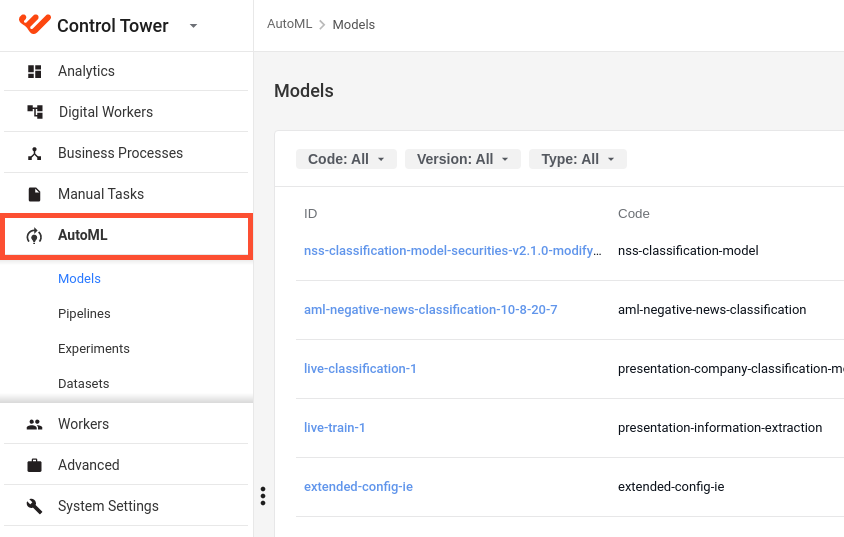
The AutoML menu in Control Tower allows you to perform the following actions without coding or Business Process development efforts:
- Train and manage Machine Learning (ML) models.
- Manage model pipelines.
- Run experiments.
- Create and manage datasets.
To access the capabilities, log in to Control Tower and, on the main menu, click AutoML.
important
The AutoML menu becomes visible only if you have the Manage models permission in Control Tower. For instructions on setting the permission, refer to the Manage Control Tower roles and permissions article.
Via the AutoML menu, you can navigate to the following pages:
- Models, where you can find a list of available Machine Learning models and the functionality for managing them.
- Pipelines, where you can see a list of configured model pipelines and the functionality for managing them.
- Experiments, where you can view and manage training and test runs for your models.
- Datasets, where you can view and manage datasets for model training.
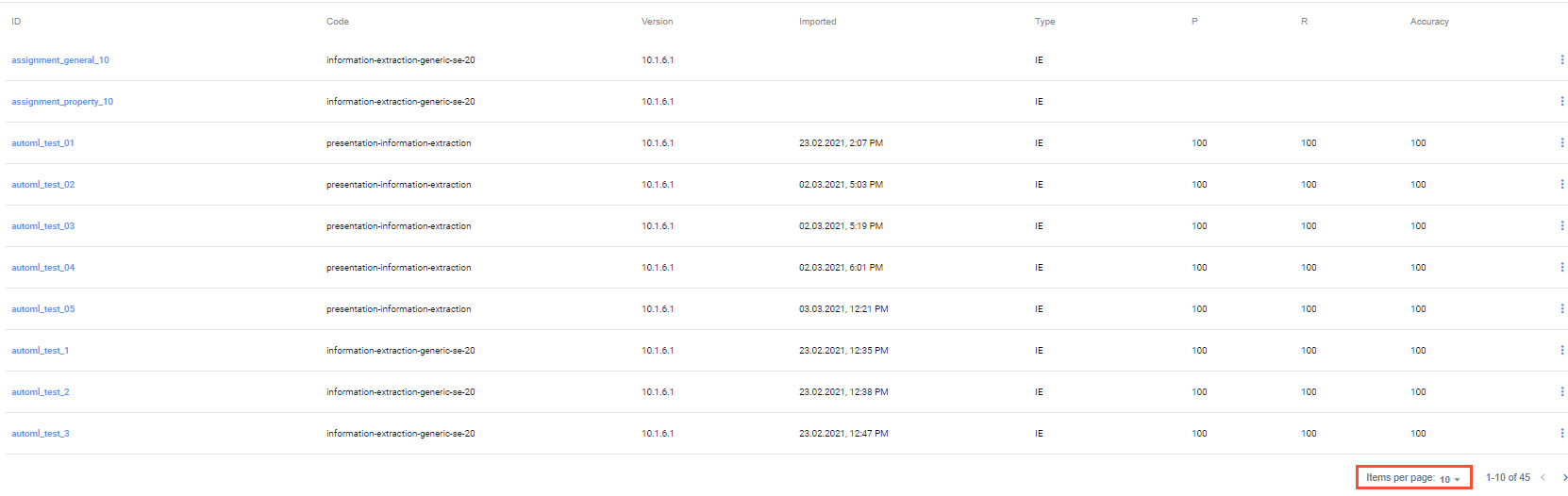
On each page, except for Datasets, you can set the number of listed items to 10, 50, or 100. For that, select an option from the pagination menu in the right bottom corner of the page.