Hide Unit display in RDP window for Master
If you deal with sensitive information, you should hide its display in Unit RDP sessions from outsiders.
For such cases, use the HideRdpControl property in the WFRDPClient.exe.config file. The feature is disabled by default since the property value is false.
<configuration>
    ...
    <appSettings>
        ...
        <add key="HideRdpControl" value="false" />
        ...
    </appSettings>
    ...
</configuration>
To enable the feature, change the property value to true as ec2-user.
<configuration>
    ...
    <appSettings>
        ...
        <add key="HideRdpControl" value="true" />
        ...
    </appSettings>
    ...
</configuration>
The Unit session should be disconnected or signed out. After automatic connection, a Unit RDP session looks like this under the Master session.
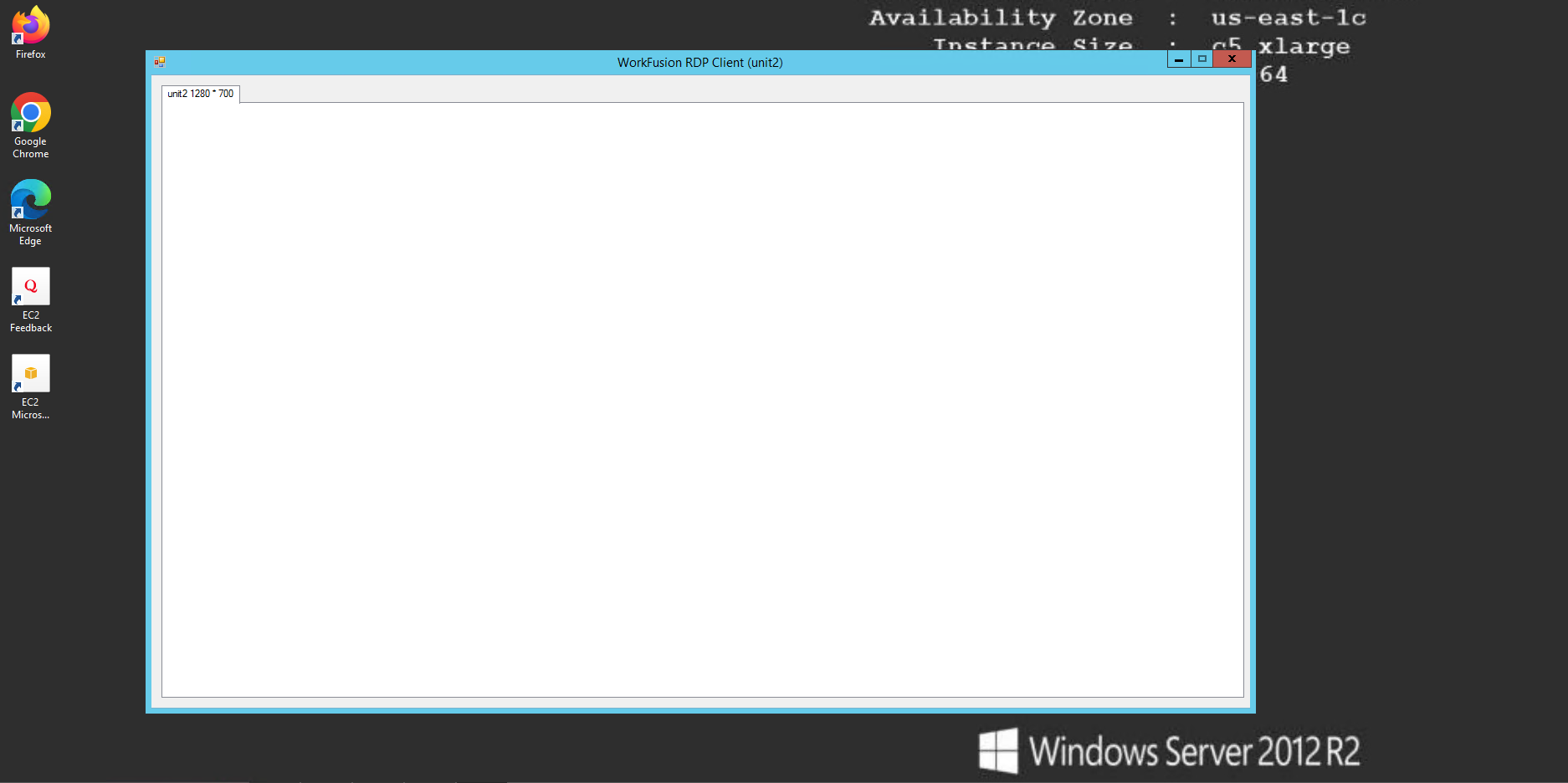
If you make a screenshot in Bot Manager, you see that the Unit session is active.