Test SAP ALV
note
ALV, or ABAP List Viewer, is one of the most useful and powerful SAP GUI Controls. When displayed as a list, it might not be identified as a "table" on the screen, rather as a set of text rows/labels.
ALV list and grid
Open SAP GUI and log in.
Start the SE38 transaction. Enter the transaction code
SE38into the OK Code field and press Enter.Select the SALV_DEMO_TABLE_LAYOUT or other SALV_DEMO* report and execute (F8).
On the selection screen, choose one of the options (all three are to be tested).
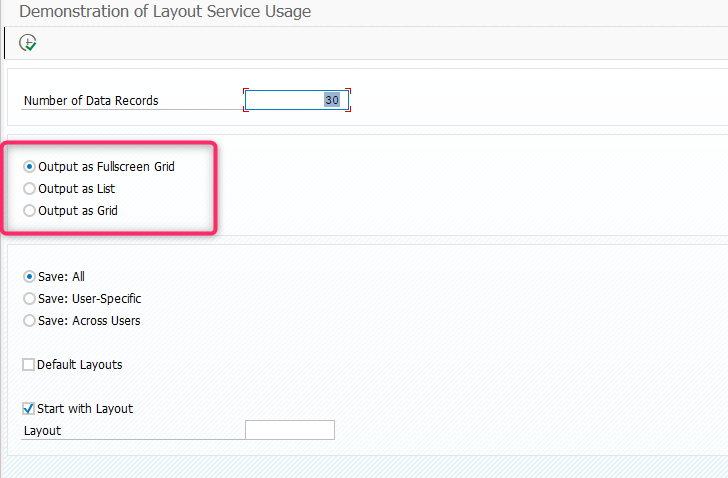
Click on the Execute button or press F8.

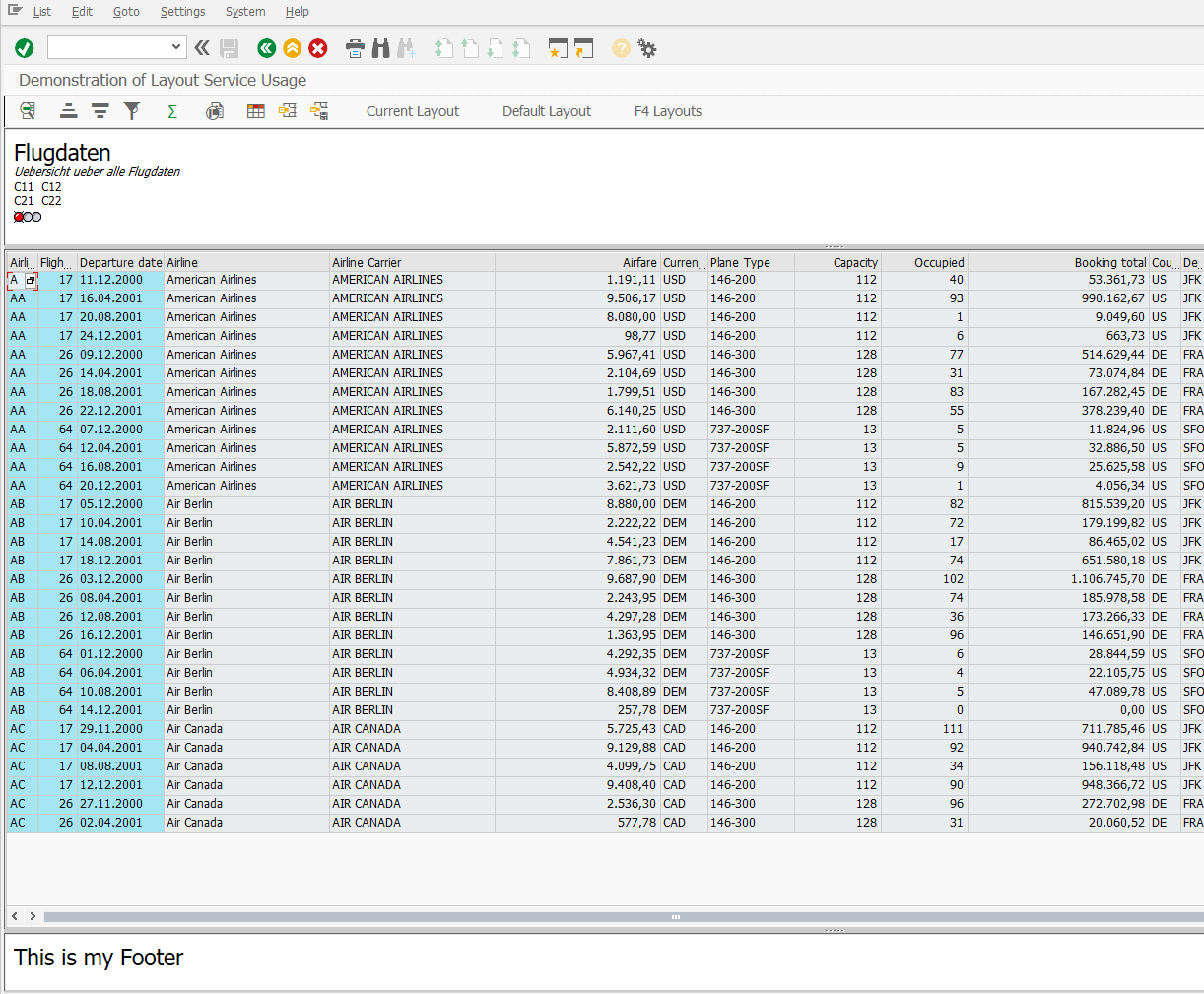
On the grid that appears, all the buttons/columns/headers/rows are clickable.
ALV hierarchical list
Start the
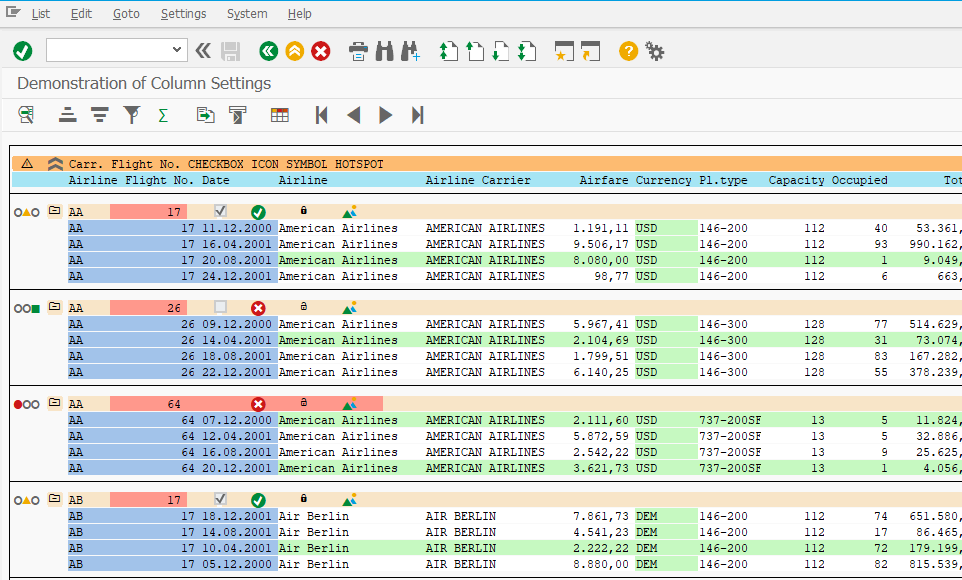
SE38transaction.Select the SALV_DEMO_HIERSEQ_COLUMN or other SALV_DEMO_HIERSEQ* report and execute (F8).
On the selection screen, click on the Execute button or press F8. All the buttons/columns/headers/rows are clickable and can be used.