
Renew OCR license
The out-of-the-box OCR license within IA Cloud Developer expires in three months after the IA Cloud Developer release or after the default 1,000 pages limit has been reached.
note
IA Cloud Developer comes with two licenses for Abbyy FRE 11 and FRE 12. By default, IA Cloud Developer uses FRE 11. In case of expiry request a new license for FRE 11 only.
To renew the OCR license, follow these steps.
To obtain a new license from the WorkFusion support, submit a request at WorkFusion Service Desk or contact your account executive.
Open License Manager (the License Manager tool installs on your computer during IA Cloud Developer installation) from C:\Program Files (x86)\ABBYY SDK\11\License Server\LicenseManager.exe.
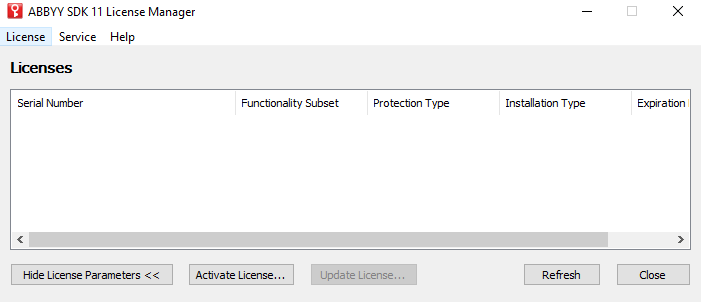
Add a new license by clicking on the Activate License button.
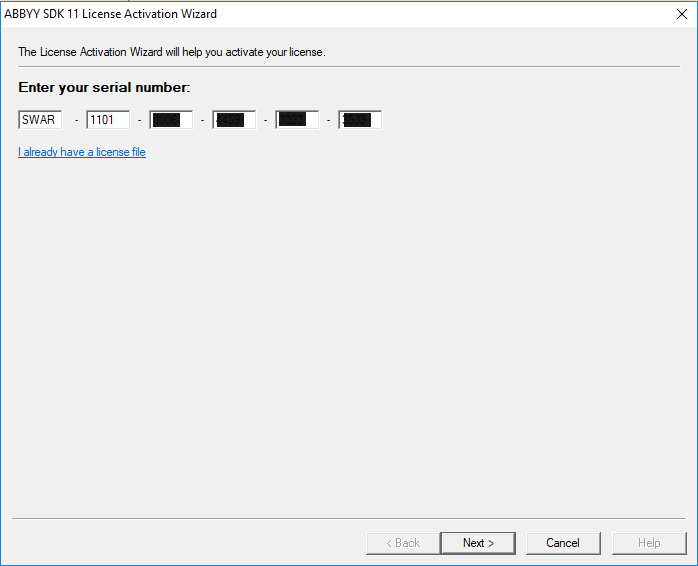
Enter your serial number and press Next.
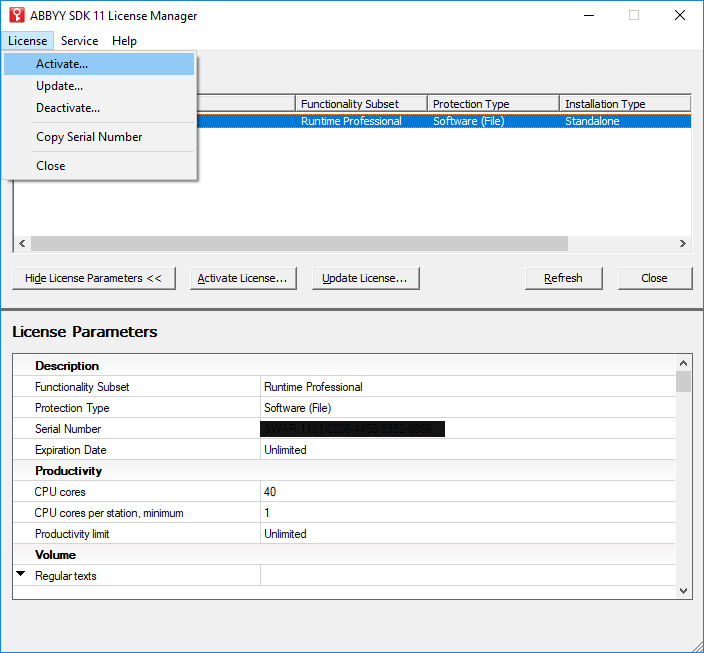
To activate the new license, select License > Activate.
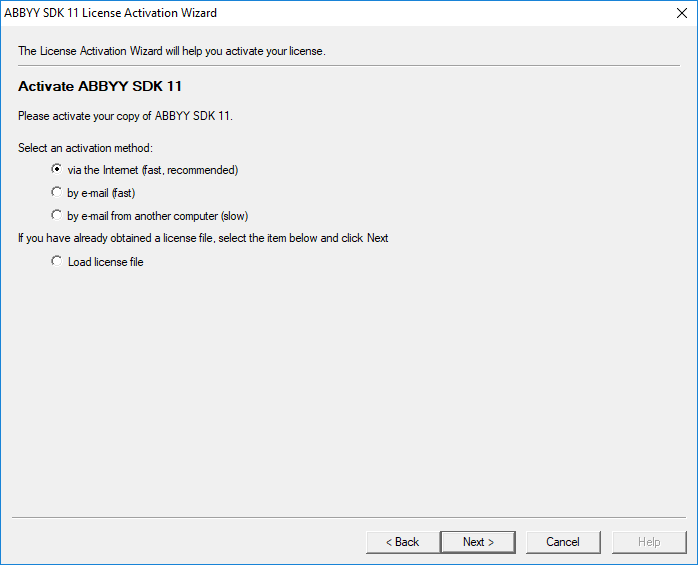
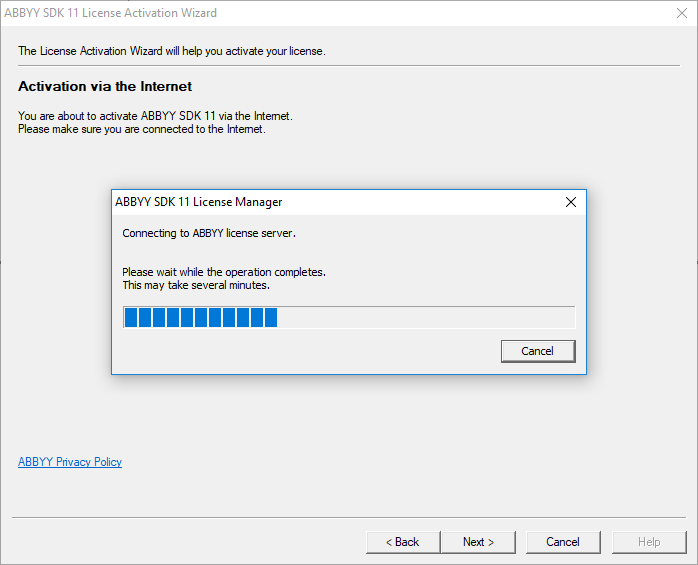
In the License Activation Wizard select the activation method.
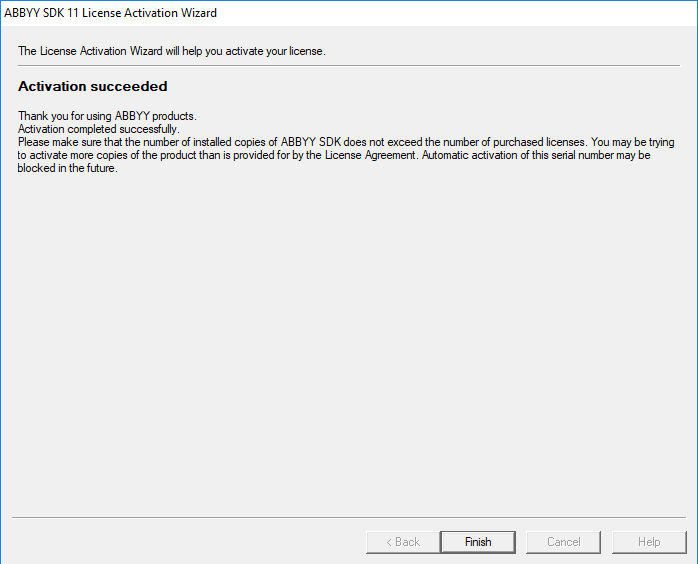
Wait till the operation completes.
Open C:\IntelligentAutomationCloudDeveloper\OCR\ocr-rest-application.yml.
- Back up the original properties file.
- Comment out the Engine 11 default license using
#.
# Engine 11 configuration
# ocr.task.engine.license.path: Licenses\SWAO-1121-0007-0182-4831-3501.ABBYY.locallicense
# ocr.task.engine.license.password: ${sms.ocr.task.engine.license.password}

# Engine 12 configuration
ocr.task12.engine.license.path: Licenses\SWAO-1221-0007-0182-4961-7057.ABBYY.locallicense
ocr.task12.engine.license.password: ${sms.ocr.task12.engine.license.password}
Restart the OCR group in the Components group.
Validate OCR via Business Process execution.