Restore previous version
The rollback procedure is applicable both for the single- and multipoint installations.
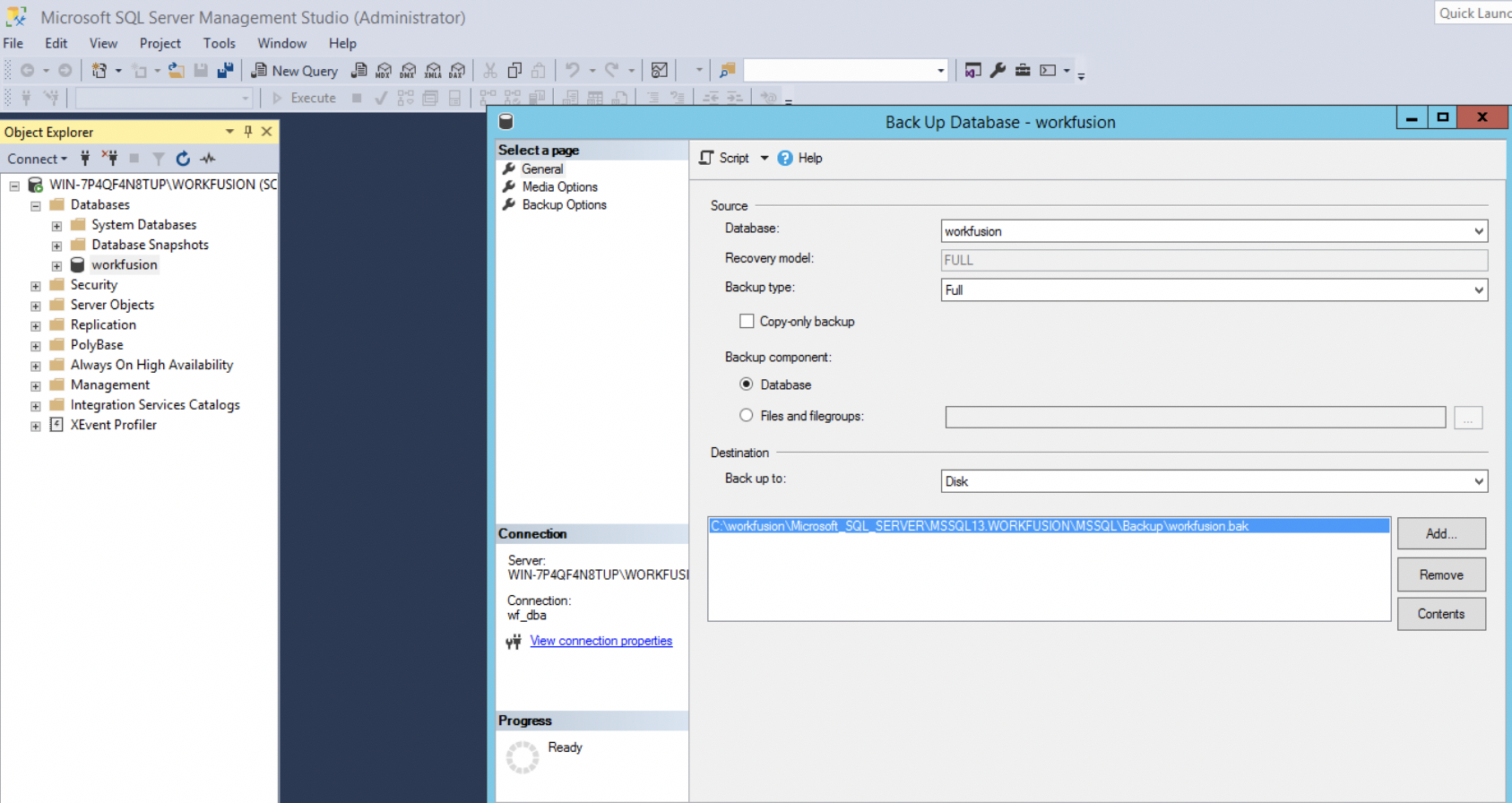
Before restoring the environment to the previous version, we recommend to perform full backup of:
Healthy IA Cloud environment of the previous version.
Existing INSTALL_DIR (/opt/workfusion), including nested shared directories /vds-data and /shared (for 10.1.2) per you standard backup process. Note that data in the shared directories can occupy a large amount of space, so we recommend to copy it to some central storage.
Custom Anatics dashboards, if you have any. For more information, see Backup custom dashboards.
MS SQL workfusion database.
Rollback MSSQL
To rollback MS SQL changes to the 10.1.x state:
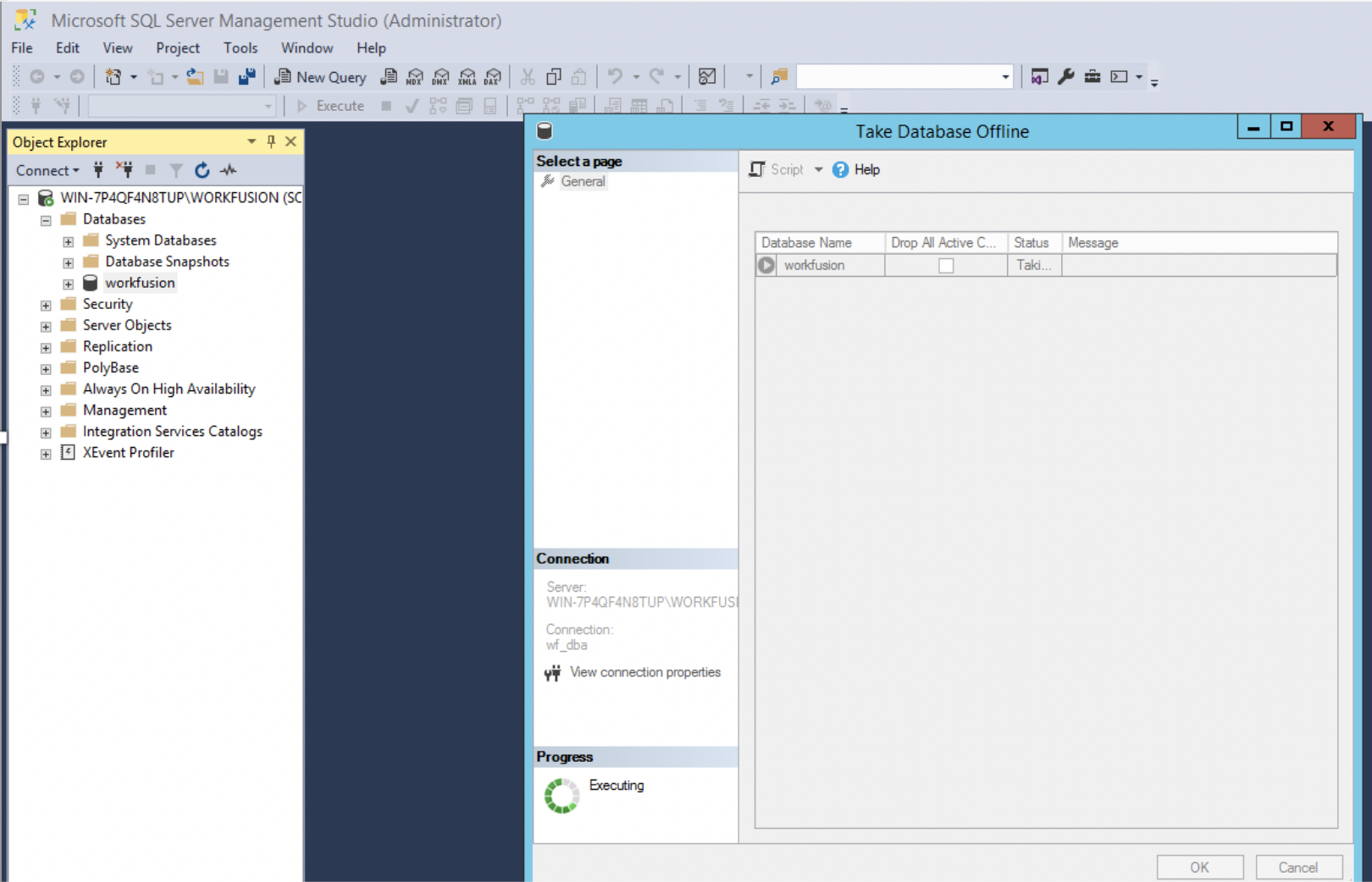
Set the workfusion database offline.
Restore the workfusion database from v.10.1.x backup.
On the Master server, stop services on all servers.
$ cd /opt/workfusion
$ ./install.sh stop_services full -e skip_bi=true
Rename the current INSTALL_DIR directory:
$ for i in $(</tmp/host_list ); do echo $i ; ssh -q $i sudo mv /opt/workfusion /opt/workfusion.1016 ; done
$ for i in $(</tmp/host_list ); do echo $i ; ssh -q $i ls -l /opt ; done
drwxr-xr-x. 29 wfuser wfuser 4096 Jul 7 14:28 workfusion.101x drwxr-xr-x. 30 wfuser wfuser 4096 Jul 8 09:24 workfusion.1016Restore the previous version of the database from backup:
]$ for i in $(</tmp/host_list ); do echo $i ; ssh -q $i sudo mv /opt/workfusion.101x /opt/workfusion ; doneOn the Master server, set HAProxy permissions:
$ sudo /usr/sbin/setcap CAP_NET_BIND_SERVICE=+eip /opt/workfusion/haproxy/bin/haproxyOn all servers, as the Linux installation user (ec2-user), start supervisord.
$ for i in $(<~/host_list ); do echo $i ; ssh -q $i "sudo systemctl start supervisord"; doneRestart services on all servers:
$ for i in $(<~/host_list ); do echo $i ; ssh -q $i "sudo su wfuser <<'EOF' /opt/workfusion/python-site/bin/wfmanager restart all" ; done
Rollback filesystem
After the database rollback, we recommend you to restore the previous state of the filesystem (including shared and local directories) by using your own available infrastructure tools for backup and restore.
Rollback custom dashboards
To restore your custom Analytics dashboards, see the guide.
Rollback RPA
To rollback RPA:
On the installation server, stop the services:
./install.sh stop_services rpaLog in to the RPA server, and uninstall the RPA components: Control Panel → Programs and Features → RPA (Uninstall). Reboot the server, if necessary.
Install RPA with the v.10.1.x installer by following the instructions in section Install RPA package.
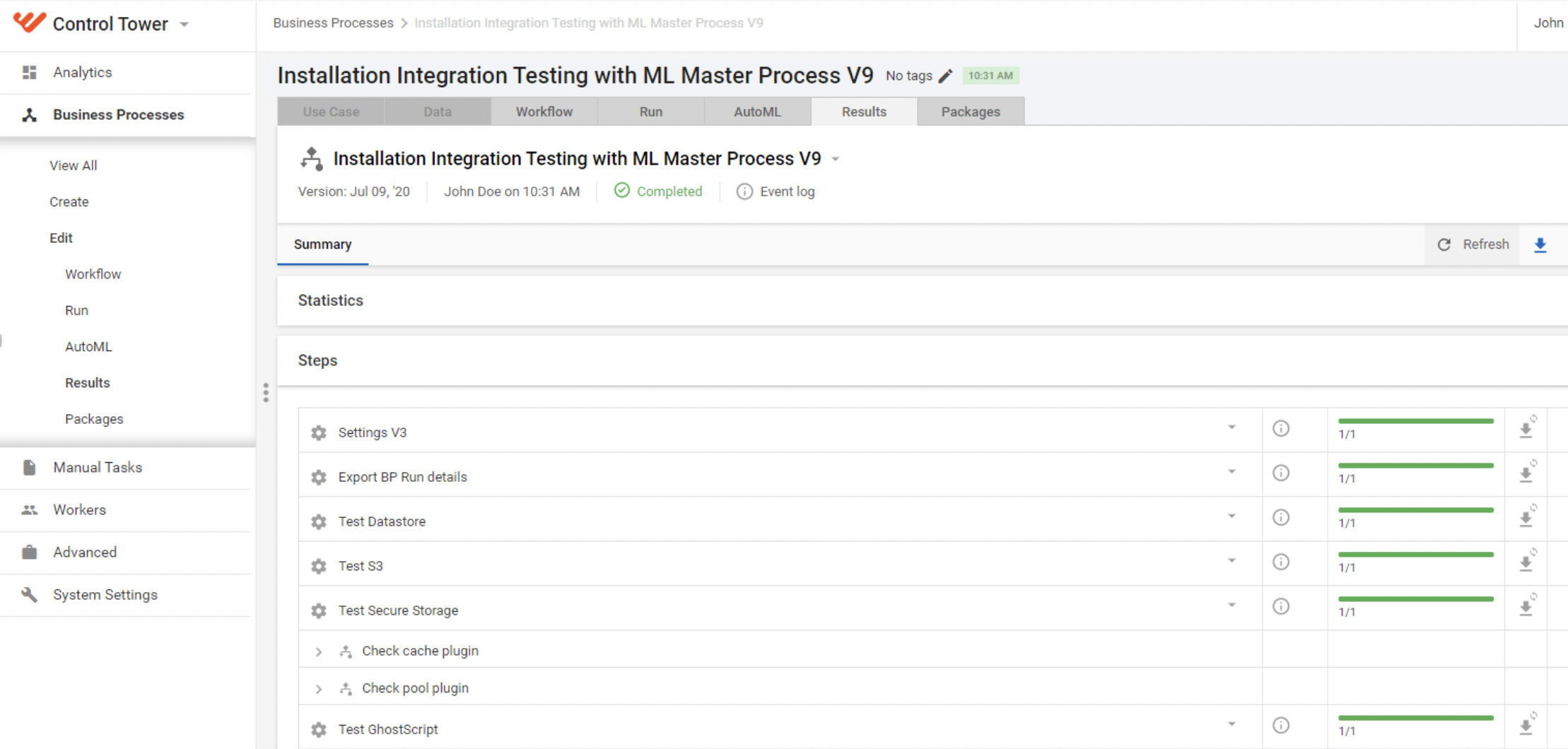
Run the healthcheck BP to verify that the rollback is successful.