Swagger configuration
The auto-generated Swagger documentation for Spring-based REST API is configured in WorkFusion with regard to Springfox libraries.
Access Swagger
To access the Swagger API documentation, log in to your Work.AI instance Control Tower and use the following URL:
https://your-instance.workfusion.com/workfusion/api/swagger-ui.html
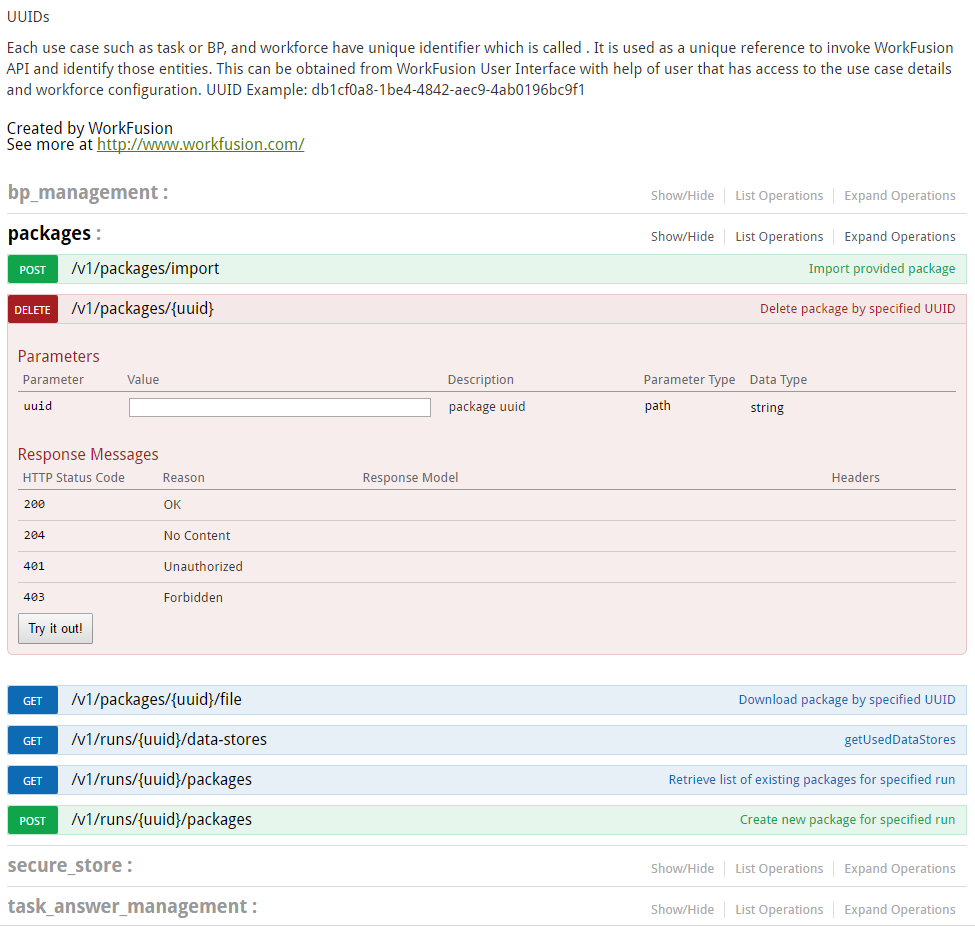
From the Swagger specification, you can examine all available public API endpoints, read their descriptions, and even execute selected requests by pressing the Try it out! button.
Enable Swagger
Due to security reasons, access to Swagger is disabled by default. To enable access,
Locate the following
workfusion.propertiesfile:${catalina.home}/conf/workfusion.propertiesAdd the below property (if it is not there) and set it to
true:swagger.apidocs.enabled=true