Split training set and test set
Goal: Split verified documents into two parts for model training and testing.
Input: CSV file of the each layout with validated and corrected documents.
Output: Test and training sets for each batch.
Split
Once all the batches of one layout are validated, it's necessary to combine them in one full file for easier splitting into test and training sets. Here is the example of Georgia splitting, the rest of the layouts are processed by analogy.
Input: All the records for one template, validated and corrected.
- Download Georgia full
Output: Two files for test and training sets.
Combine validated snapshots from all the batches of the Georgia layout to create one file instead of three. (Note that in the example, documents that were labeled as "Bad OCR" are already excluded at the previous step). All the documents that are labelled as "Re-label" MUST be retagged before including them into test or training set. Take 20% of documents for test set and 80% for training.
Store the CSV files separately in the corresponding folders:
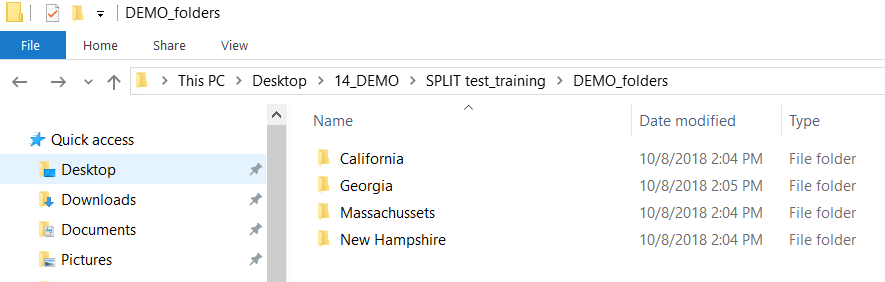
Note that Georgia layout is represented by two types of documents, which also should be included proportionally into training and test sets.
- Start creating a data store for the training and test set.
- Upload corresponding CSV files from each batch when they are ready, so as to form the entire test and training set.
All the other batches are processed in the same way, see the overall result of splitting.
Download a training set.
Download a test set.