
Change ELK admin password in Kibana
To change a password:
Go to Kibana, for example, https://app_hostname/kibana, and log into it with your current password.
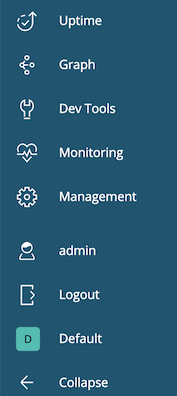
On the main menu, click Management.
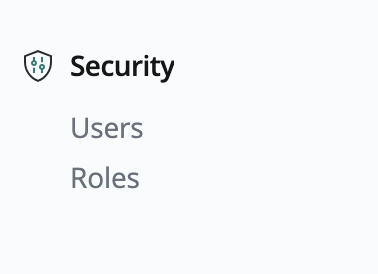
In the Security section, click Users. The Users window appears.
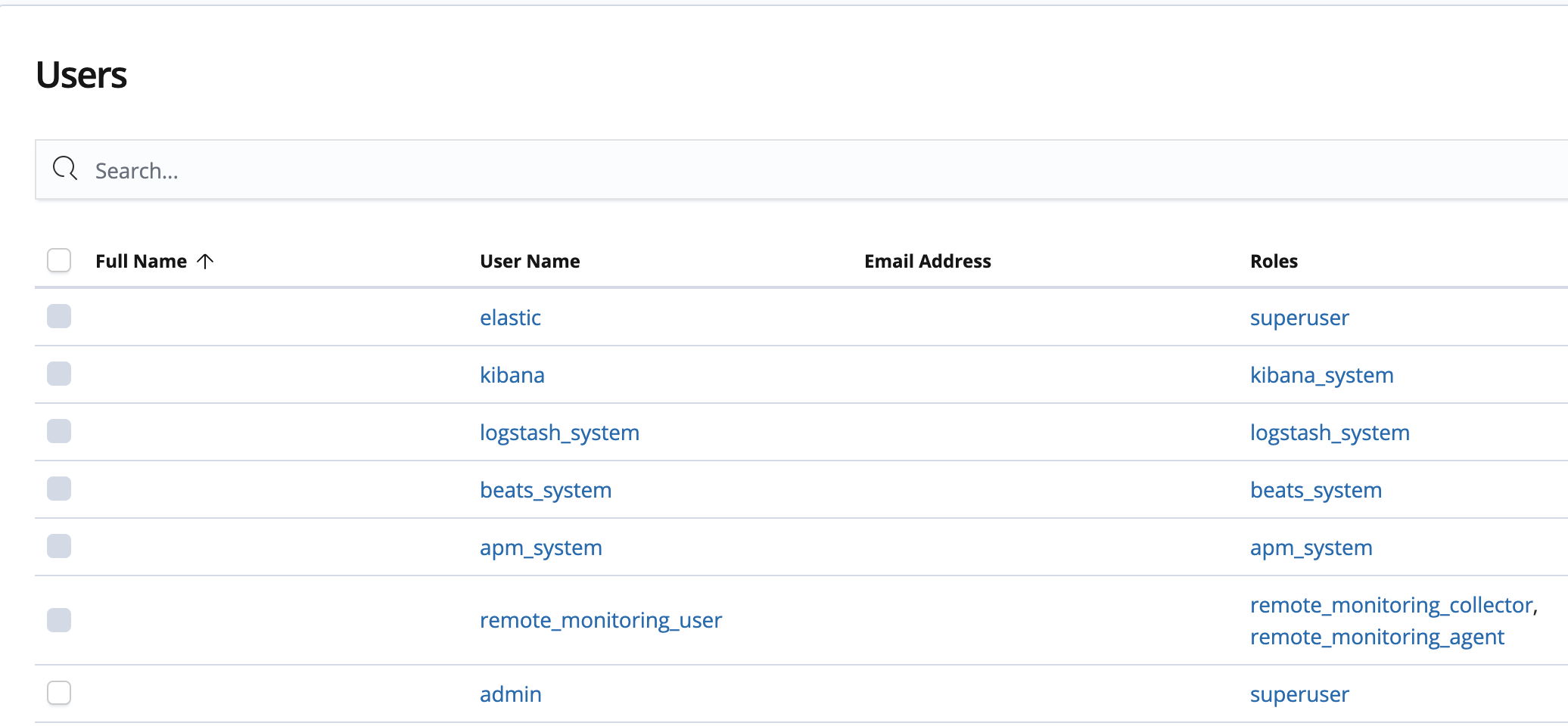
In the Users window, select user admin.
Click Change password.
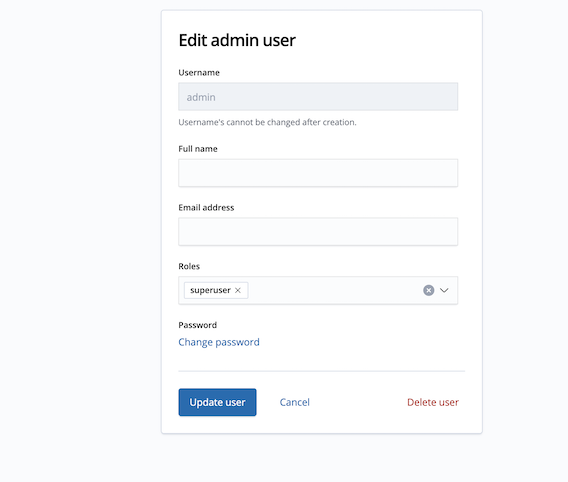
In the corresponding fields, enter your Current password, and New password with confirmation.
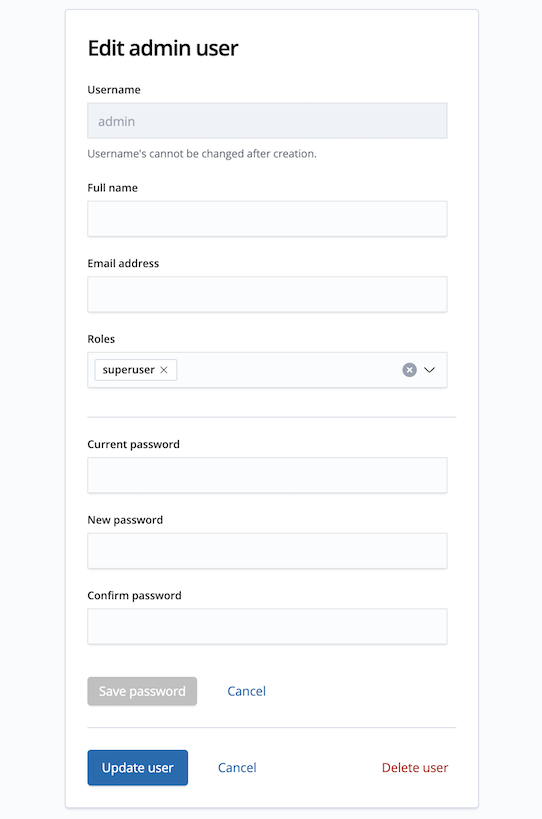
Click Update user.