Set accuracy threshold
To set a new accuracy threshold for a model, do as follows:
Create an independent copy of the Manual Task (MT) where you want to set a new accuracy threshold:
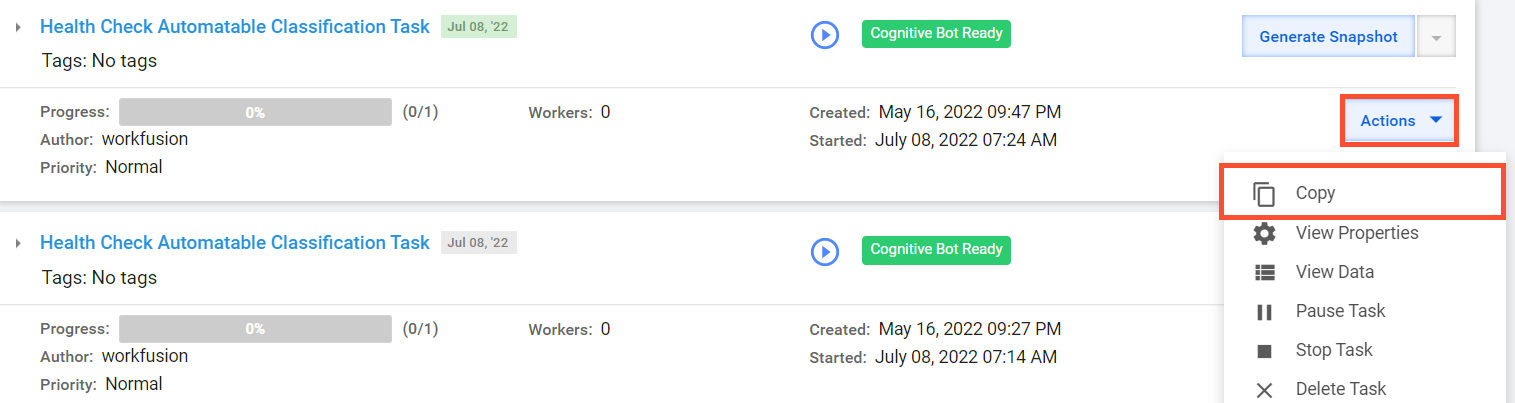
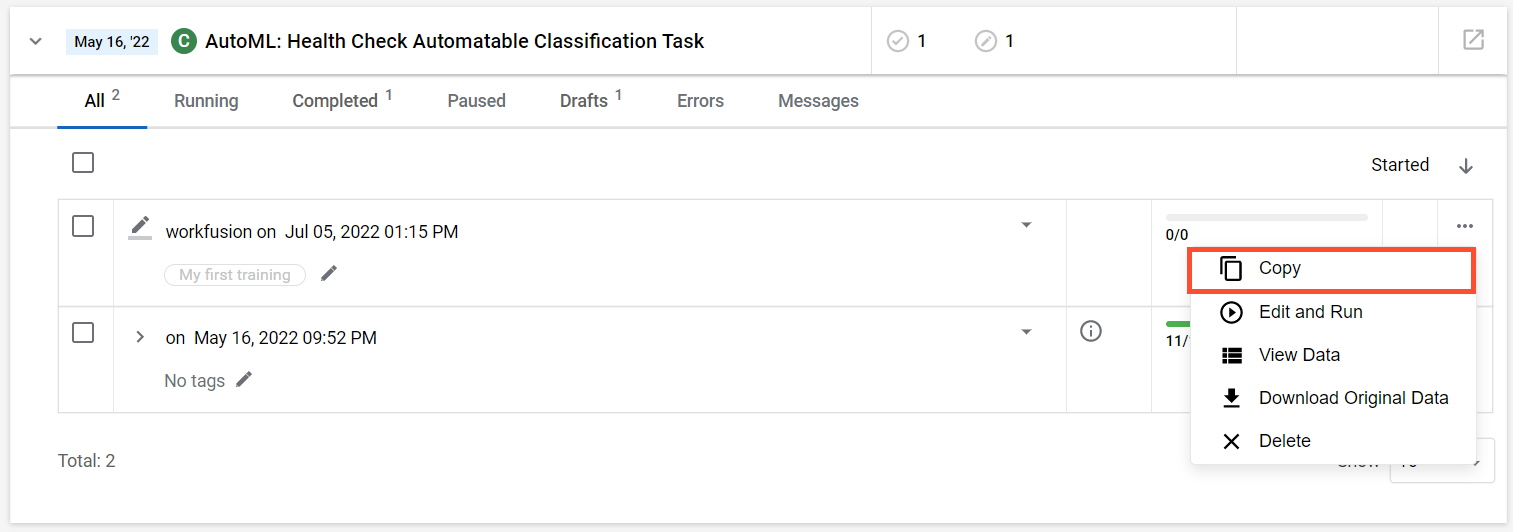
Find the MT, click Actions, and select the Copy option.
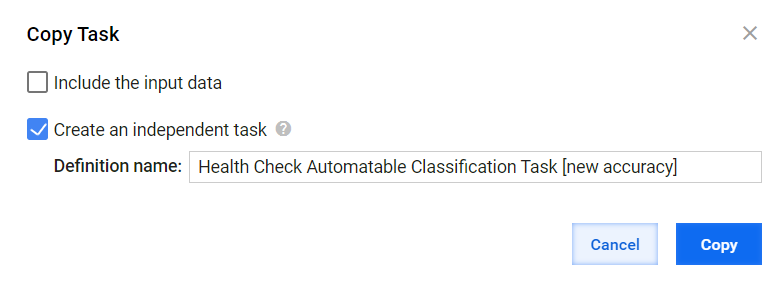
Select Create an independent task, edit the name, and click Copy.
Clear the AutoML configurations and save the MT:
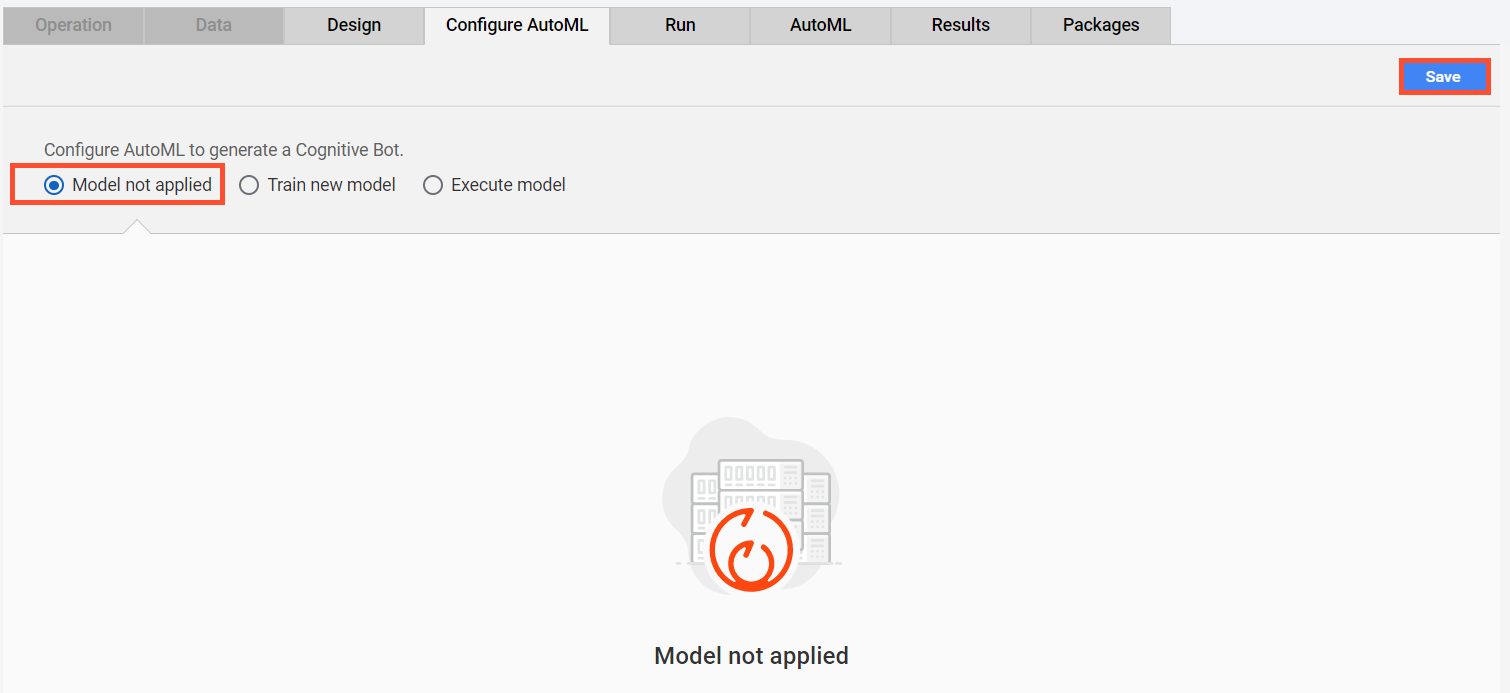
Go to the Configure AutoML tab.
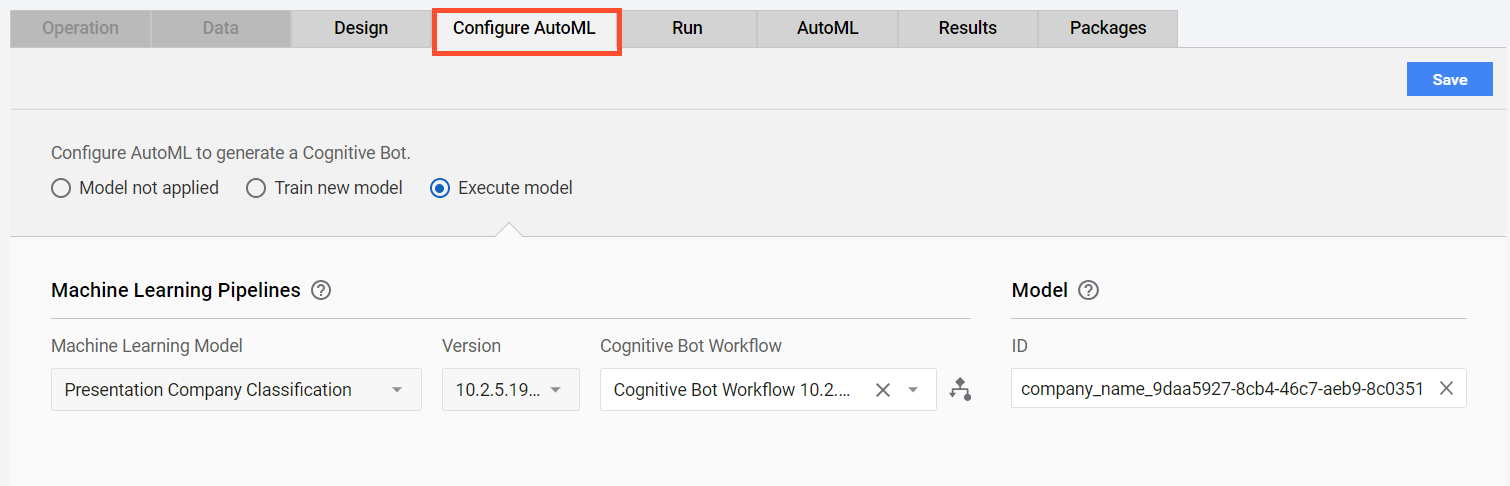
Select Model not applied and click Save.
Apply the AutoML properties once again:
- Select Execute model and configure all fields (as before).
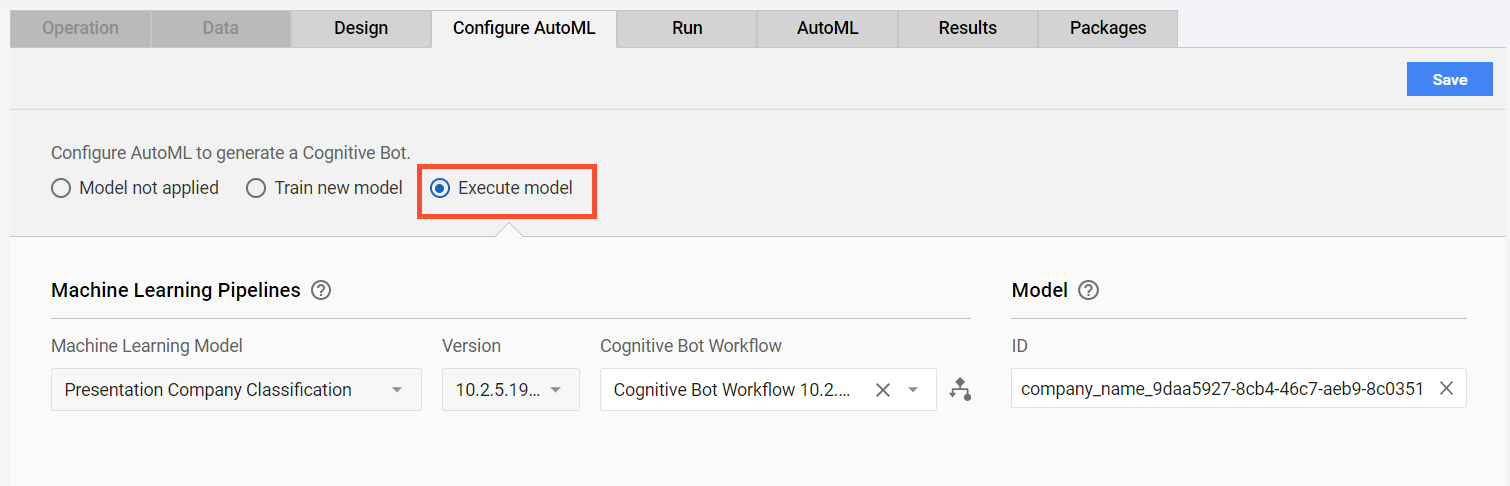
- Save your changes.
- Select Execute model and configure all fields (as before).
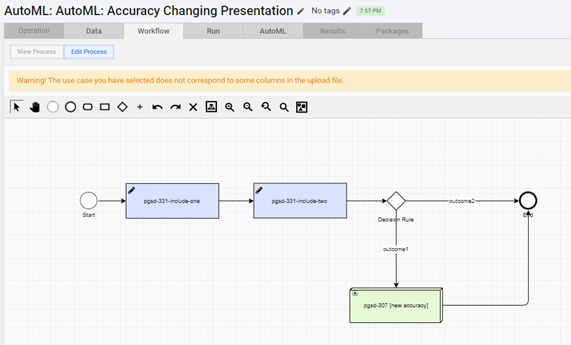
Go to Business Processes > View All, choose your Business Process (BP) instance, and create a simple copy.
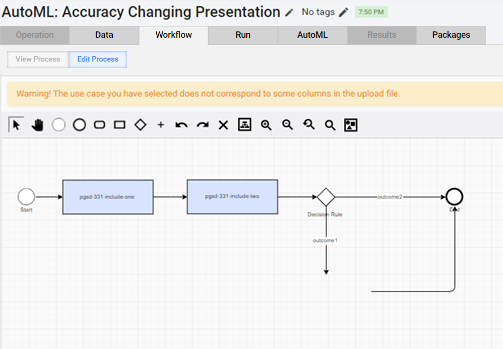
On the Workflow tab, replace the existing AutoML box with the newly created Manual Task.
- In the existing workflow, select the AutoML box and remove it.
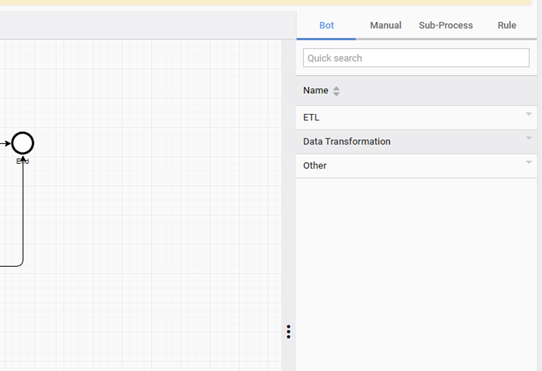
- Click the three dots on the right side of the workflow window to expand the panel with bots.
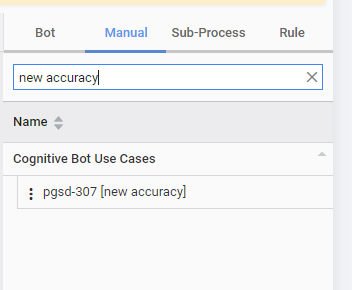
- Go to the Manual tab and find the newly created Manual Task.
- Drag and drop this Manual Task to the workflow.
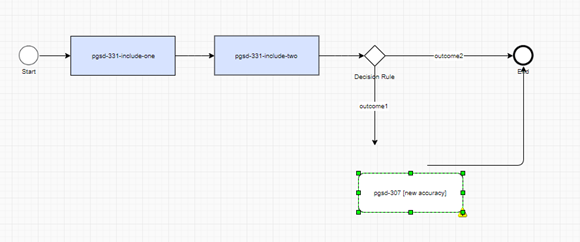
- Connect the Manual Task with the other steps and save.
- In the existing workflow, select the AutoML box and remove it.
To set a new accuracy threshold, go to the AutoML tab and set the required threshold.
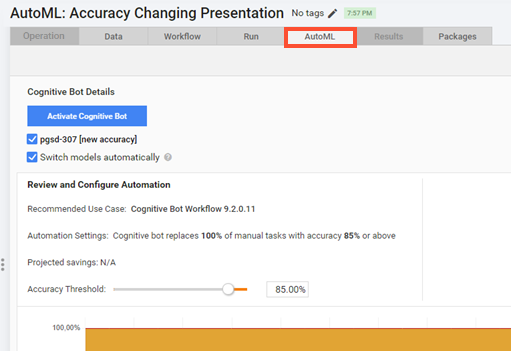
Click Activate Cognitive Bot.