
Business Process performance troubleshooting guide
This guide explains how to locate slowness from the Business Process side.
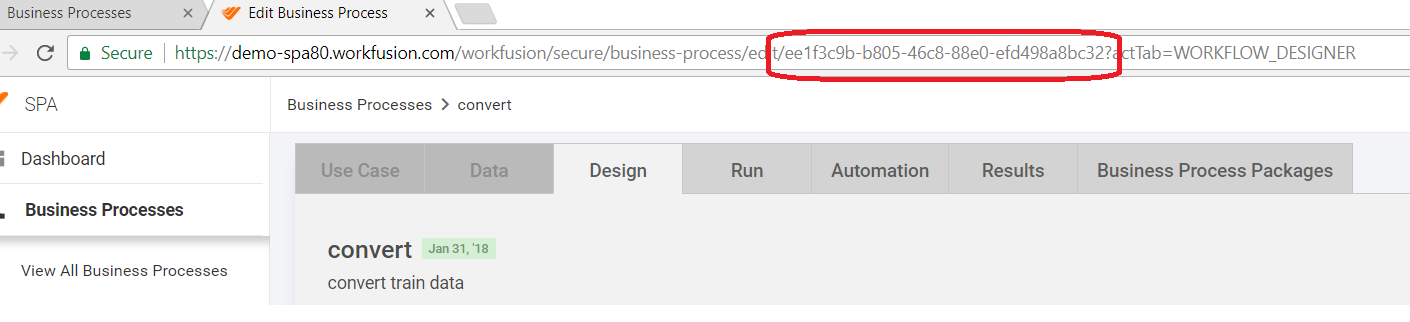
Find the Business Process and get the run UUID from it. Copy the UUID from the browser URL as shown below.
Create an input CSV file using the specified run UUID in the run_uuid column and download snapshot from the launched statistic_bot config.
Download the attached XLS files:
Copy the data from the snapshot to the report's first page according to the column names from the snapshot and save the page. It will show multiple stats.