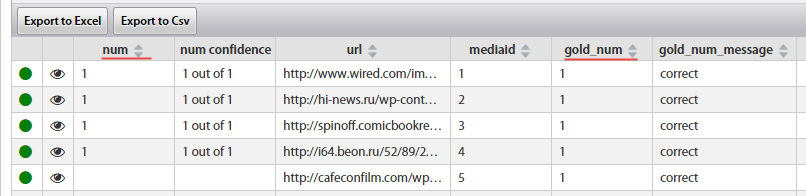
View Qualification Task results
Qualification Task results is similar to a regular Task results. To understand the differences, see the following info.
Workers
The Retract Worker Answers function is not available for Qualification Tasks. You can Reset Gold Accuracy for each Worker instead.
This functionality is intended to clear Worker's gold statistics in this Task (for example, if instructions have been updated). After re-qualifying, Worker can continue executing the Qualification Task.
The Accuracy parameter is not available for Qualification Tasks.
The main Worker parameters in Qualification Tasks are:
- Gold Accuracy
- Gold Performance
- Score
All these parameters are calculated by the Qualification Rule which compares Worker Answers with Gold Data. WorkFusion will automatically give a Qualification Score to a Worker that has completed the Required number of Worker Tasks.
If there is not enough Worker Tasks to qualify the required number of Workers, create an additional Qualification Task by copying the source Task.
Data
The **Convert to Gold **function is not available for Qualification Tasks.
Useful Tips:
- You can detect Record with low amount of correct Answers and check the Preview and Data for some errors.
- You can see all the Answers of a given Worker and decide whether to give him/her a Qualification or not.