
Execute AutoML Model: Bridge
Description
To process with AutoML model execution by using Bridge Framework, a special AutoML step is introduced, which is the Execute AutoML Model: Bridge.

Step input
model_id- the AutoML model ID to process. That is a required value. Can be filled as ETL or as Input for the step. Input has priority.document- a document for processing by model. Filled only as input for step.go_forward_on_failure- a flag to mark what to be done if the failure result is received. Can be filled as ETL or as Input for step. Input has priority. On selecting Yes, if the failure answer is received, the step is completed, and an error message is sent to the next step.
Step output
_sys_automl_process_time- step processing time: create input + send task to process + process task by Worker + get result by CTsys_automl_correlation_id- the correlation ID for tracing a taskmodel_result- a raw model answer if the task process is successfulmodel_error- error information if the task process is failed, and step shouldn't fail on such task result- Also, all input data from the previous step are added
Implementation details
- The step is implemented over ETL Bot Config and shouldn't be changed.
- Step processes one document by one model.
- Having prepared correct data, send it to "bridge" and get a result is internal logic in CT. Mind you cannot influence it.
- Bot sources are not supported.
- Stateless execution is supported.
Step on edit UI
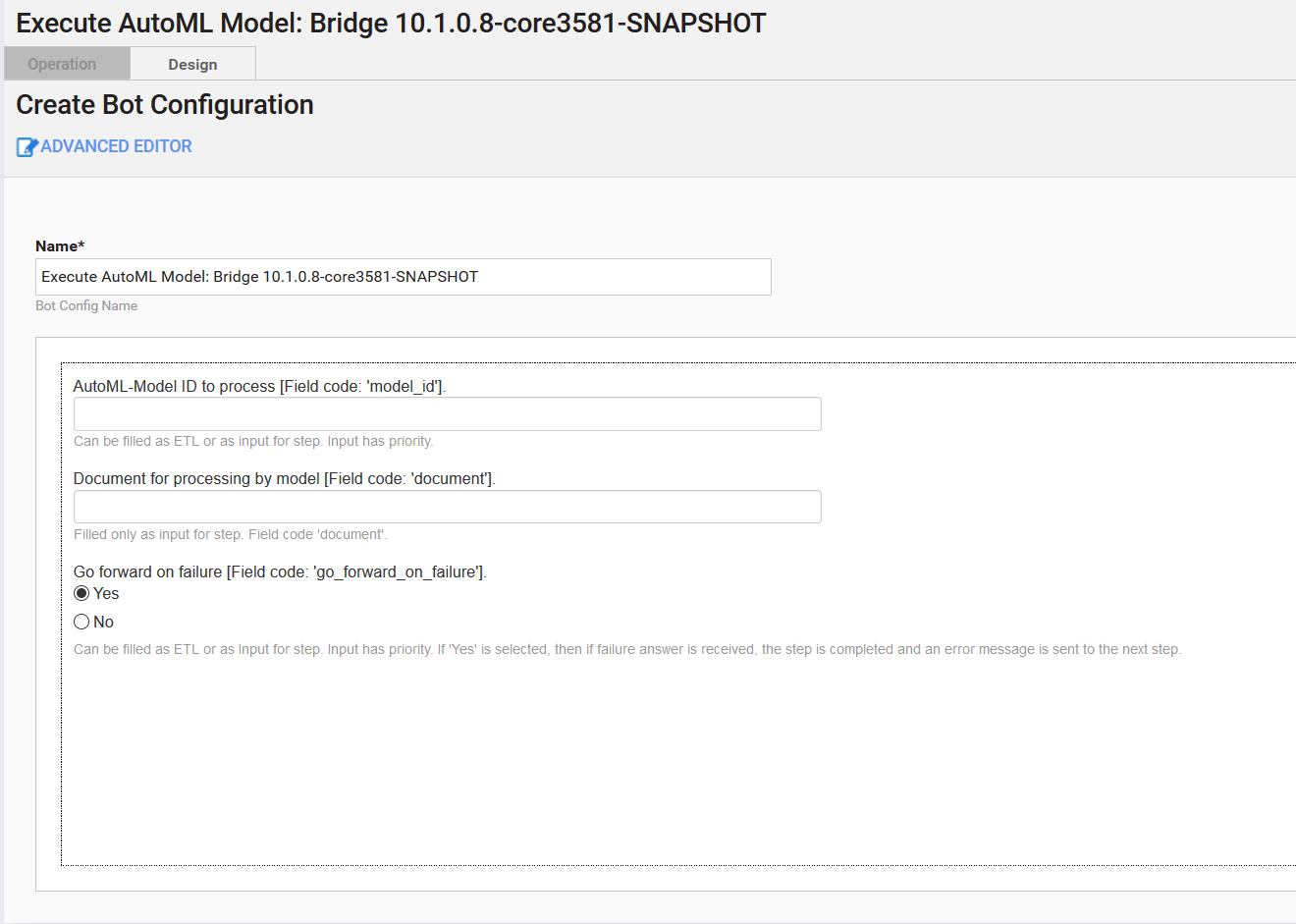
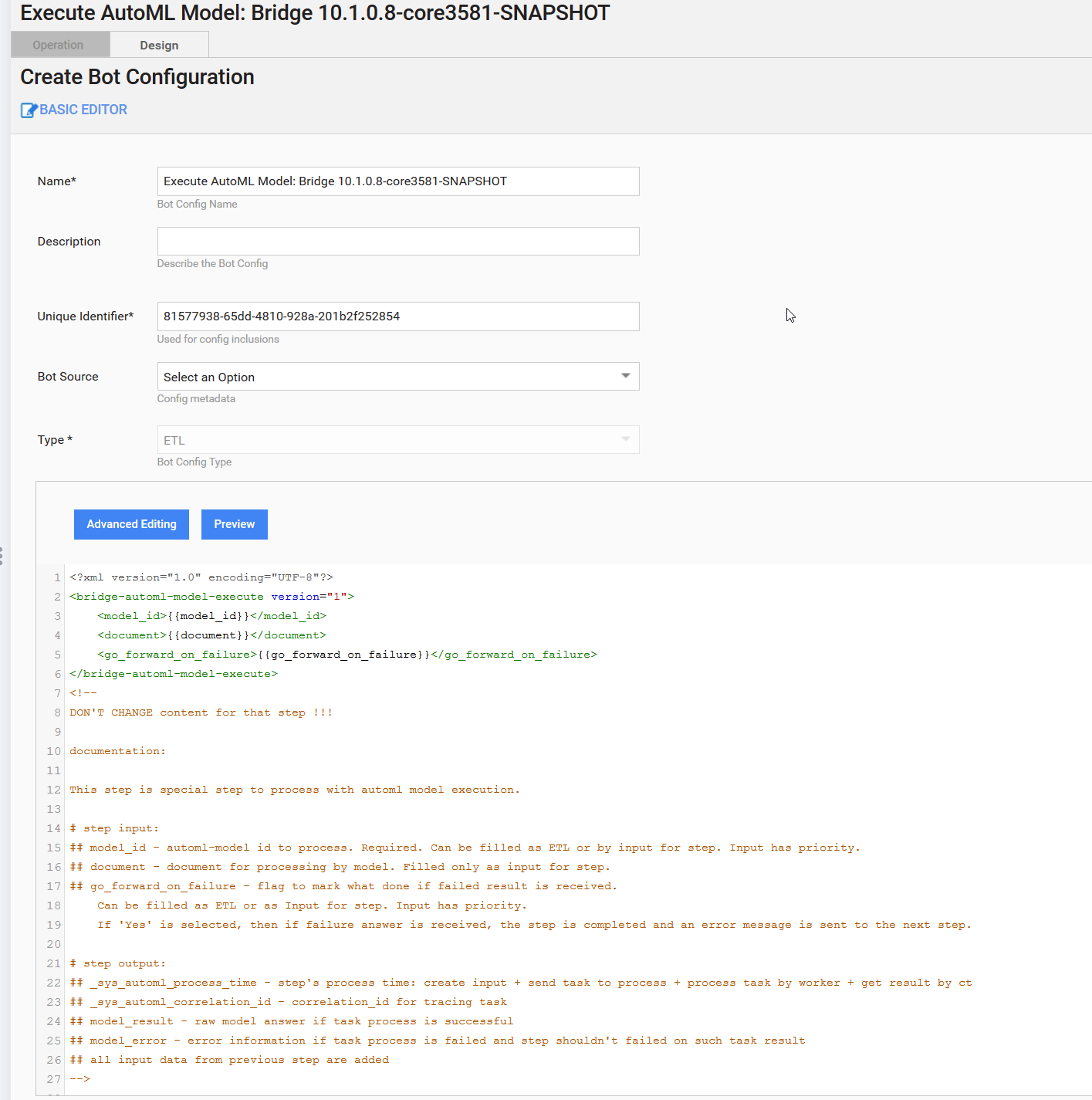
Step in OOTB AutoML BP
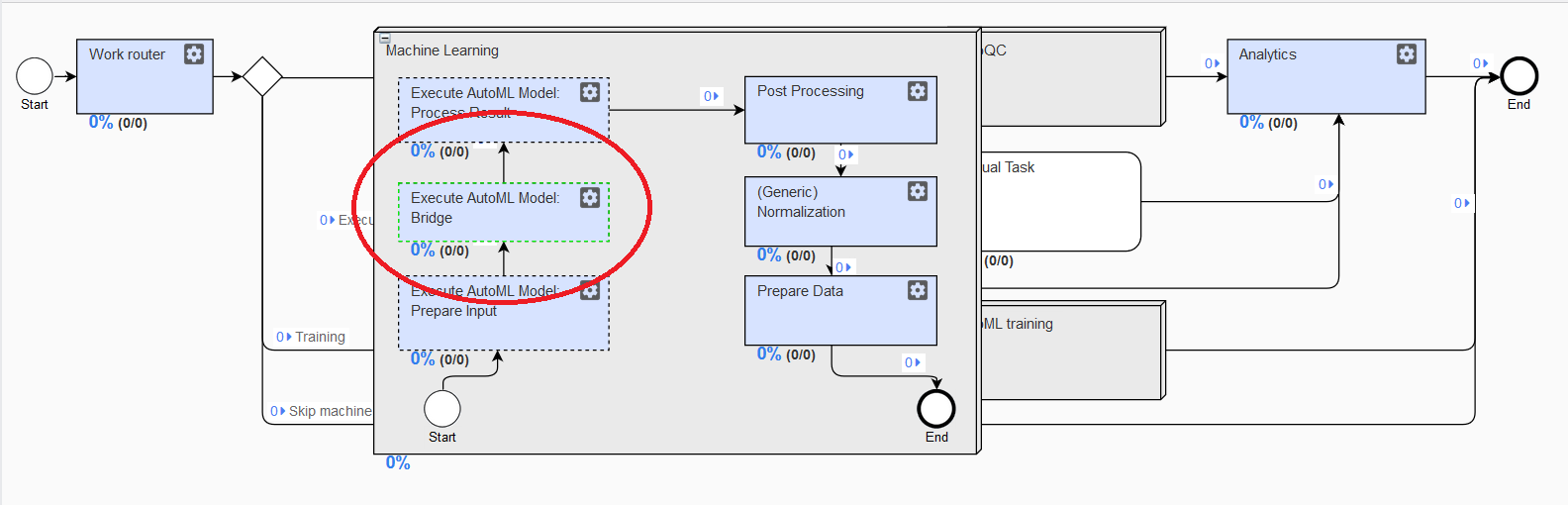
How to use
The described step is delivered with OOTH AutoML BP.
Basic flow
If you plan to use a special AutoML step out of OOTB AutoML BP, do as follows.
- Add Execute AutoML Model: Bridge to BP from the palette.
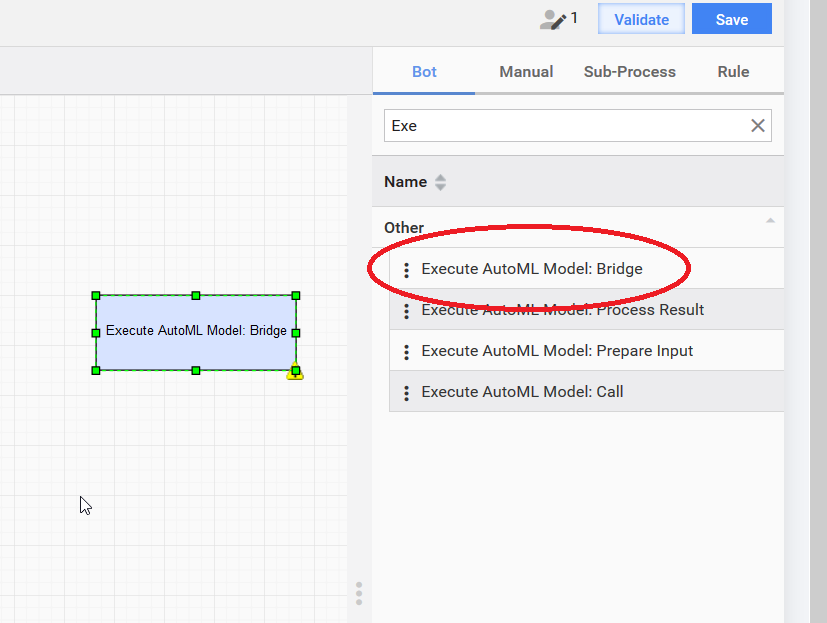
- Provide the correct input:
model_id,document,go_forward_on_failure. - In the next BP step, use the
model_resultormodel_erroroutput based on the AutoML result. Also, there are two_sysfields:_sys_automl_process_timeand_sys_automl_correlation_id. For more details, refer to Description.
Custom flow
You can also provide model_id and go_forward_on_failure by using ETL UI (if you fill document, that value will be ignored).
In this case, you have to create an independent copy for that step and fill in the required values into the copy. If the copy is not created, the provided information will be used in all the places where that step is applied.
Multi-model step
Execute AutoML Model: Bridge is not supported by the multi-model flow. If you plan to process a document by several models, create a BP where a document will be processed by several steps (in parallel or one by one).