Upgrade Tableau Server versions 2018/2021 to 2023
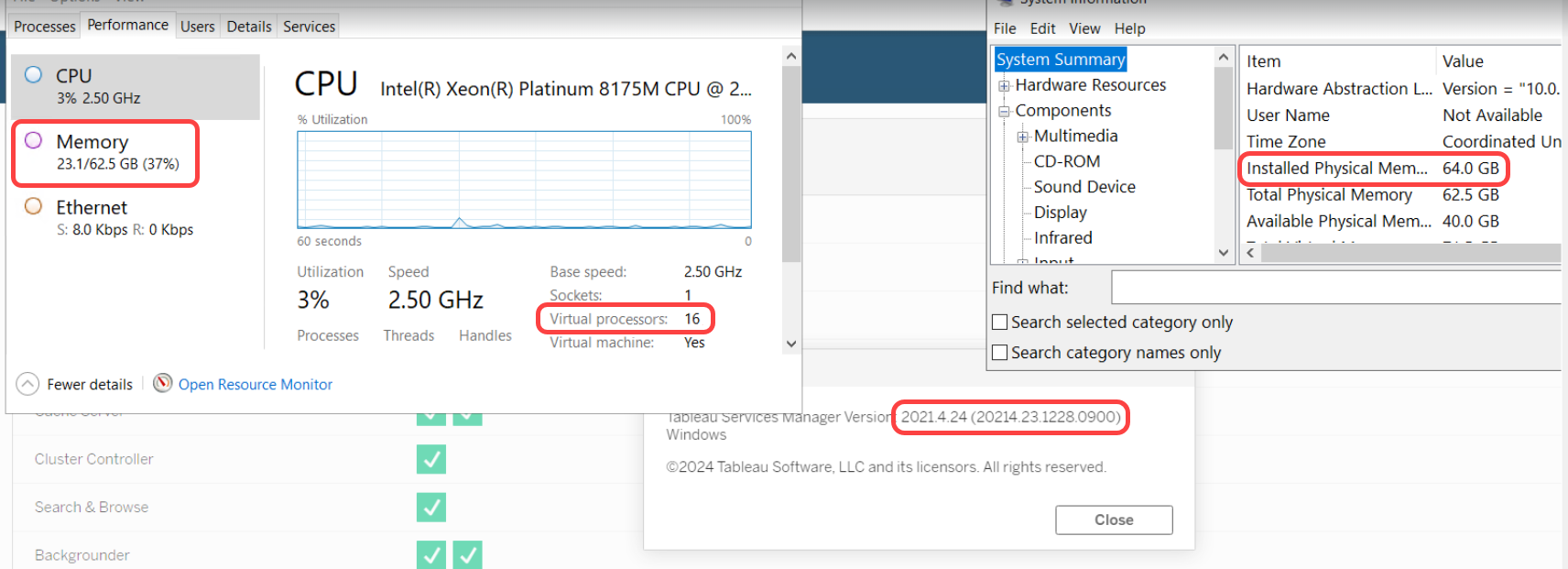
The guide provides the steps to perform an in-place upgrade from Tableau Server versions 2018 or 2021 to version 2023. The example setup described below includes a BI server running Tableau version 2021, with 16 CPUs and 64 GB RAM, and Tara Digital Worker deployed.
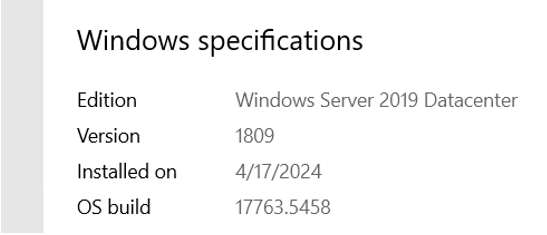
The Windows details are as follows.
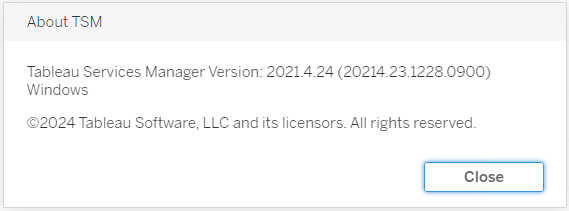
The current Tableau version is 2021.4.24.
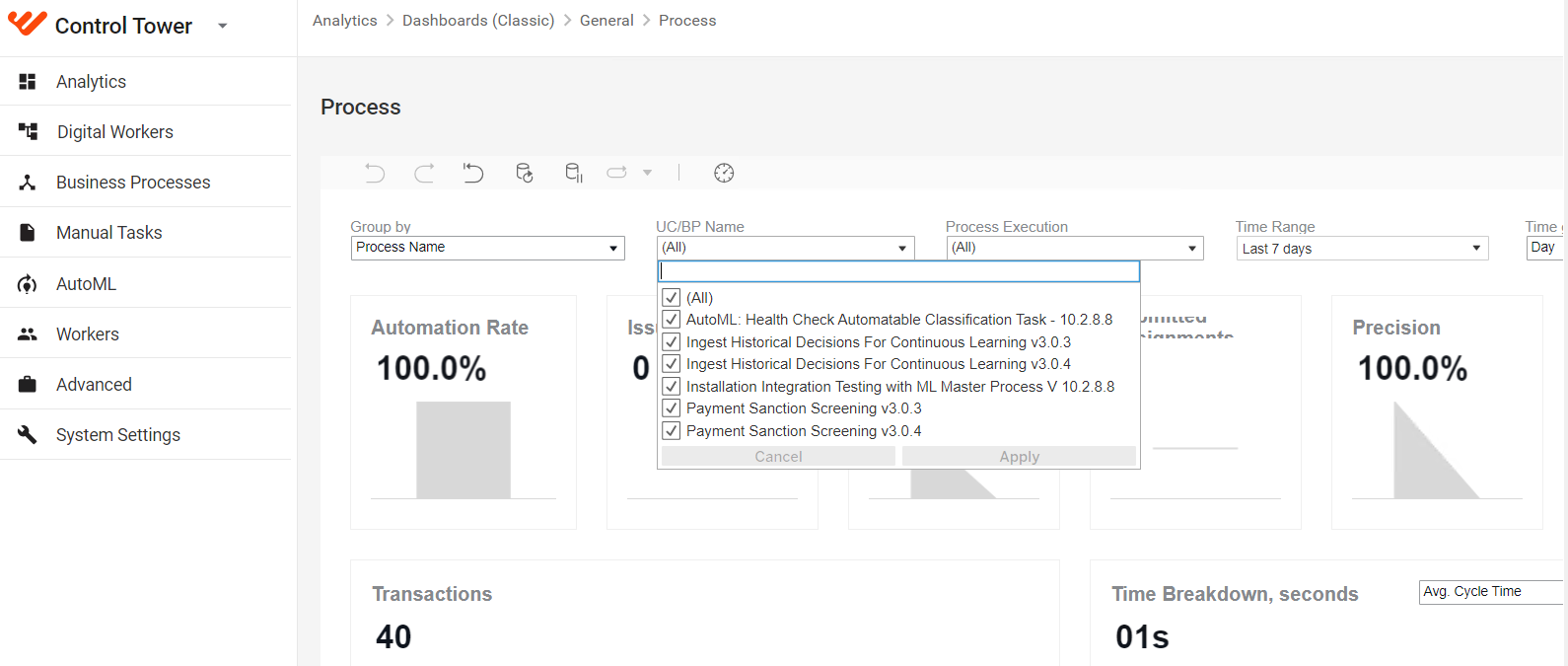
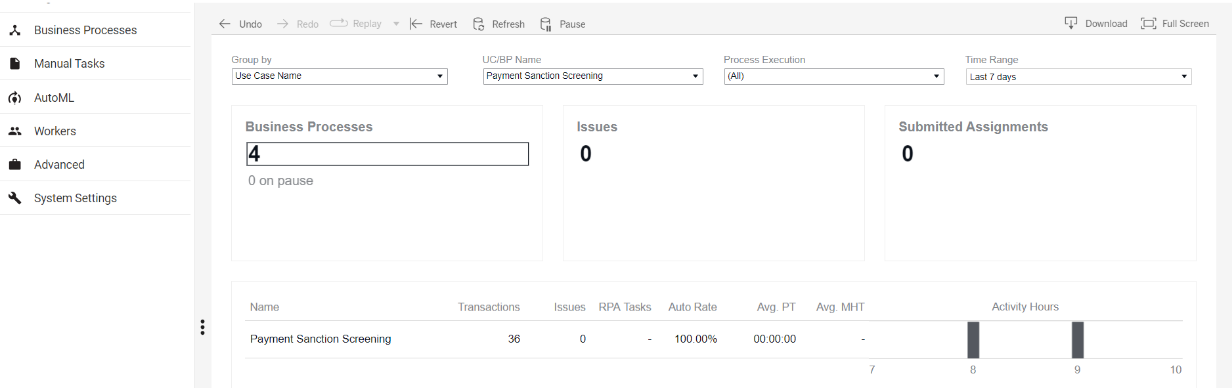
In Control Tower > Analytics > Dashboard (Classic), the legacy Analytics dashboards before the upgrade to version 2023 are shown below:
Prerequisites
Before proceeding with the in-place upgrade, ensure the following requirements are met:
- The existing BI server is running, and all dashboards are available for display.
- The BI license is activated.
- The minimum free space is available on the disk where Tableau is installed.
- The system meets the minimum hardware recommendations.
Upgrade steps
To upgrade Tableau Server to version 2023, complete the following steps:
Download the 2023 Tableau Server binary to the BI server. Run the Tableau setup file with Administrator rights.
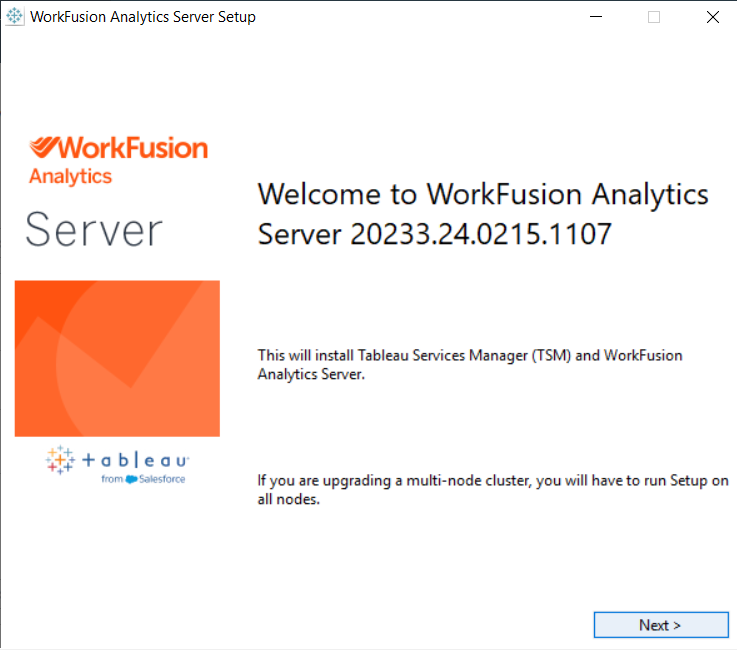
In the WorkFusion Analytics Server Setup wizard, follow the steps for the in-place upgrade.
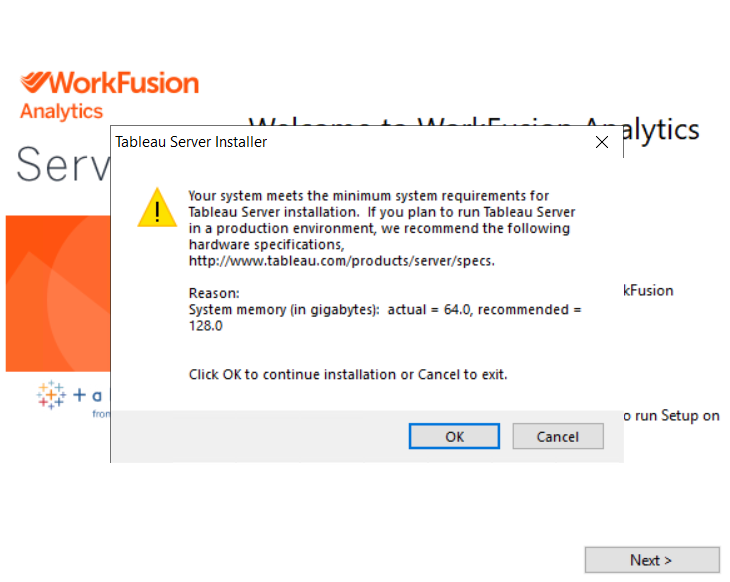
When notified about the recommended hardware, click OK to proceed with the installation using 64 GB RAM.
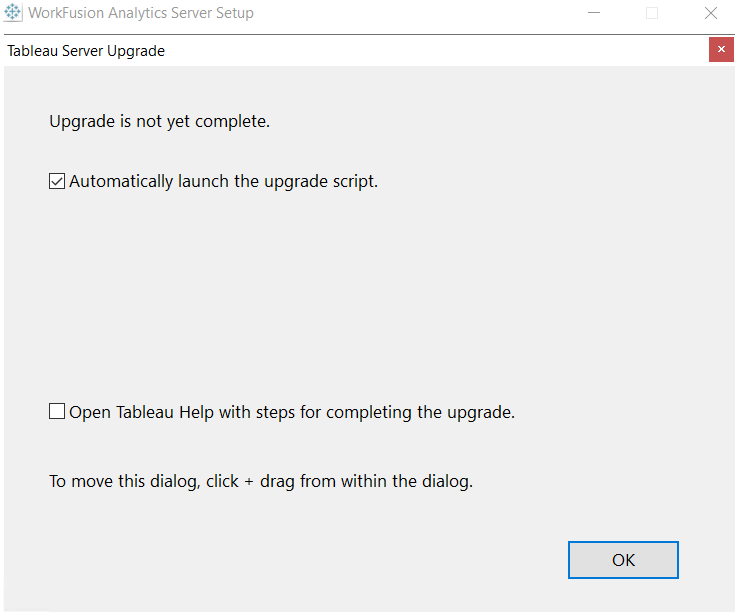
In the Tableau Server Upgrade wizard, select the Automatically launch the upgrade script option and click OK.
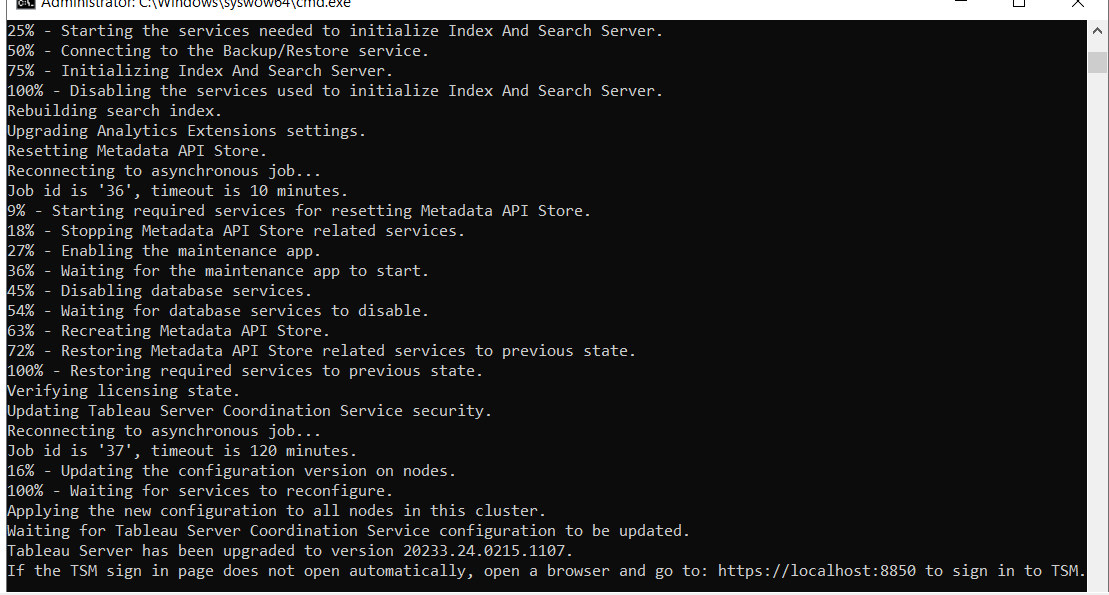
Once the script finishes running, the in-place upgrade is completed successfully.
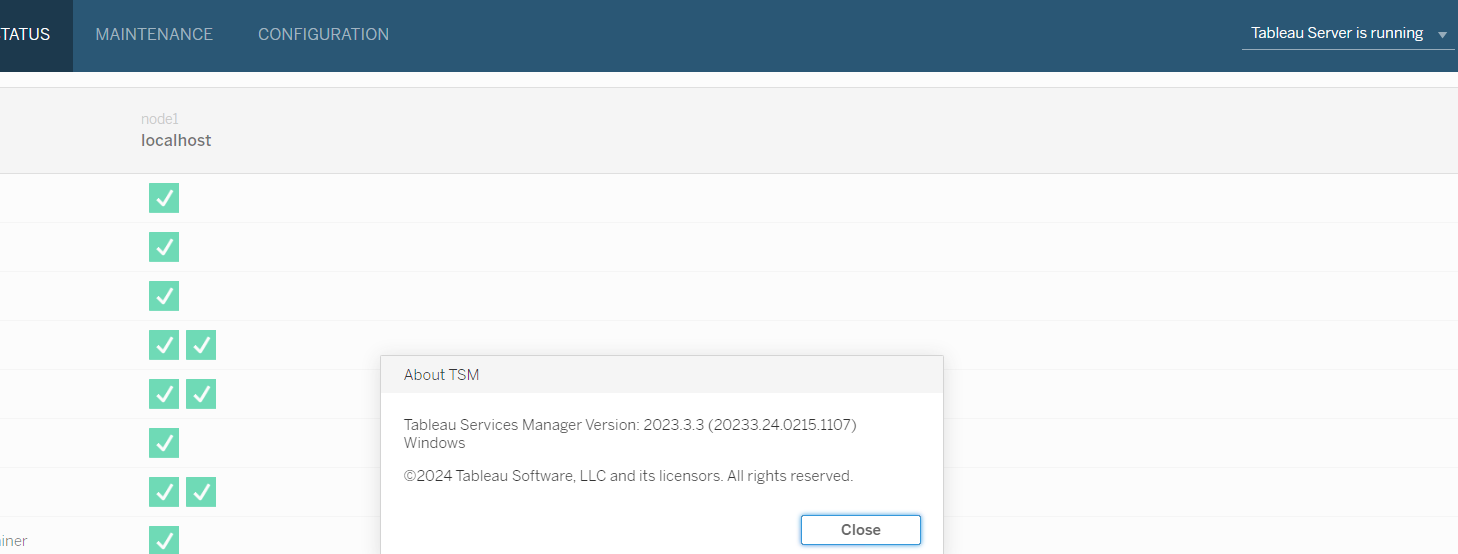
Verify the Tableau Server version using the command line.

Note that the PostgreSQL version also changes after upgrading to Tableau Server 2023.

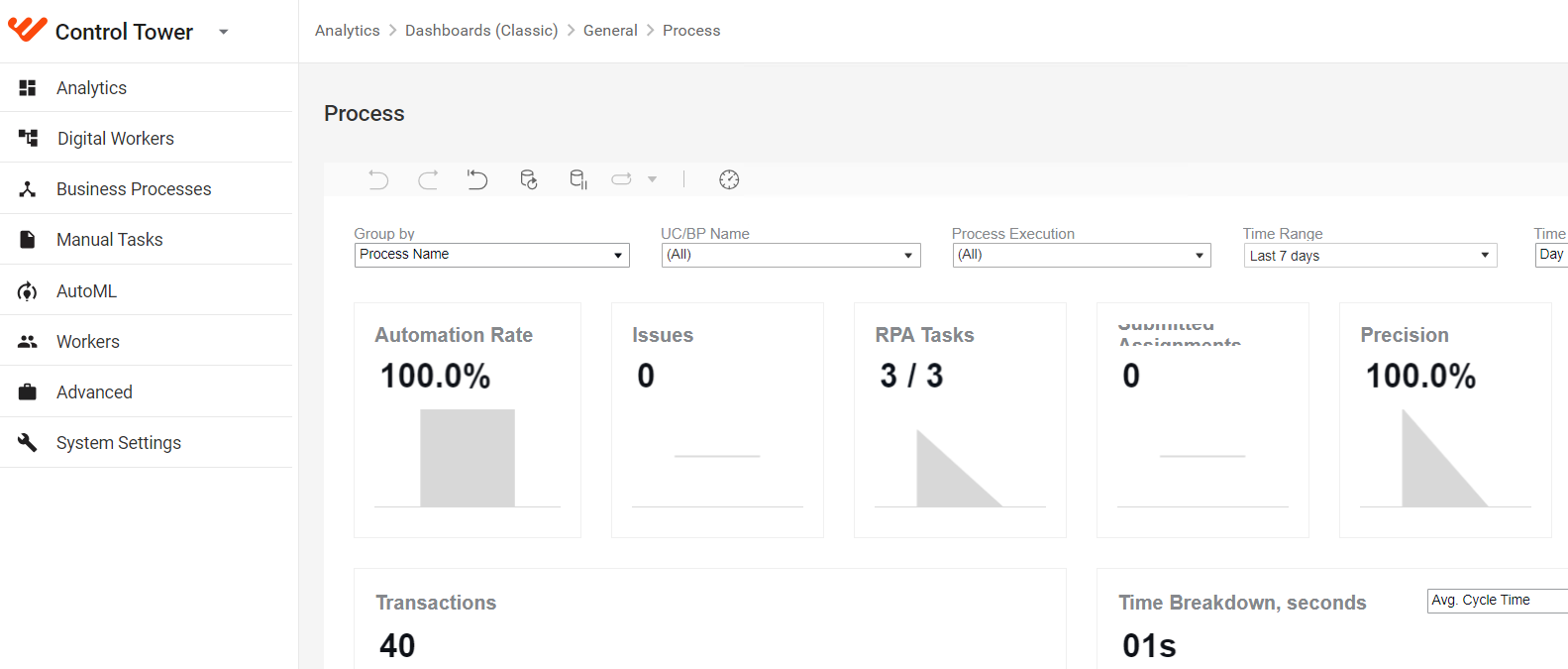
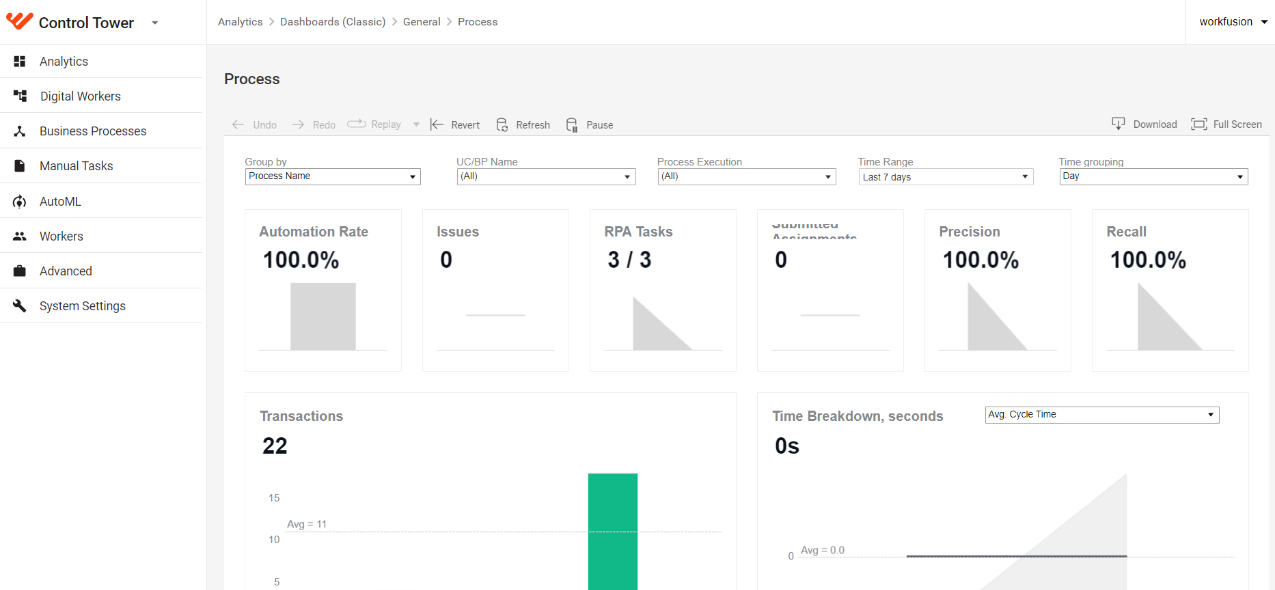
The Analytics dashboards after the upgrade to version 2023 are shown below: