
Design Business Process for checkmark recognition
note
The checkmark recognition feature is available for IA Cloud Enterprise up to v10.1.6 and IA Cloud Developer (all versions).
The primary purpose of such a Business Process (BP) is to define the state of checkmarks, checkboxes, or radio buttons in recognized documents.
Perform required setup
ABBYY FineReader Engine has the option to recognize checkmarks in the Windows version only. Make sure you have:
- OCR on-premise setup on Windows (not on Linux) to use OMR capabilities
- A license for checkmark recognition (Windows + OMR)
- Installed ImageMagick to split multi-page documents
- Installed GhostScript to process PDF files
Obtain artifacts
See a zip file v10.0.0.1 for checkmark recognition as the BP definition.
The latest changes are as follows:
- Self-signed certificates in documents' HTTPS URL can be processed.
- The authorization request header is added. For example, for basic authentication, the BP uses credentials from the Global variables Data Store.
Build Business Process flow
The checkmark recognition process has the following phases:
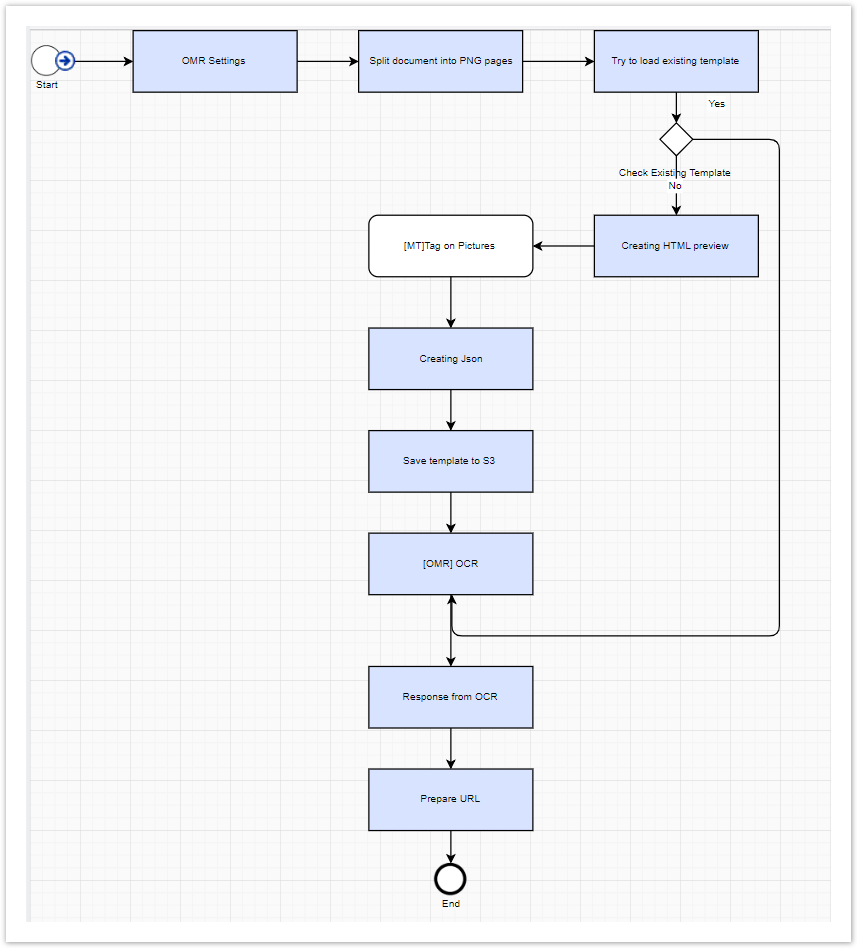
OMR Settings: sets up main settings for OCR to use (for example, S3 bucket and pre-processing parameters).
Split document into PNG pages: contains some file formats (for example, PDF) not supported for checkmark recognition. Then, additional splitting is needed. All split images are saved in the BP folder. The path file is
.../ocr/bp/bp_uidon S3.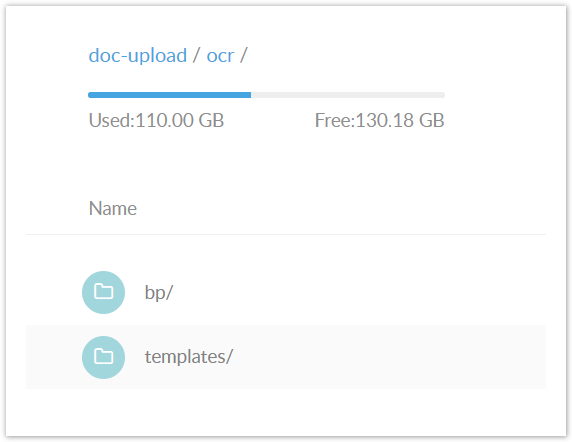
Try to load existing template: tries to find the existing JSON template from the storage for processing the document by provided
original_document_type.If a template with the needed type does not exist, Manual Task is created, where checkmark groups and checkmarks for one document are specified. For details, refer to Prepare document template.
Define document type
If two documents have the same checkmarks in the same places, they are considered to be of one type.
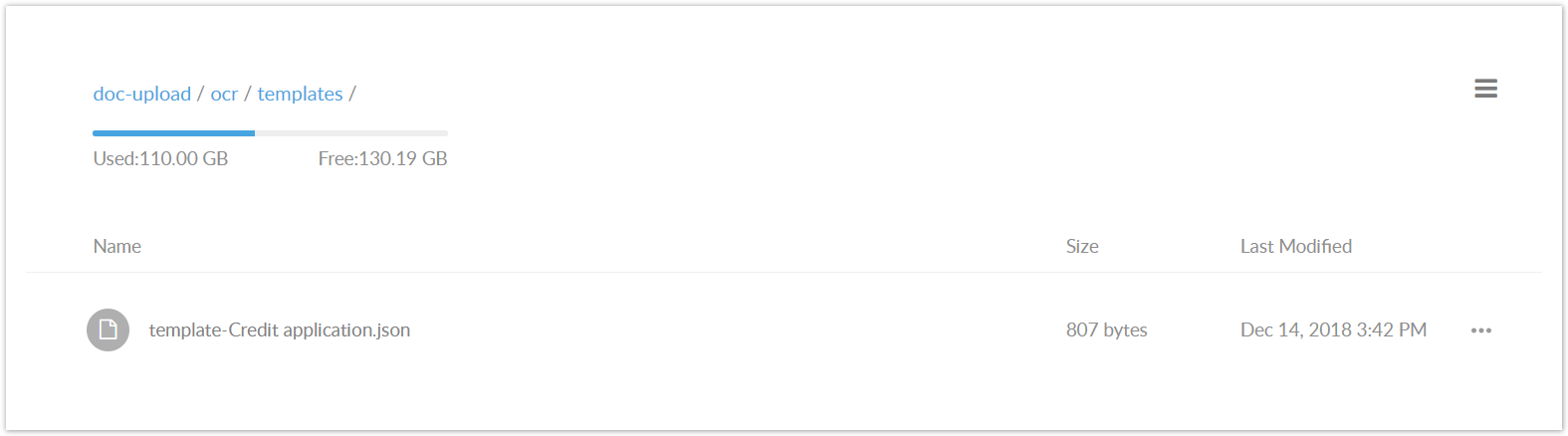
The Manual Task output is a JSON file with a template for the document type. The template is saved on S3 after the task is completed.
note
If a template exists, the file is moved to OCR to be processed by applying of the existed template as the customRegions value.
As a result, a link with OCR response is provided in XML format with the checkmarks state is provided.
Specify input data
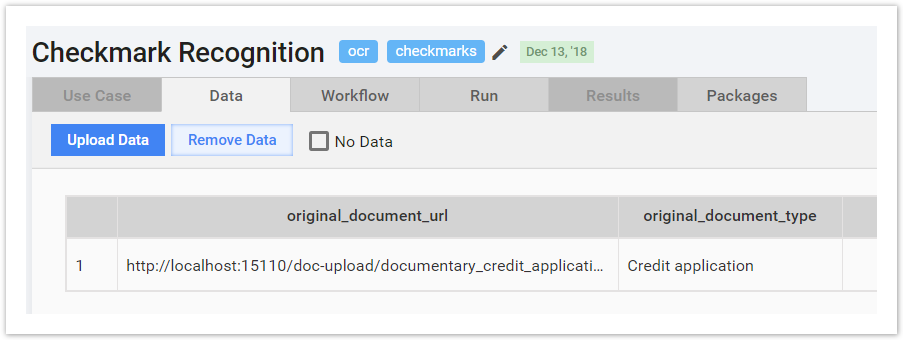
The required column names in the input file are as follows:
original_document_url: the link to the document, for example, S3 URL.original_document_type: the document type.
Set up Manual Task for checkmark groups and checkmark specification
The main task idea is to define the coordinates of checkmarks without additional tools and applications. To do it manually, refer to Prepare document template.
First, define the image zone recognized either as a group of checkmarks or a single checkmark. In the case of a group, define the area for each checkmark in the block.
The accuracy of the selection area affects the quality of recognition directly. Thus, define the area as accurately as possible.
To increase selection accuracy, zoom a document:
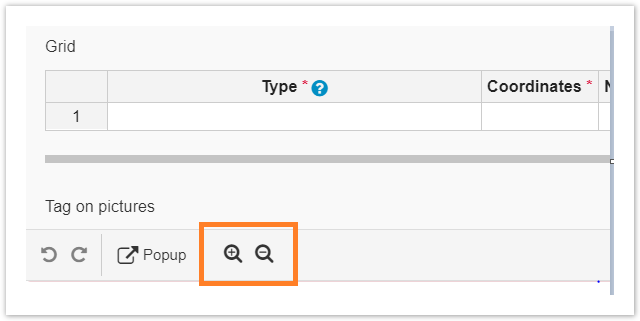
Click on the top-left point of the region and drag to the bottom right point using the cursor.
Add the region name and fill in the required fields.
Item type (OMR support extra configuration):
BT_CheckmarkBT_CheckmarkGroup
Checkmark type:
CMT_SquareCMT_Empty
Mind that
CMT_Circleis not supported for now.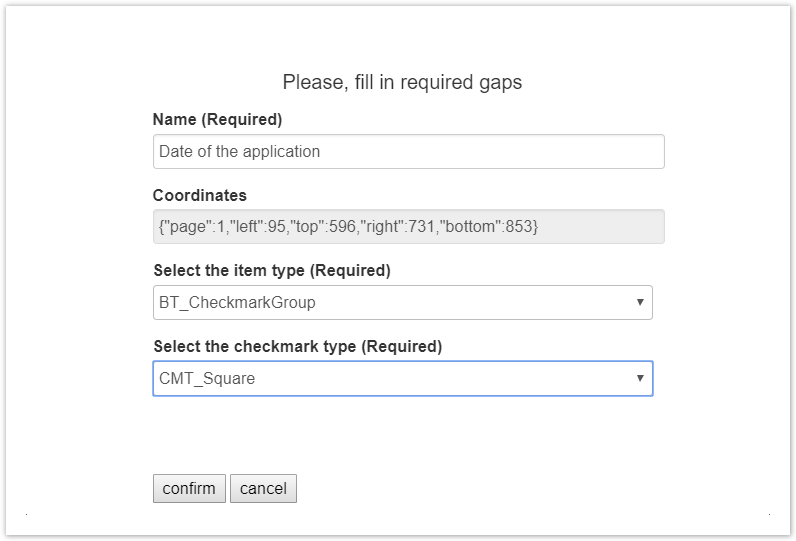
As a result, coordinates are defined and displayed in the table.
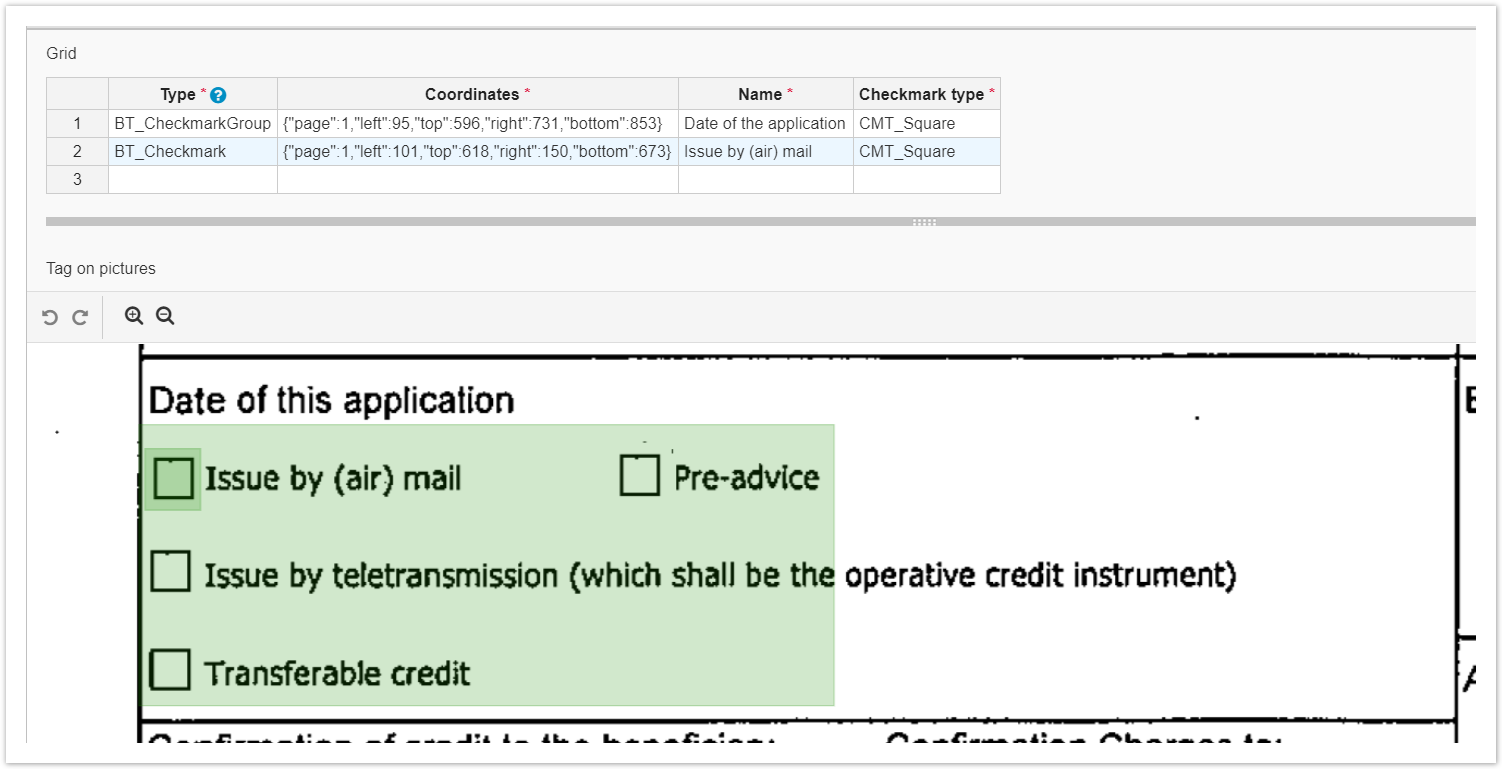
The coordinates are used in JSON template generation for checkmark recognition.
View checkmark results
After BP completion, the recognition results are saved in the BP folder as an XML file using the following path: .../ocr/bp/bp_uid. The URL is available in the results table as ocr\document_url.
Checkmark group results
<block b="853" blockName="Date of the application" blockType="GroupCheckmark" l="95" r="731" t="596">
<region>
<rect b="853" l="95" r="731" t="596"/>
</region>
<checkmark b="673" l="101" name="Issue by (air) mail" r="150" state="CMCS_NotChecked" t="618"/>
<checkmark b="761" l="100" name="Issue by teletransmission" r="148" state="CMCS_NotChecked" t="700"/>
<checkmark b="846" l="98" name="Transferable credit" r="148" state="CMCS_NotChecked" t="792"/>
<checkmark b="669" l="528" name="Pre-advice" r="578" state="CMCS_NotChecked" t="612"/>
</block>
Single cheсkmark results
<block b="1781" blockName="Full set" blockType="Checkmark" l="107" r="163" t="1725">
<region>
<rect b="1781" l="107" r="163" t="1725"/>
</region>
<checkmark b="1781" l="107" name="Full set" r="163" state="CMCS_Checked" t="1725"/>
</block>