Sequences
Sequences are intended for combining several actions into one logical part of the whole automation workflow, such as Login to application, Creating Invoice, Working with Excel file, and so on, and provide the following benefits:
- Better readability
- Compact view due to expand/collapse functionality
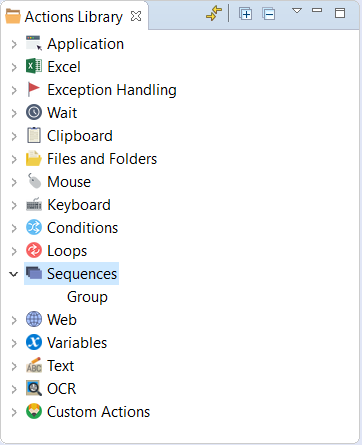
You can group several actions together and provide a group name in action comments. To accomplish this, do as follows:
Drag and drop the Group action from the Actions Library panel Actions Flow.
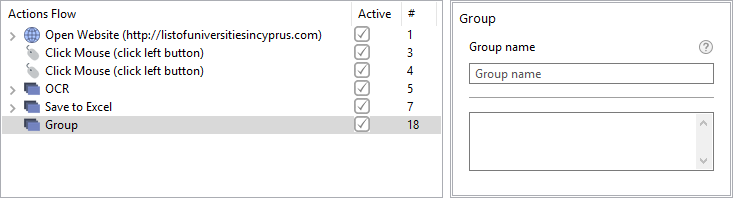
Enter the Group name and description in the Group properties.
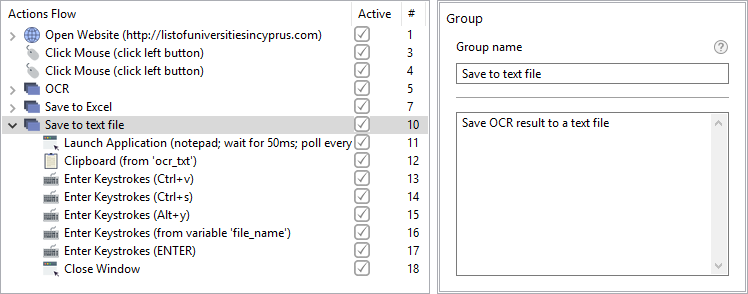
Nest actions as children in the group of actions keeping the correct sequence.
tip
You can select multiple actions using SHIFT and drag them inside the Group action.