Perform auto-rotation for signal-based Business Processes
Signal-based Business Processes (BPs) continuously receive records from input connectors, Triggers, or other BPs. In some cases, the flow of records can be very high or nearly infinite, resulting in excessive record accumulation within a single BP instance. This accumulation can lead to significant performance degradation during BP execution.
Starting from Work.AI v10.3, the auto-rotation mechanism is used for signal-based BPs. When a BP instance receives a configured number of input records, a new BP instance is started. All subsequent incoming records are routed to the new instance. The original BP instance continues to process the records it has already received.
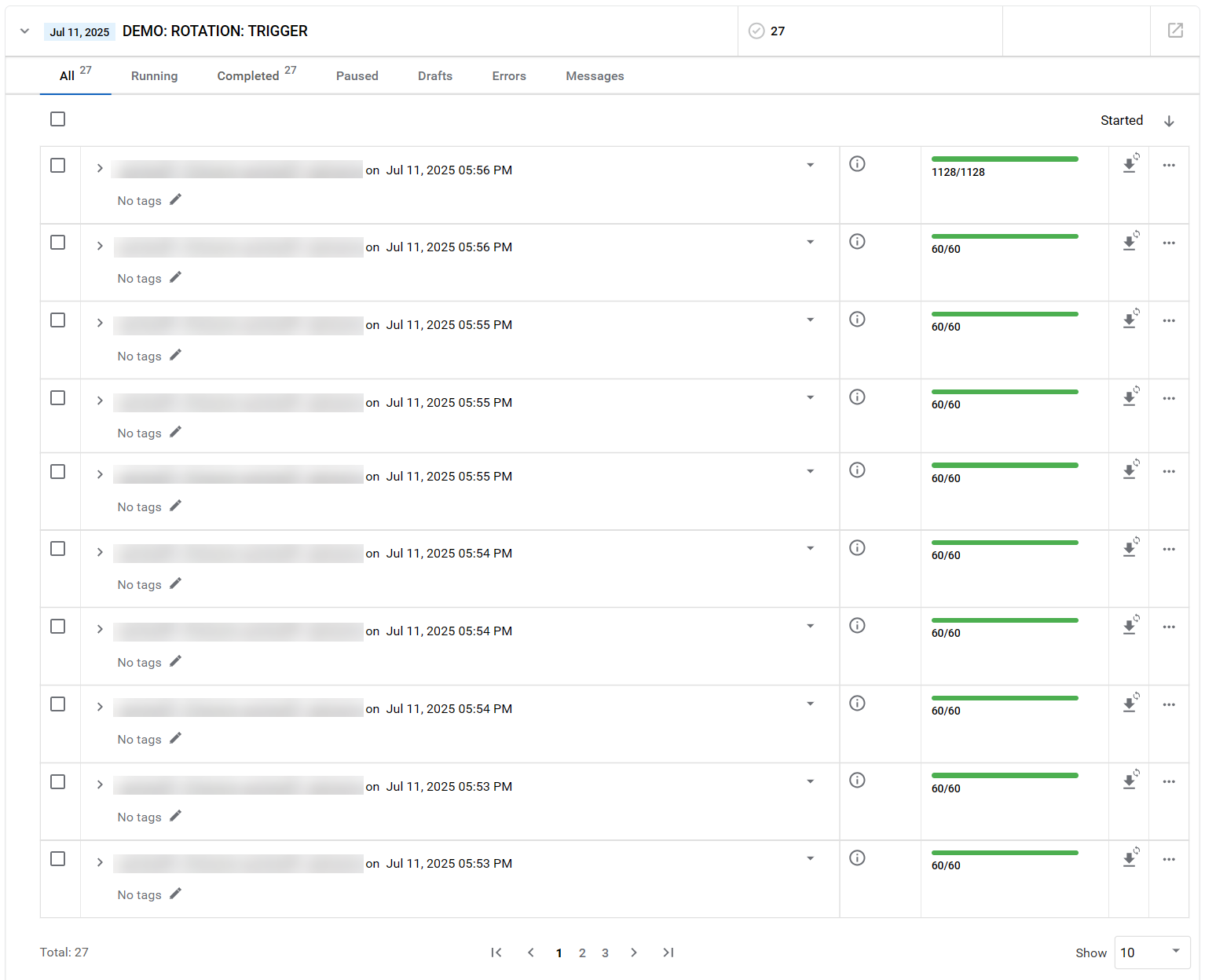
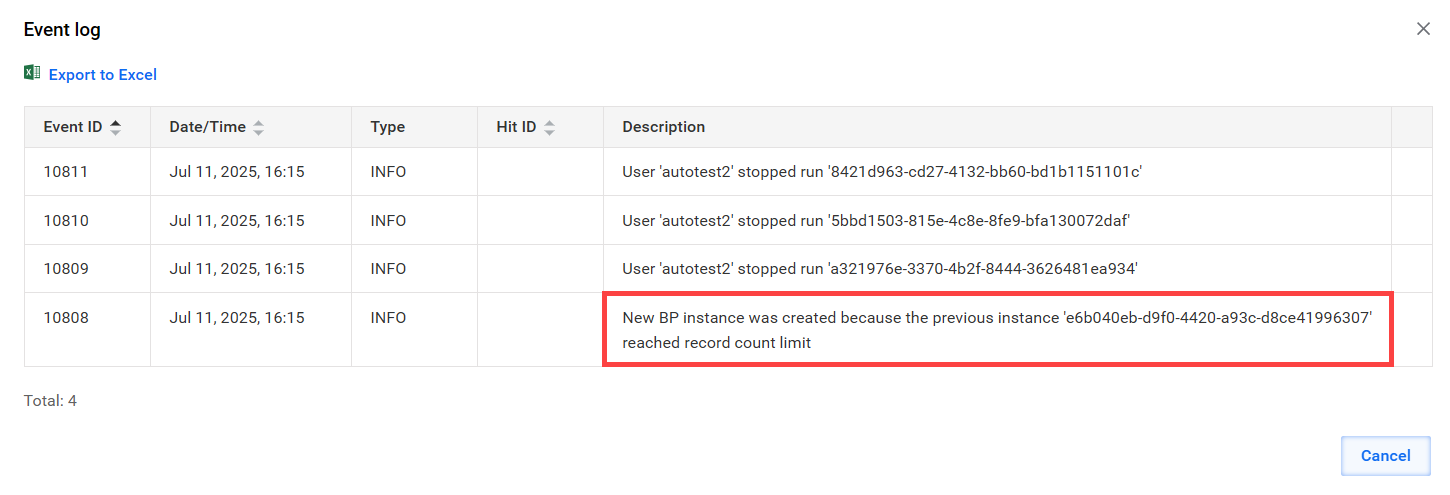
Additionally, an event is added to the new BP instance log, indicating that it was created because the input record threshold was reached.
Auto-rotation uses the input record counter (first step submissions) rather than the total record counter displayed in the BP list.
For example, if you have a five-step linear BP with a 10,000 record rotation threshold:
- Rotation triggers when the first step receives 10,000 records.
- The final total record counter shows 50,000 (10,000 × 5 steps).
For BPs with parallel branches or 1:N steps, the total counter becomes even less predictable, so always reference the first step task counter for auto-rotation behavior.
Configure record limit
To configure the record limit, complete the following steps:
In the
workfusion.propertiesfile, set theexternal.record.bp-instance.rotate.record.limitvalue:external.record.bp-instance.rotate.record.limit=10000The default value is 10,000 records.
To apply changes, save
workfusion.propertiesand restart Control Tower.
To deactivate auto-rotation completely, set the value to 0:
external.record.bp-instance.rotate.record.limit=0
Consider interaction with schedules
Auto-rotation is automatically disabled for BPs that have schedules configured. This applies regardless of whether the schedule is active and running, paused, or inactive.
If your BP has any schedule associated with it, auto-rotation does not function.
View limitations
The threshold is a global setting that currently cannot be customized per BP.
Rotation is not instantaneous. During the brief transition, incoming records can still be routed to the previous BP instance until the new one is fully initialized.
The actual number of records before rotation can slightly exceed the threshold, due to batch-based asynchronous counter updates optimized for low latency. For example, with a 10,000 record limit, actual rotation might occur at 10,001 or 10,002 records. Record counters update in batches for optimal performance, not after each individual record.
Records are not blocked during rotation, preserving the low-latency behavior.