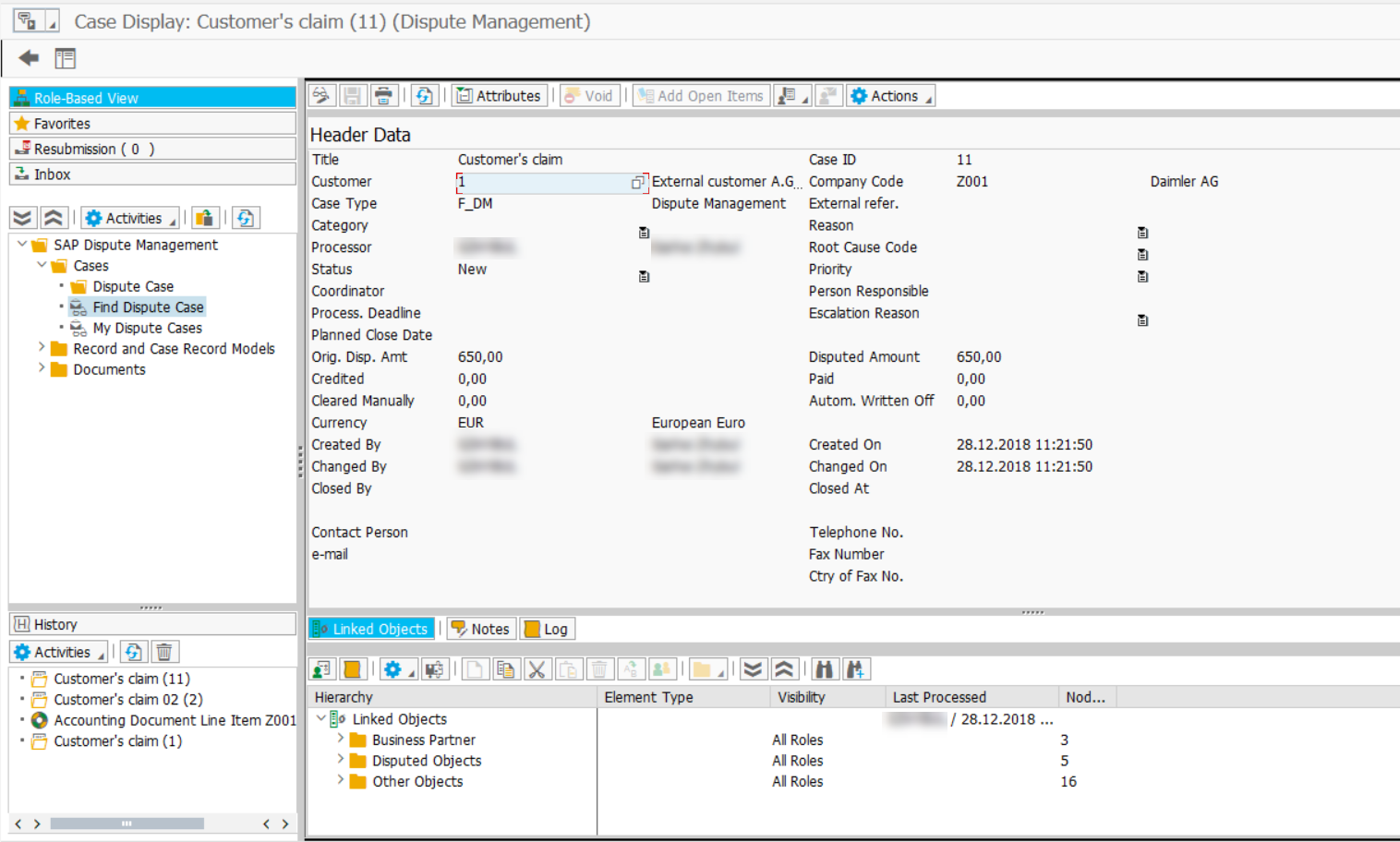
Create dispute case
The use case shows how to create a dispute case from the email information.
Open SAP GUI and log in.
Start the
FBL5Ntransaction. Enter the transaction codeFBL5Ninto the OK Code field and press Enter.On the selection screen, specify the required parameters.
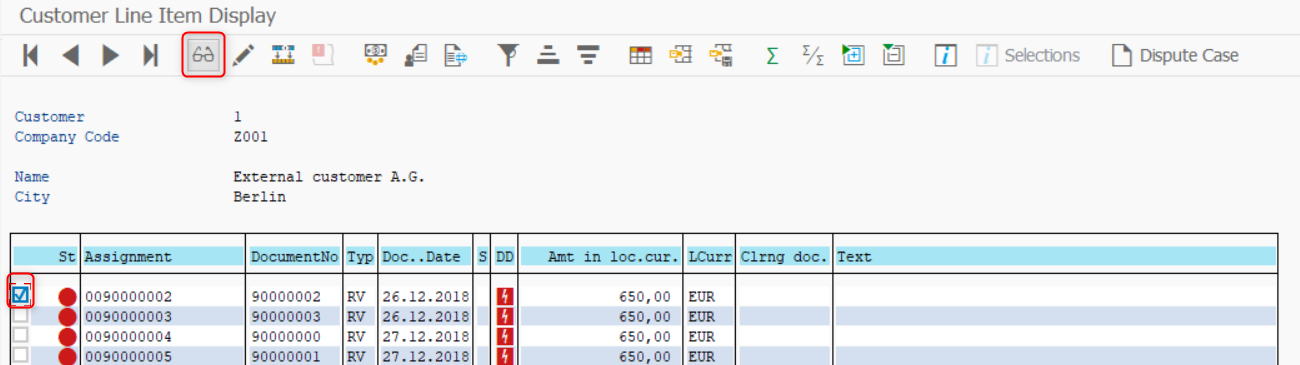
Select the document and click Display.
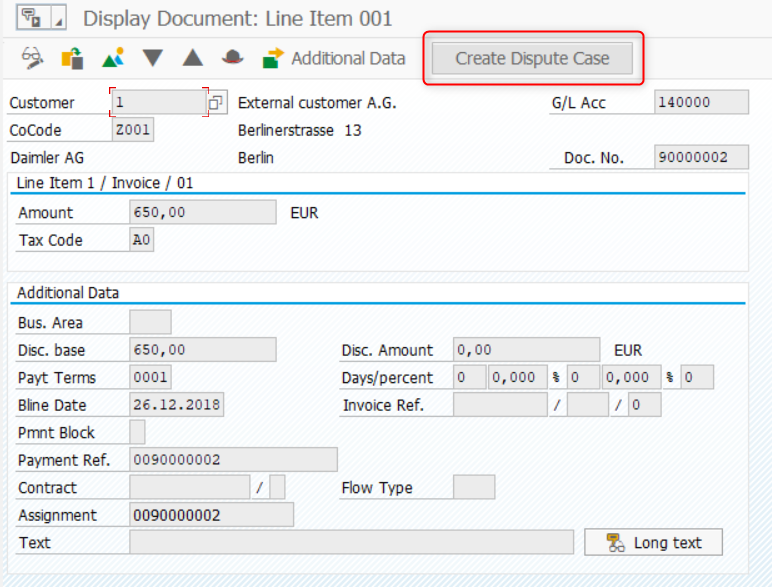
Click Create Dispute Case.
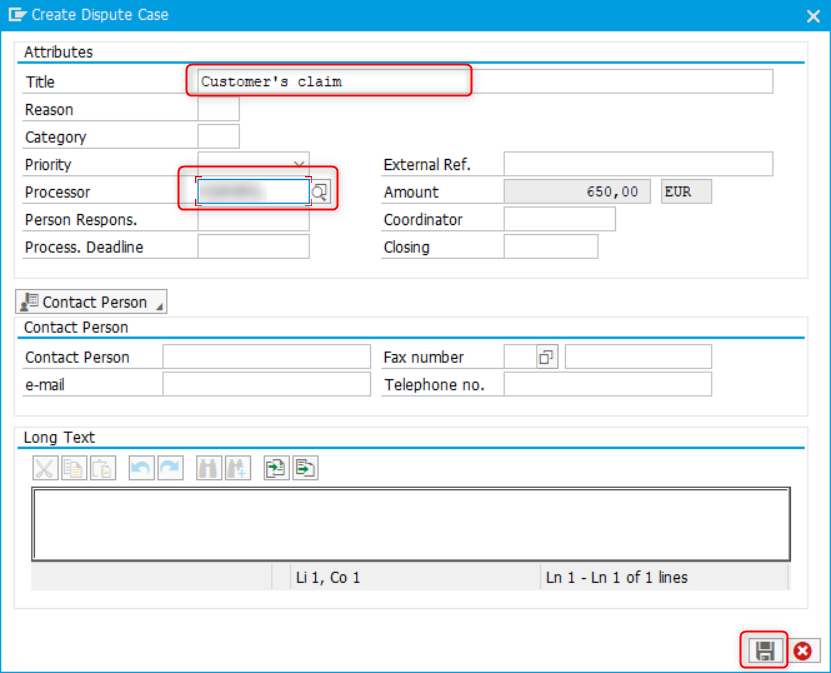
On the Create Dispute Case screen, fill in the required fields. Press the Save button.
On saving, the message Dispute case created appears.
To display created dispute cases, do as follows.
Start the
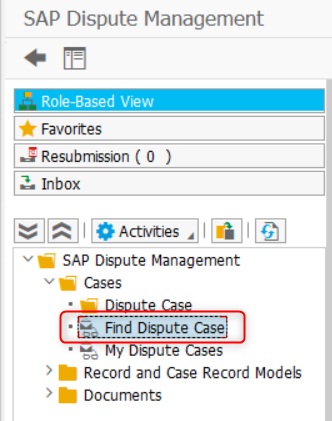
UDM_DISPUTEtransaction. SelectUDM_DISPUTEinRMS_IDif required.Within SAP Dispute Management, run the Find Dispute Case option.
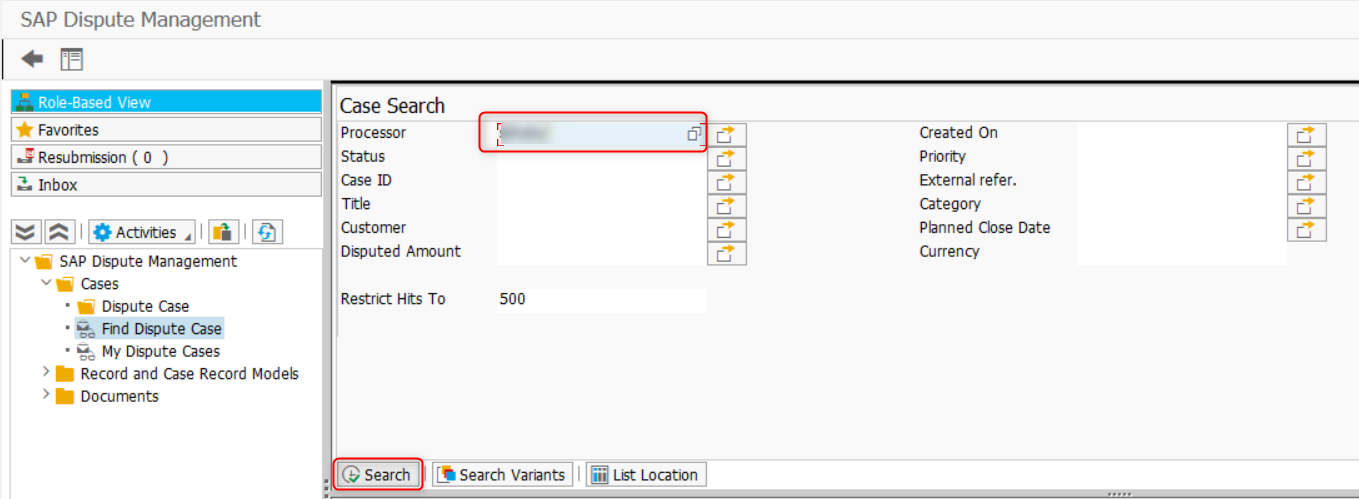
Enter the required selection criteria into the corresponding fields and press Search.
To display details, double-click on a specific case ID.
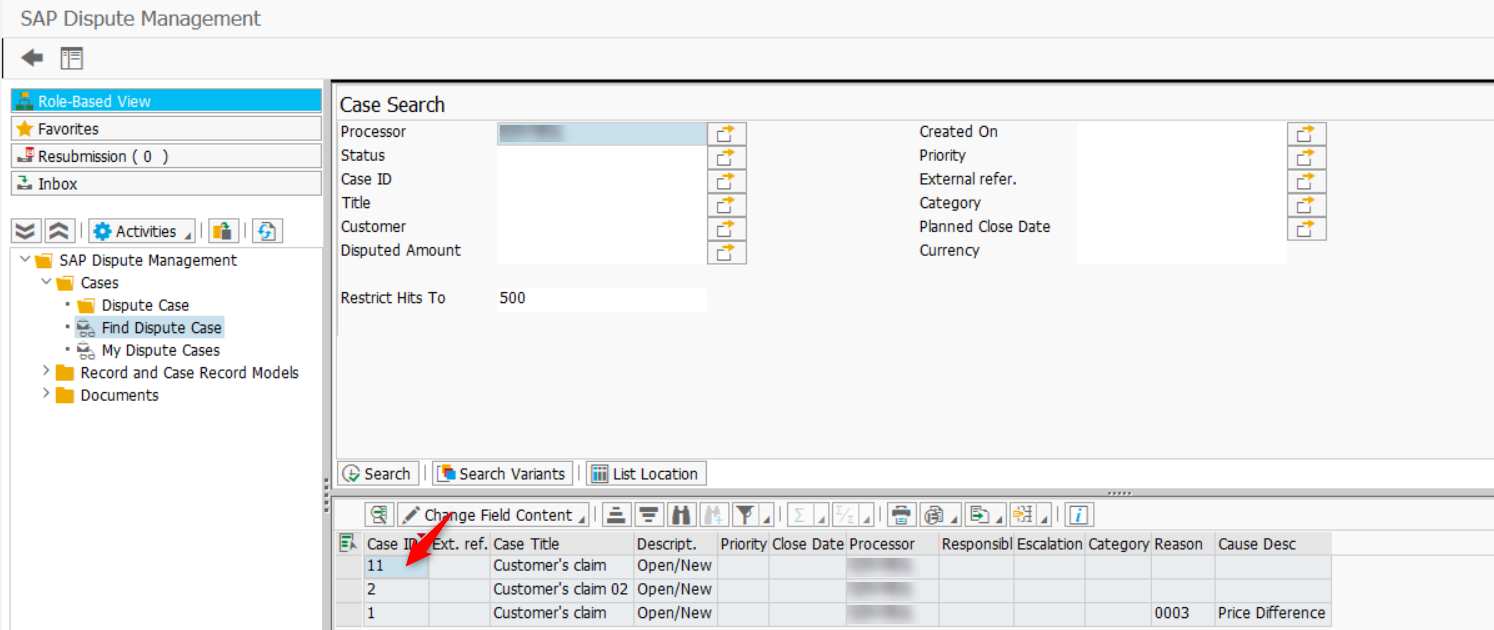
As a result, you can check and process a dispute case.