Define task assignees
In Workspace, you can assign tasks to an individual user or a user group.
Configure assignee for assignment
To assign tasks to an individual user, add the _sys_mt_hit_assignee column to the input data. A value (a username) from the column will be assigned as a user for an assignment in Workspace.
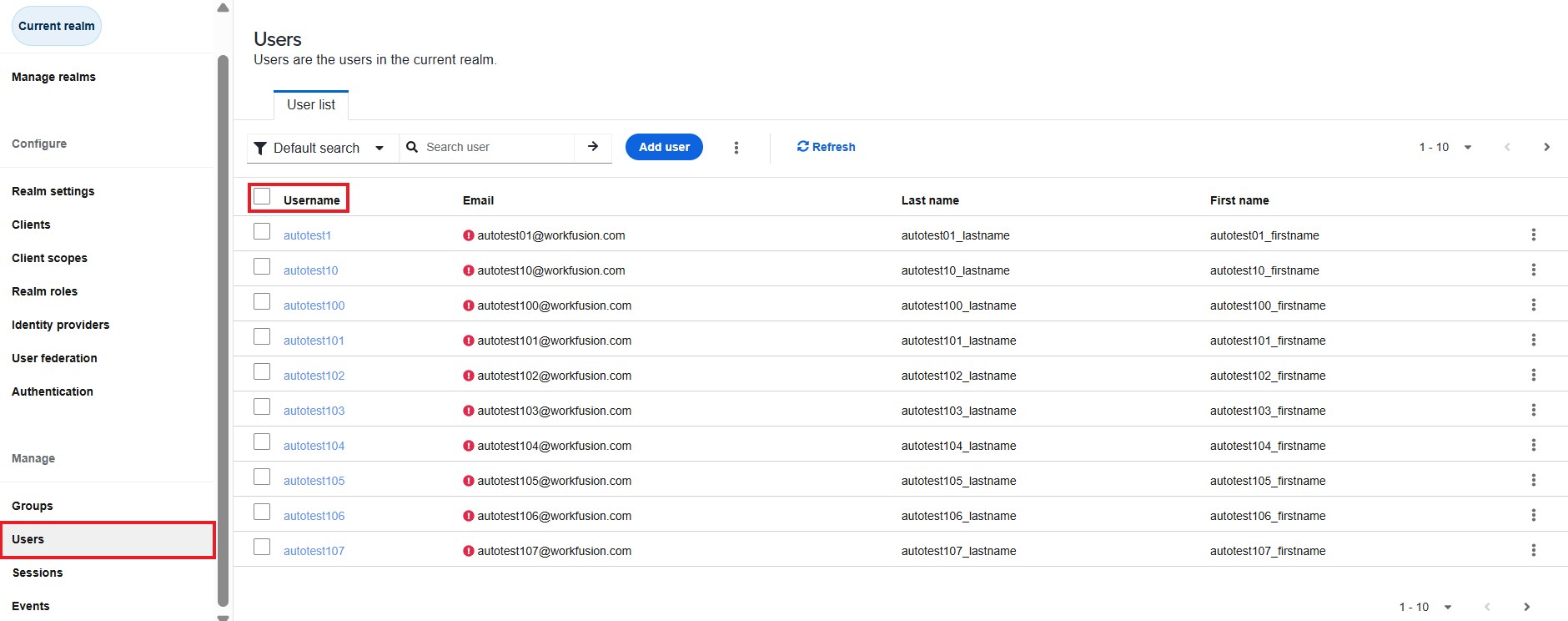
The same username is added to the list of authorized users in Keycloak. To check, sign in to Keycloak, click Users, and go to the Username column.
For the new values from the _sys_mt_hit_assignee column to appear in the Assignee filter list, respective assignees must sign in to Workspace at least once before running a Business Process.
If there is no _sys_mt_hit_assignee column in the input data or it contains an invalid username, the assignment has no assignee.
Configure user group for assignment
To assign tasks to a user group, add the _sys_mt_hit_assigned_user_groups column to the input data. A value from the column will be assigned as a user group for an assignment in Workspace.
For troubleshooting guides, refer to the following support guides: