Input document characteristics
Typically, a Data Analyst deals with an unspecified variety of documents during the start of AI Agent analysis and implementation. To perform a proper analysis of the documents, a Data Analyst has to deeply understand and drive work using following characteristics:
- Document Types
- Document Distribution
- Document Formats
- Field
- Class
- Corner Cases
Document types
Document types processed in the AI Agent vary depending on the industry. For example: statement of value, invoice, email, purchase order, loan booking, reconciliation, annual reports, etc. Usually in Information Extraction (IE), there is one document type, and in Classification, there are several. A DA needs to consider the quantity of document types, their logic, and representativeness.
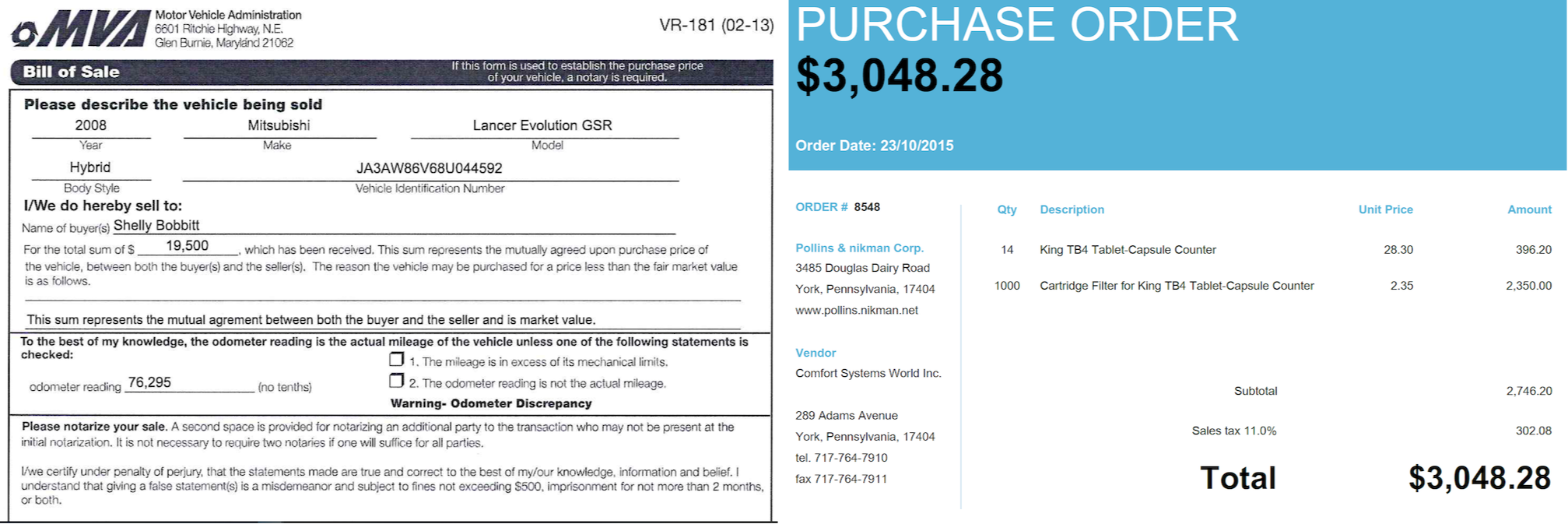
A document is usually defined not only by the industry it circulates in, but also by the issuer. Documents of one issuer comprise one template. To collect a high-quality representative dataset, it's necessary to consider templates, so it's a common practice to split documents by supplier when collecting a dataset.
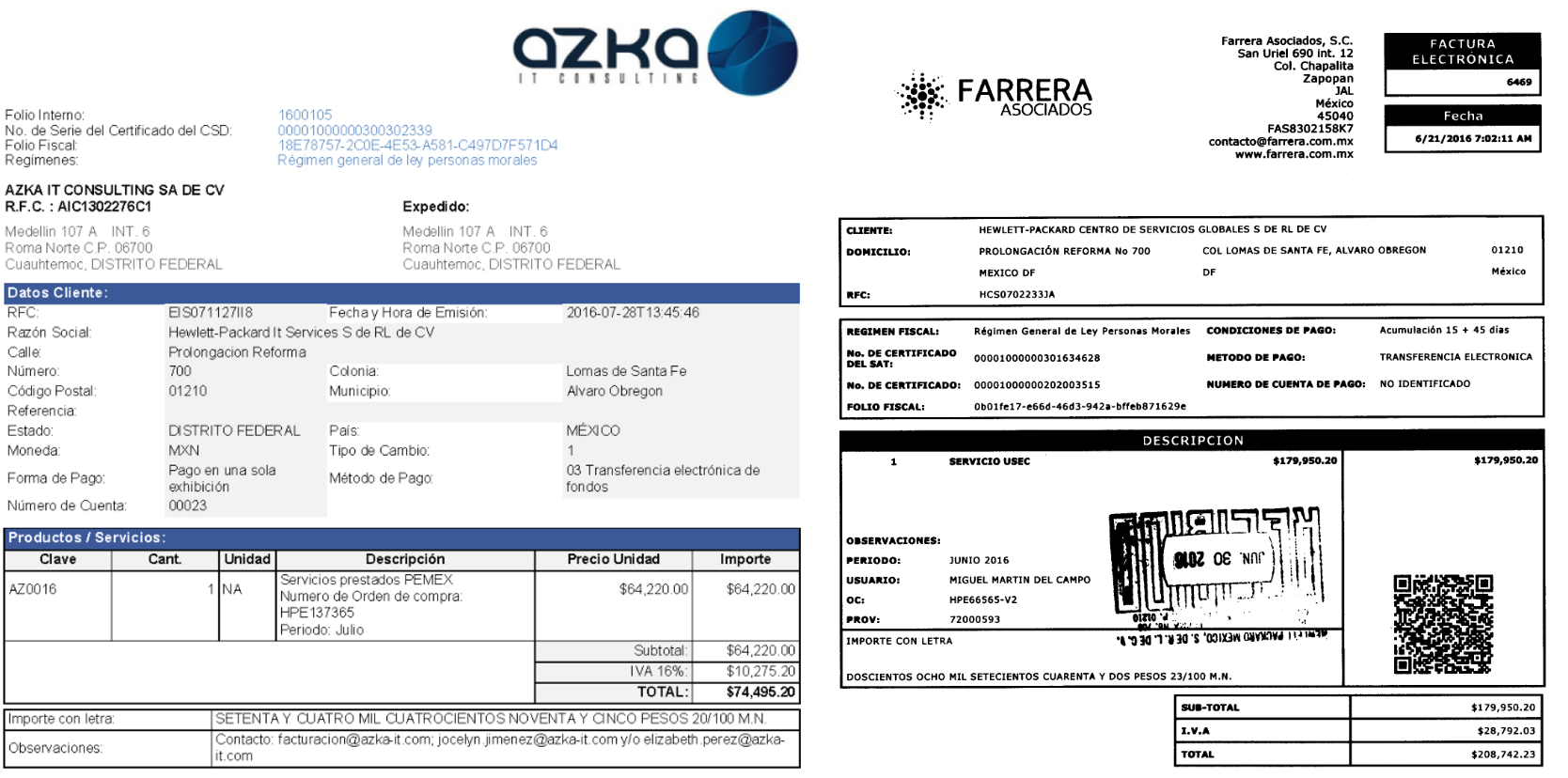
A group of documents which have a similar appearance is called a template. After OCR we speak about layout.
Template examples
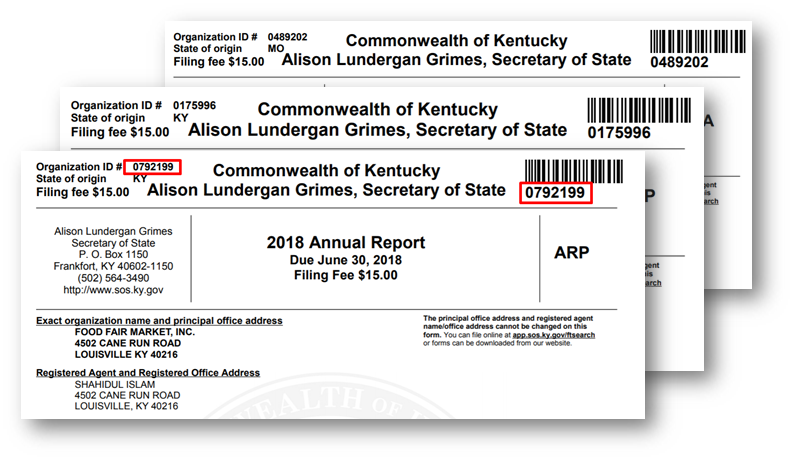
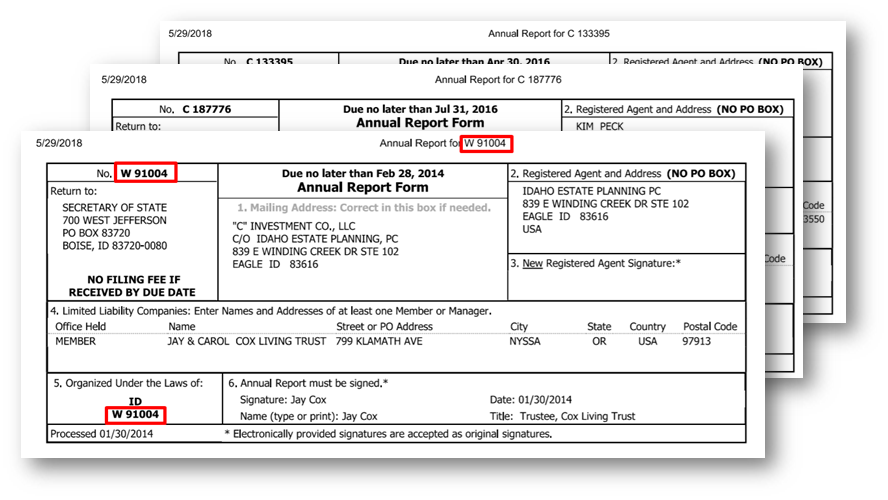
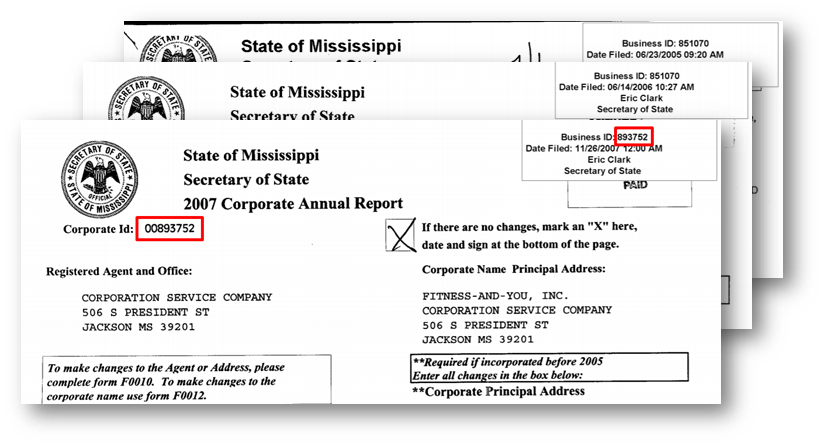
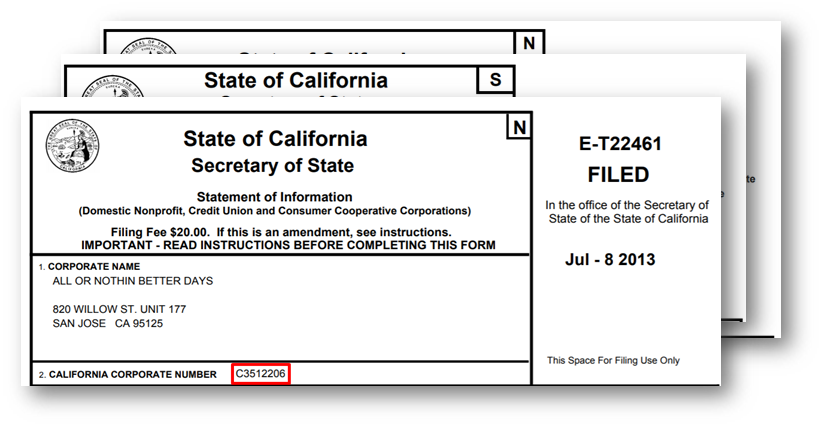
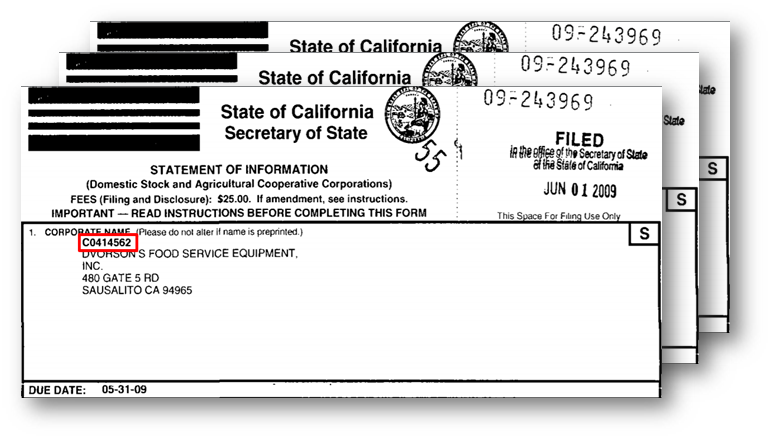
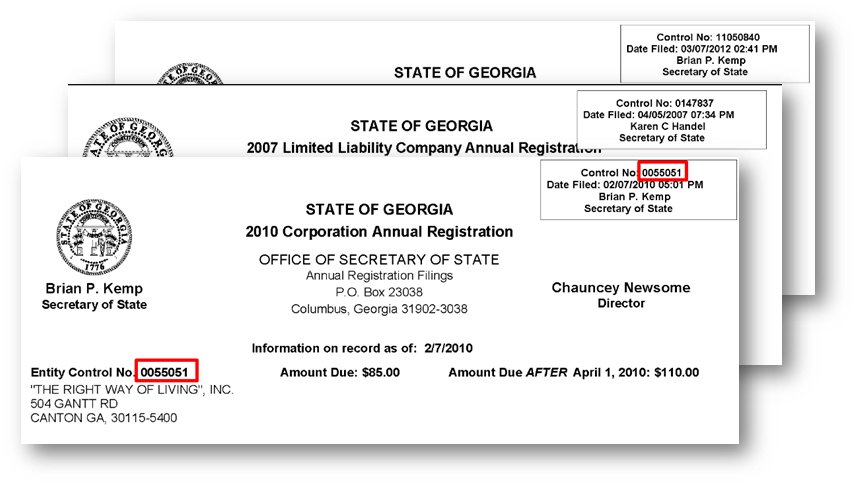
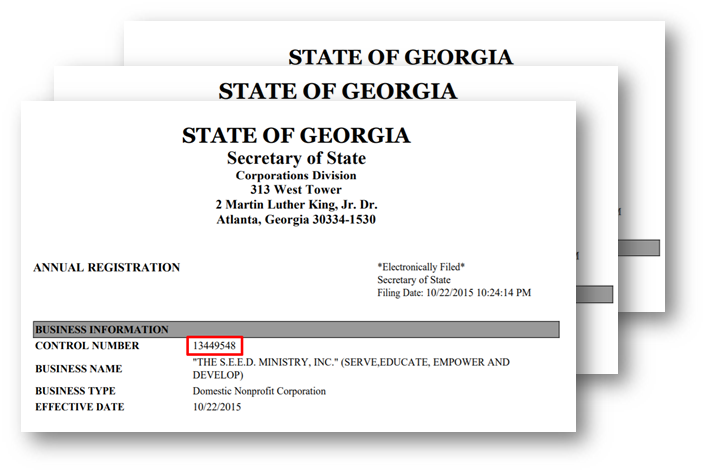
The following images are examples of different templates. For some cases, there is only one template across one supplier (in this case, it's one State (Kentucky, Idaho, Mississippi), and for some cases there are two templates across the State (California, Georgia).
Document distribution
To train the model effectively, a dataset should contain enough documents distributed well. That means a dataset has to well represent each document type, including different templates. We recommend 300–500 documents of each template of each type in a dataset. Rare templates can cause low model statistics because there won't be enough examples for the model to train on.
Document formats
| Format | Approach |
|---|---|
| HTML, XML | Can be directly processed with AutoML. |
| Plain text | Can be directly processed with AutoML. |
| Image (JPEG, TIFF, PNG, GIF) | Send to OCR. |
| Send to OCR. | |
| Excel (XLS, XLSX) | Convert to HTML. |
| Word | Convert to HTML OR plain text or convert to PDF and send to OCR. |
| Email (MSG) | Work with email body, as with plain text. |
AutoML can proceed directly with HTML or XML formats and plain text. For the rest, format converters need to be applied to receive documents in the required format. The most typical converter used in skills is OCR (Optical Character Recognition). After OCR of an image or PDF, we receive output in two formats: HTML and XML. For ML, it's important to use XML, as it contains more information about the original document.
Field
Field — Information that should be extracted from the document in Information Extraction. In ideal cases, each document contains all the fields that need to be extracted. But it's more common, due to business logic, that documents contain only some fields.
Some fields will be present only in several templates or in some of the documents. In cases of these rare fields, it's necessary to make sure there are enough examples to train the model well. A field is considered rare when it's present in fewer than 50% of documents from the dataset. Normally, to train the model it's advised to have 500+ values of one field.
Conflicting context
The necessary field in the document is always surrounded by context. Context helps the model to train as well because it serves as notification for value confines. Special attention should be paid to cases with conflicting context:
| Supplier 1-9 | Supplier 10 |
|---|---|
| QTY ORDERED 100,000 | QTY ORDERED QTY DUE 100,000 300,000 |
| Documents of most suppliers contain value for field "quantity" in the line under "QTY ORDERED". | For supplier 10, the value for "QTY ORDERED" always remains unchanged, but the data needed from a business perspective is placed under "QTY DUE" |
If documents of both suppliers are trained on one model, that can cause a low score for this field and result in the wrong values being extracted for supplier 10, or not extracting values for suppliers 1–9, depending on the number of examples provided.
Conflicting field meaning
Sometimes the value for the field can belong to different parameters. For example, "extra smooth" can refer to finish or surface parameter depending on supplier of other fields value: (product, ID, etc.). Such cases have to be investigated, and if necessary, a separate model has to be provided for them.
Class
Classification is the process of predicting the class of given data points. So in classification, it's necessary to predict what class the document belongs to. Often, document types are referred to as classes.
Corner cases
Sometimes there are some complicated dependencies in the documents. They have to be revealed and considered when documents are studied by a Data Analyst. DA considers the number and complexity of the following cases. A separate model might be needed for the following cases:
- Different languages
- Different document types
- Different set of fields for different document types
- IE and Classification in one AI Agent
- Single field becomes multiple in some templates
- Conflicting field meaning or context