Deploy ODF components to Control Tower
Starting from 10.3, ODF components are no longer provided in the installation package. You must deploy those components to Control Tower manually when needed.
The latest release of ODF components is 10.2.9.76. You need to be logged in to https://repository.workfusion.com to download the artifacts:
See the ODF documentation here.
Deploy ODF dependencies
Prerequisites
- URL of the Nexus Repository Manager for your environment. In the case of the Work.AI Developer, refer to the relevant documentation
- Credentials of a Nexus user with sufficient permissions to upload dependencies to the Nexus repository (most likely
adminuser). - Downloaded
odf-dependencies-10.2.9.76.zipfile.
Unpack archive
Extract the odf-dependencies-10.2.9.76.zip archive to a folder of your choice.
Create deployment script
Create the shell script with the following content, changing the variables to match your environment.
Linux
set -e
DEPENDENCIES_PATH='change me' # Path to the folder with the unpacked contents of odf-dependencies-10.2.9.76.zip
USERNAME='change me' # Nexus username
PASSWORD='change me' # Nexus user password
NEXUS_URL='change me' # Nexus URL (e.g. https://my-environment-nexus.com/nexus)
REPO='wf-dependencies' # Nexus repository where dependencies will be uploaded. Use 'wf-dependencies', if you have no special reason to use another one.

find $DEPENDENCIES_PATH/ -type f -iname '*.jar' > filelist.txt
while IFS= read -r file
do
    curl -ks --http1.1 -u "$USERNAME:$PASSWORD" -X PUT -T "$file" "$NEXUS_URL/repository/$REPO/${file#$DEPENDENCIES_PATH/}"
done < filelist.txt
Windows
@echo off
REM === CONFIGURATION SECTION ===
REM Path to the folder with the unpacked contents of odf-dependencies-10.2.9.76.zip (without trailing slash)
set "DEPENDENCIES_PATH=change me"
REM Nexus username
set "USERNAME=change me"
REM Nexus user password
set "PASSWORD=change me"
REM Nexus URL (e.g. https://my-environment-nexus.com/nexus)
set "NEXUS_URL=change me"
REM Nexus repository name
set "REPO=wf-dependencies"

REM === LOGIC SECTION ===
REM Recursively find all .jar files, then upload
for /r "%DEPENDENCIES_PATH%" %%F in (*.jar) do (
    set "FULLPATH=%%F"
    setlocal enabledelayedexpansion
    REM Remove DEPENDENCIES_PATH prefix (including trailing backslash) from FULLPATH to get the subpath and reverse backslash
    set "SUBPATH=!FULLPATH:%DEPENDENCIES_PATH%\=!"
    set "SUBPATH=!SUBPATH:\=/!"
    REM Construct the full URL and upload with curl
    curl --http1.1 --user "%USERNAME%:%PASSWORD%" -X PUT --upload-file "%%F" "%NEXUS_URL%/repository/%REPO%/!SUBPATH!"
    echo Dependency uploaded: !NEXUS_URL!/repository/!REPO!/!SUBPATH!
    endlocal
)
pause
Run deployment script
Execute the script from the folder where it is located.
Deploy ODF components
Prerequisites
- Credentials of a Control Tower user with the Import/Export and Advanced Package Import permissions.
- Downloaded
odf-install-package-10.2.9.76.zipfile.
Deploy installation package
Deploy the odf-install-package-10.2.9.76.zip file in the Control Tower UI as any other Asset Bundle. For instructions refer to Import Asset Bundle via Control Tower UI | Deploy Asset Bundle.
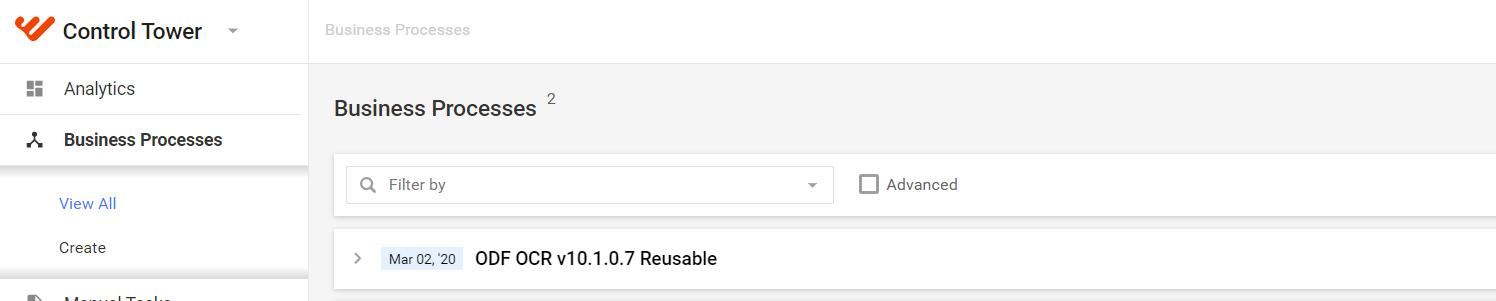
After the process is complete, verify that an ODF Business Process is created and all the related ODF components are available.