
Troubleshoot database issues
APP installation fails on Execute liquibase migrations step
Expand to learn more
Symptoms
If you use the single-point installation approach, an issue related to the APP installation can appear while the Execute liquibase migrations for MSSQL db task is being executed.
Error examples:
- Invalid object name 'Image'
- Unexpected error running Liquibase: Must declare the scalar variable "@Deleted_count" etc.
Cause
The customer uses case-sensitive collation for the database and server.
Resolution
Keep in mind this is an undocumented solution and may not be supported by Microsoft. It's recommended to create a backup of all databases (including system databases) before taking administrative actions on the SQL Server instance.
Check and confirm the current SQL Server collation and databases, including system databases.
SELECT CONVERT (varchar, SERVERPROPERTY('collation')) AS 'Server Collation'
SELECT name, collation_name FROM sys.databases WHERE name = 'master';
SELECT name, collation_name FROM sys.databases WHERE name = 'workfusion';
Stop the SQL Server service. Run a command prompt with administrative privileges and go to the
Binndirectory wheresqlservr.exeis located.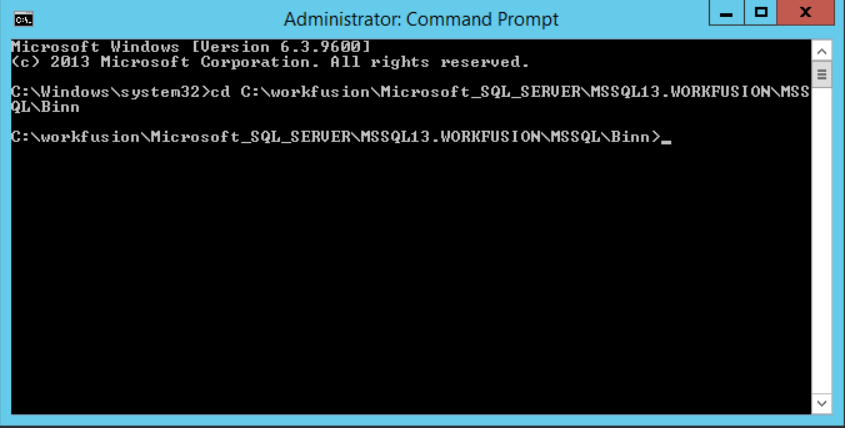
When the server is stopped, run the following command:
sqlservr -m -T4022 -T3659 -s"WORKFUSION" -q"SQL_Latin1_General_CP1_CI_AS"Parameters:
- [
-m] single-user admin mode - [
-T] trace flag turned on at startup - [
-s] SQL server instance name - [
-q] new collation to be applied
Trace flags:
T4022: bypass startup procedures in the SQL ServerT3569: enables logging of all errors to the error log during the server startup
After execution, no user action is needed.
- [
Start the SQL Server service through services or use the
net start "MSSQL\$WORKFUSION"command.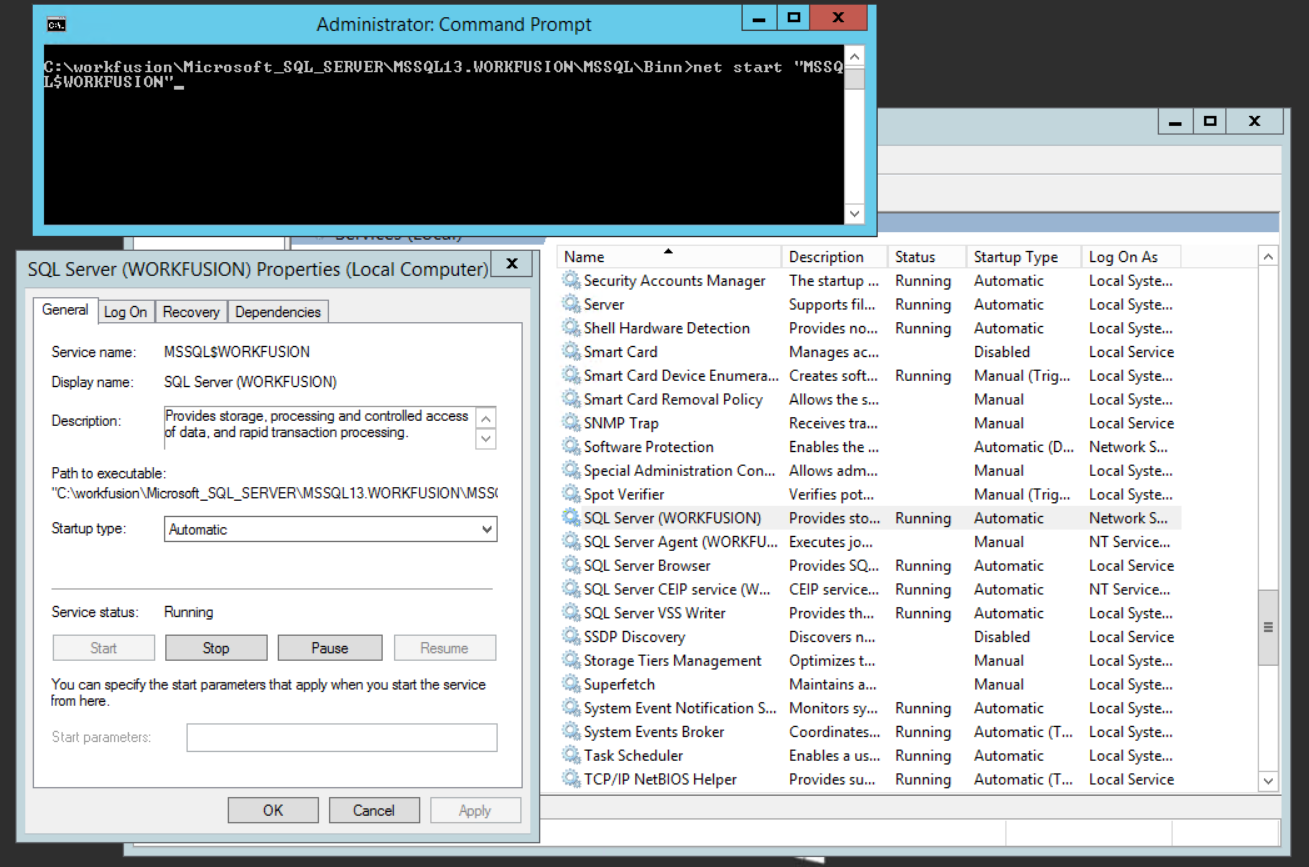
Check the collation using scripts from Step 1.
Exclude MinIO from updatedb process
Expand to learn more
Symptoms
The updatedb process can affect the disk performance and cause high read-write utilization, provided:
- The
mlocate/locatepackages are installed on a Linux server and are launched by schedule. - MinIO contains a lot of small files.
Resolution
To prevent disk performance issues, in the /etc/updatedb.conf file, exclude the /opt/workfusion/shared/minio/data/ directory from the update process.
Get processing time for Business Process steps and records
Expand to learn more
To get the processing time for steps and records for a particular Business Process, see the query below. Remember to change the Business Process UUID inside it.
select
bp.title as bp_title
, r.rootRunUUID as bp_instance_uuid
, r.uuid as step_uuid
, r.id as step_id
, r.title as stepTitle
, r.executingType as step_executingType
, r.status as step_status
, r.startDate as step_startDate
, r.endDate as step_endDate
, DATEDIFF(SECOND,r.startDate,r.endDate) as step_duration
, ah.id as hit_id
, ah.creationTime as hit_creationTime
, ah.completionDate as hit_completionDate
, DATEDIFF(SECOND, ah.creationTime,ah.completionDate) as hit_life_duration
, aha.id as assignment_id
, aha.acceptTime as assignment_acceptTime
, aha.submitTime as assignment_submitTime
, DATEDIFF(SECOND,aha.acceptTime, aha.submitTime) as assignment_duration
, mcs.id as source_id
, mcs.name as source_name
, mcs.threadCount
, (CHARINDEX('<selenium', mc.content)) as rpa_step_flag
, (CHARINDEX('OCR', r.title)) as ocr_step_flag
, (CHARINDEX('Extract', r.title)) as extract_step_flag
, (CHARINDEX('Pre-process image', r.title)) as convert_step_flag
from ct.run r
join ct.campaign bp on bp.id = r.campaign_id
join ct.campaignmap cm on r.campaignMap_id = cm.id
join ct.campaign c on c.id = cm.campaign
join ct.machine_config mc on mc.id = c.machineConfigId
join ct.awshit ah on ah.run_id = r.id
left join ct.awshitassignment aha on aha.hit_id = ah.id
left join ct.machinecampaignsource mcs on mcs.id = mc.source_id
where
r.rootRunUUID in ('a4061fb4-061c-4fc2-8e20-55d3926741d8') --change on real BPUUID
AND r.status<>'DELETED'
AND r.status<>'DRAFT'
--AND mc.content > 0
--AND r.title > 0