Manage AutoML models in Control Tower
The AutoML menu in Control Tower allows you to perform the following actions without coding:
- Train and manage machine learning (ML) models, including those trained in the ML Ops platform
- Create and manage template models
- Manage model pipelines
- Run experiments
- Create and manage datasets
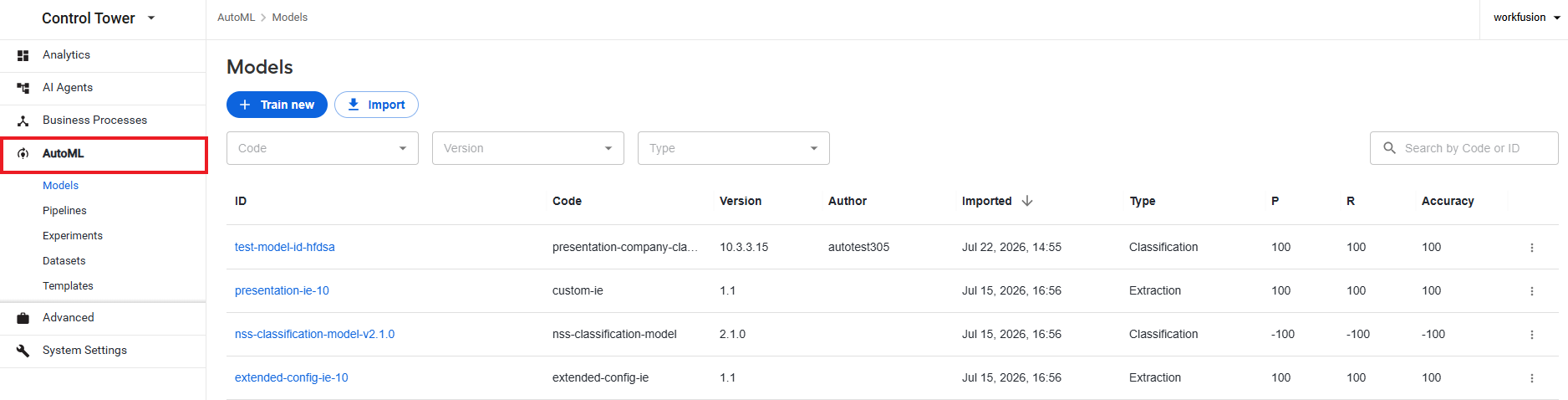
To access the capabilities, log in to Control Tower and, on the main menu, click AutoML.
info
The AutoML menu is visible only if you have the Manage models permission in Control Tower. For instructions on setting permissions, refer to the Manage Control Tower roles and permissions article.
From the AutoML menu, you can navigate to the following pages:
- Models, where you can find a list of available ML models and the functionality for managing them.
- Pipelines, where you can see a list of configured model pipelines and the functionality for managing them.
- Experiments, where you can view and manage training and test runs for your models.
- Datasets, where you can view and manage datasets for model training.
- Templates, where you can find a list of available template models and the functionality for managing them.
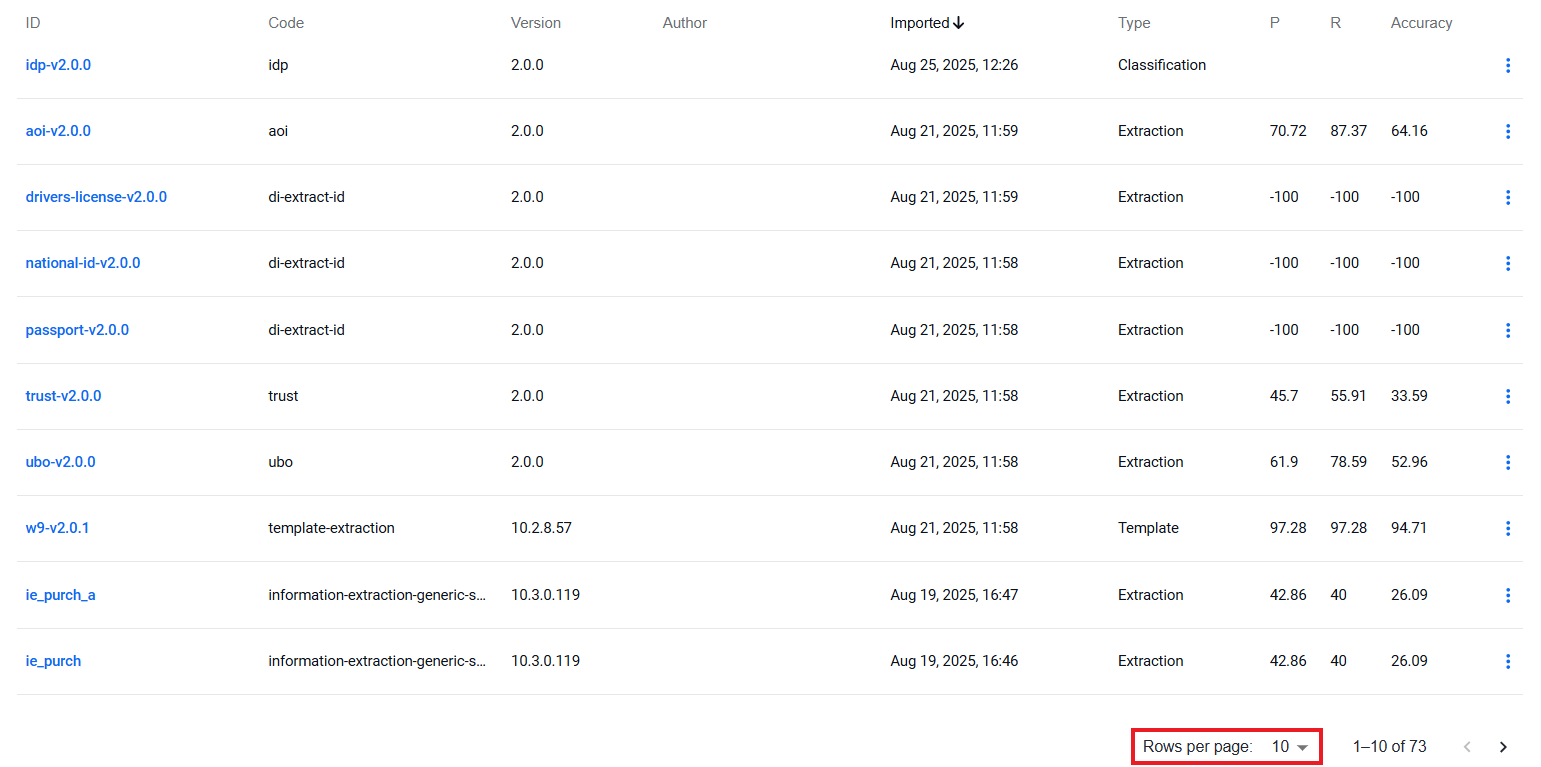
On each page, you can set the number of listed items to 10, 50, or 100. For that, select an option from the pagination menu in the bottom right corner of the page.