Get started with Eclipse IDE
Eclipse IDE is a component of Work.AI Developer used to build automation solutions of any complexity.
Work.AI Developer provides compatibility with Work.AI. It means a specific compatible platform depends on the ODF 2 Archetype version used.
In Eclipse IDE, a developer works with a version control system—Git and SVN plugins are included out-of-the-box. However, the main advantage is using the IDE standard code debug features, making it possible to debug any Bot Task (with or without RPA) executed on either a local workstation or a remote platform environment server.
Eclipse IDE contains the following components:
- IDE for an Automation Engineer
- The Git and Subversion (SVN) IDE plugins to work with version control systems
- The Maven build tool IDE plugin for an Automation Engineer
- Out-of-the-box integration with ODF 2 Archetypes to quick-start RPA or ML automation projects
The recommended standard is to start a Maven project from the Maven Archetype to leverage the entire scope of IDE features.
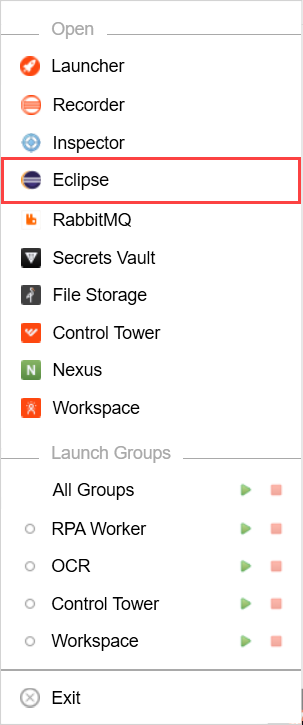
To open Eclipse IDE, right-click the Developer icon in the system tray and select Eclipse.
On starting Eclipse IDE, specify a folder for its workspace and click Launch.
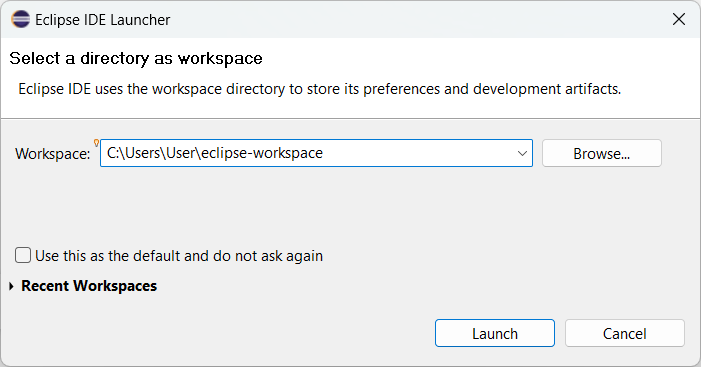
Make sure you use a new folder for a new version of Developer's Eclipse. Do not use existing folders as it may cause problems later.
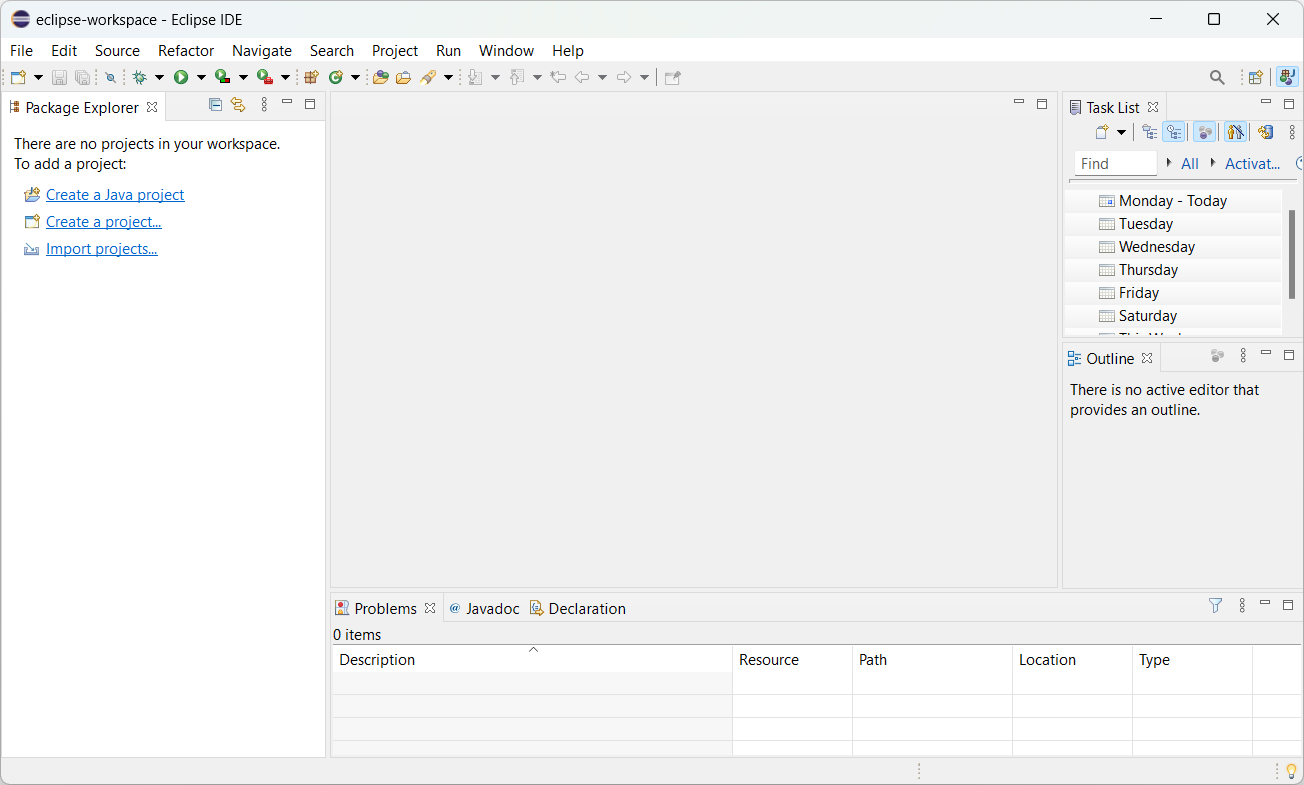
The Eclipse main window with available options appears.
For troubleshooting tips, refer to Troubleshoot Eclipse and Recorder.