Issues related to errors during field extraction
BP error with no response for 280 ms
When a Business Process (BP) error occurs during field extraction, in the results table, you can see a message similar to this one: No response from the extract execution for the message_591c36ed-d3be-450d-b225-8ad4b8e26ace model for 280 milliseconds. To resolve the issue, follow the steps below:
Check extraction logs
Check extraction logs for errors. You can find the logs in the /opt/workfusion/vds-data/workers folder on Mesos or on BEP Master servers. Search by the Worker name, for instance, /opt/workfusion/vds-data/workers/logs/worker/automl-model-service/com-workfusion-ml/vds-hypermodel-app/10-1-0-5/execution/message--591c36ed-d3be-450d-b225-8ad4b8e26ace/. Also, check in Mesos UI for failed AutoML jobs with the corresponding model name.
Increase timeout
Make sure the issue is caused by the timeout limitation, not a model failure. If you find no errors in the extraction logs, increase the timeout as instructed below.
To increase the timeout, change the Nginx configuration files listed below.
APP servers
In the
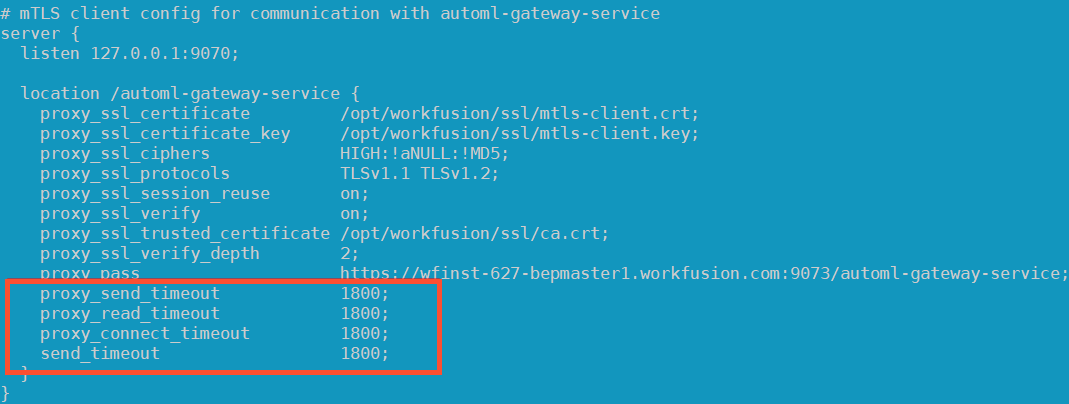
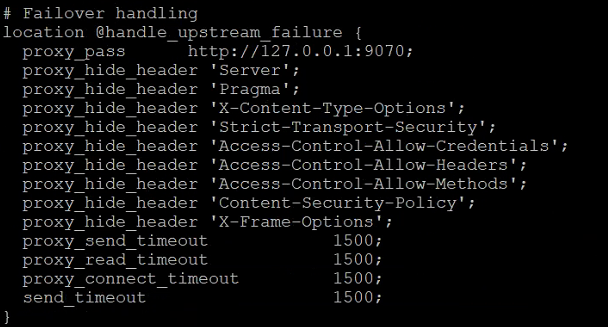
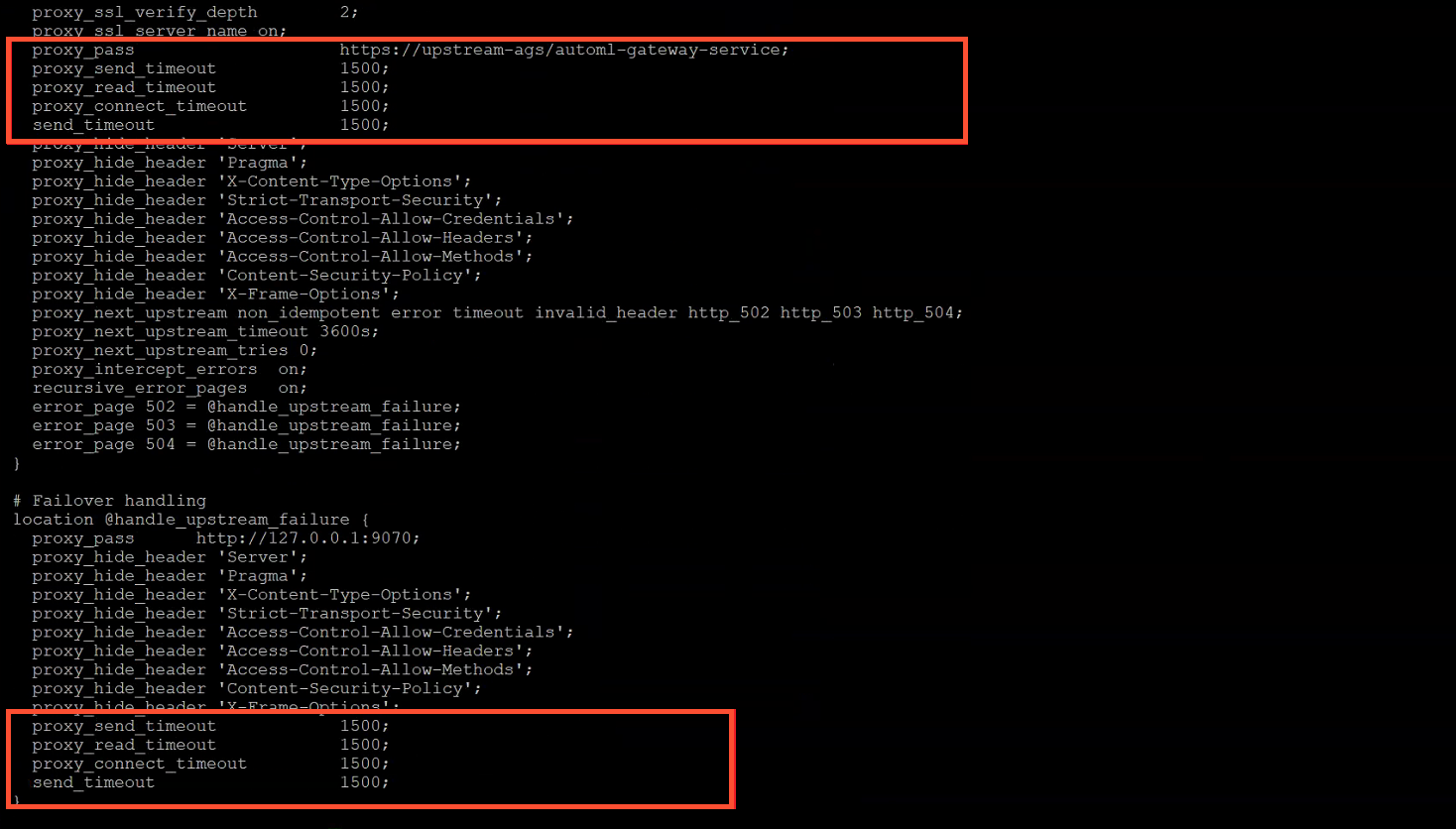
/automl-gateway-servicesection of the$install_dir/nginx/sites/workfusion-mtls.conffile, add or change the following parameters:proxy_send_timeout 1800;proxy_read_timeout 1800;proxy_connect_timeout 1800;send_timeout 1800;
Restart Nginx on each APP server:
wfmanager restart nginx
BEP Master servers
Find the
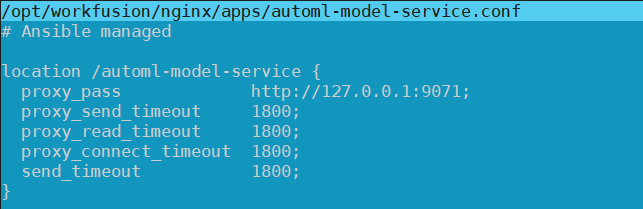
$install_dir/workfusion/nginx/apps/automl-model-service.conffile. It can be located in the$install_dir/workfusion/nginx/sitesdirectory. In the file, change or add the parameters listed below:proxy_send_timeout 1800;proxy_read_timeout 1800;proxy_connect_timeout 1800;send_timeout 1800;
In the
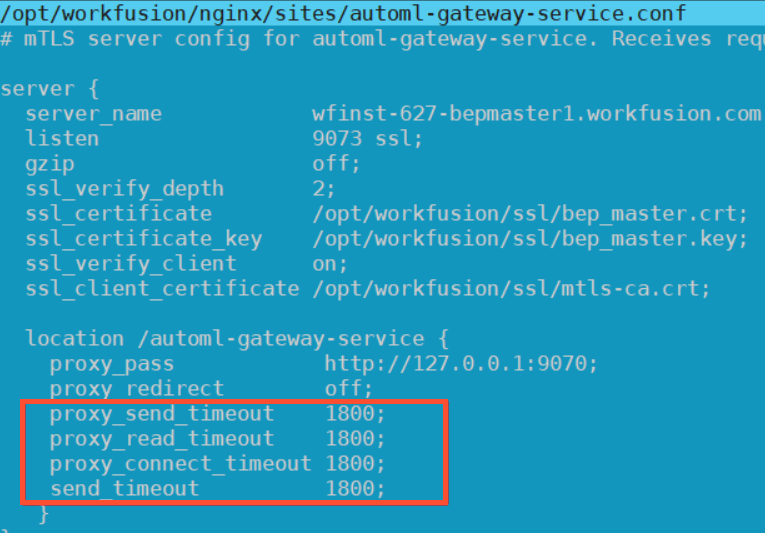
opt/workfusion/nginx/sites/automl-gateway-service.conffile, add or change the following parameters:proxy_send_timeout 1800;proxy_read_timeout 1800;proxy_connect_timeout 1800;send_timeout 1800;
Restart Nginx on each BEP Master server:
wfmanager restart nginx
BEP Agent servers
Find the
$install_dir//workfusion/nginx/sites/worker-mtls.conffile. It can be located in the/opt/workfusion/nginx/sitesdirectory. In the file, add or change the parameters listed below:proxy_send_timeout 1800;proxy_read_timeout 1800;proxy_connect_timeout 1800;send_timeout 1800;
Restart Nginx on each BEP Agent server:
wfmanager restart nginx
ZooKeeper parameter (INT Server)
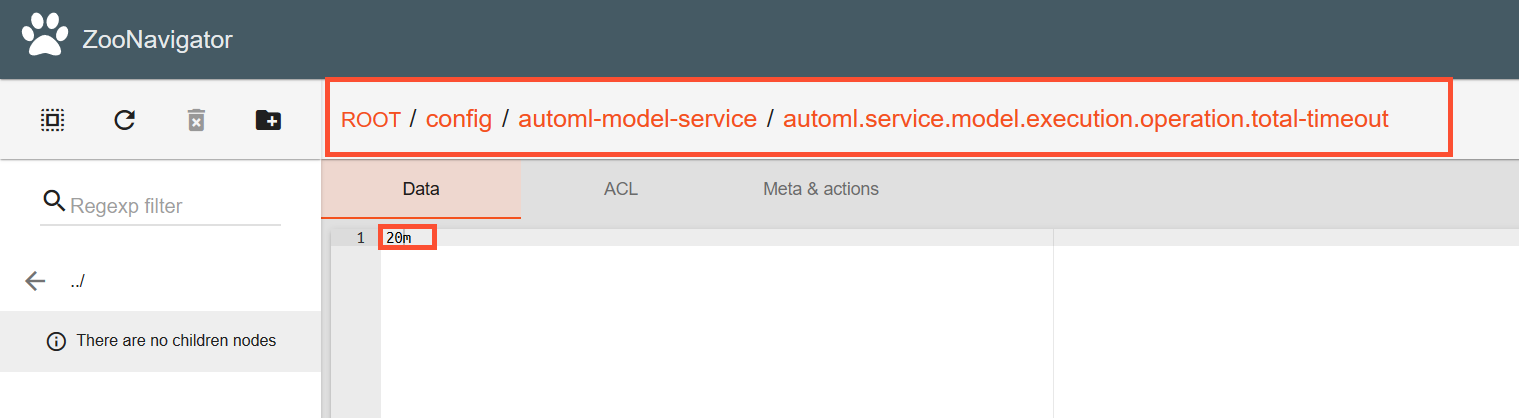
In ZooKeeper, set the timeout parameter to 20m:
ROOT / config / automl-model-service / automl.service.model.execution.operation.total-timeout
You can do it in either of the two ways:
Via Zoonavigator:
Via the command line interface on the INT server:
As
$wfuser, execute the command:<install-dir>/zookeeper/bin/zkCli.shAfter you are automatically switched to the ZooKeeper command line, run the command:
set /config/automl-model-service/automl.service.model.execution.operation.total-timeout 20m
Once you finish setting the above parameters, restart the automl-model-service located on the BEP master.
Output
If increasing the timeout fails to resolve your problem, continue the investigation.
502 Bad Gateway
An error occurred in the course of a field extraction operation. Users see the 502 Bad Gateway status.
To investigate the failure, check the Nginx error logs on the APP and BEP servers. Try looking for related messages by the error time.
Java exception during field extraction
A Java exception during field extraction is most probably due to a code implementation issue. For example, it can be an out-of-memory error, out-of-bound array index exceptions for post-processors, and so on.
You can trace the issue via the Worker logs on the BEP Master or Mesos servers to find the meaningful exception message and stack trace.
Output
If you fail to confirm any of the issues above, continue the investigation.
Read also: