
Find number of Elasticsearch nodes
To find out the number of Elasticsearch nodes, follow the steps below:
Log in to Kibana and go to Dev Tools. On the navigation panel on the left, click the following icon:

In the Console window, replace the existing query with the following command:
GET _cat/nodes?v&h=id,port,v,m,rClick the button to send a request:

Copy the response from the command. It should look like in the example below, except that the exact output and number of lines can differ.
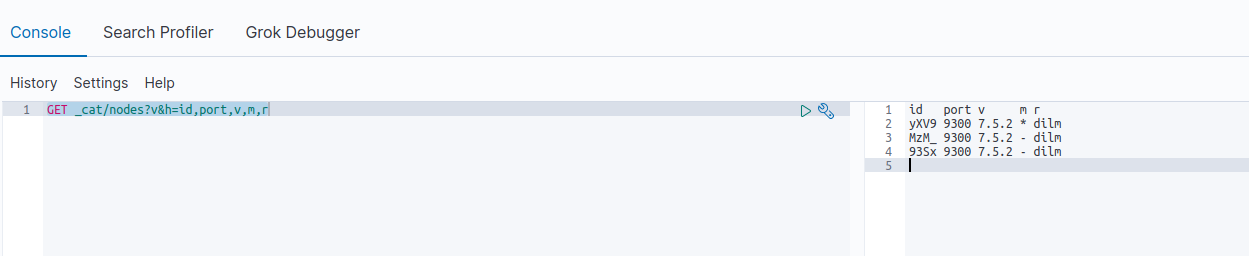
Sample output:
id   port v     m r
yXV9 9300 7.5.2 * dilm
MzM_ 9300 7.5.2 - dilm
93Sx 9300 7.5.2 - dilm