Calculate tags
overview
Task: calculate tags distribution in gold data.
Jupiter Notebook: TagsDistribution
Input:
- Tagged data saved to a Data Store
- A CSV file with tagged text
To calculate tags distribution in gold data:
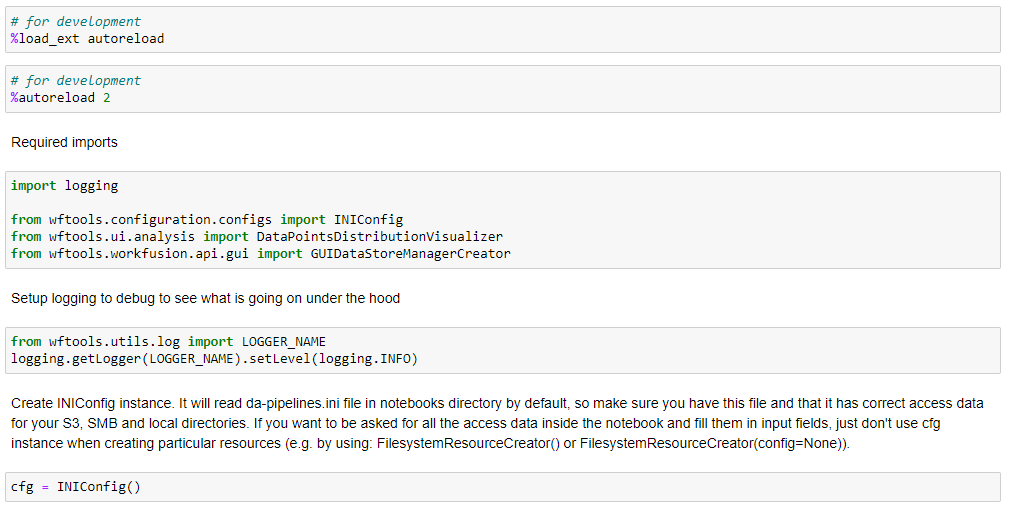
Launch all the dependencies and prerequisites.
Upload data by any method specified here
Launch
DataPointsDistributionVisualizer.In the following menus, select the required parameters, and click Show plot.
- Select a dataframe: specify the name of the dataframe that contains the dataset to calculate tag distribution.
- Id field name: set a column in the dataframe that contains the document id or link to the document.
- Document field name: set a column in the dataframe that contains the tagged text.

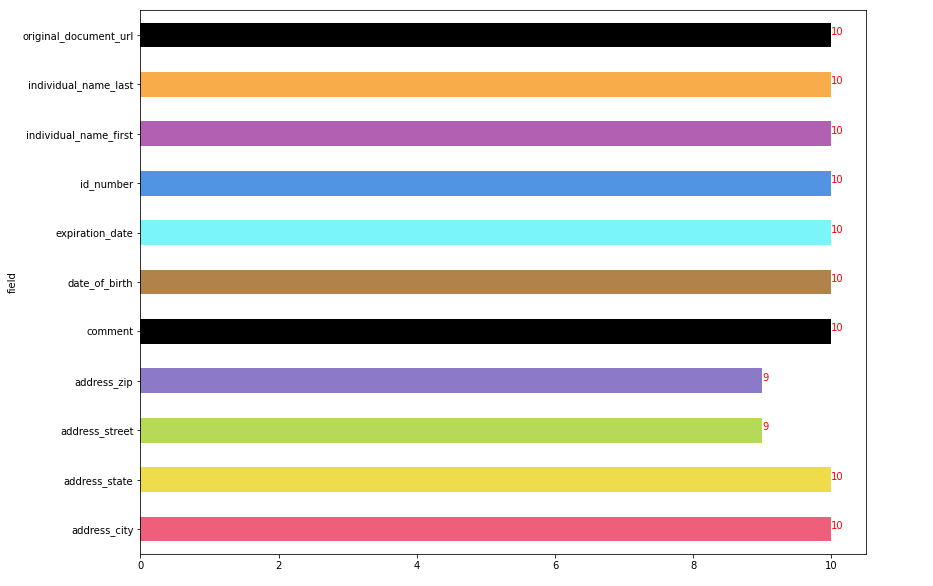
The output looks as follows: