Compose Business Process out of Asset Bundle
Deploy project to Control Tower
To start project deployment to Control Tower, perform the following steps:
Open the project's Package module and select its
pom.xmlfile. caution
Don't mistake the root
pom.xmlfor its needed child Package modulepom.xmlfiles. Thus, if you run a deployment command on the rootpom.xml, the deployment process fails.Right-click the file and select Run As/Maven build.
To import the project to the local Control Tower, execute the following command:
bundle:import. If you import to the remote Control Tower, runbundle:import -Premote.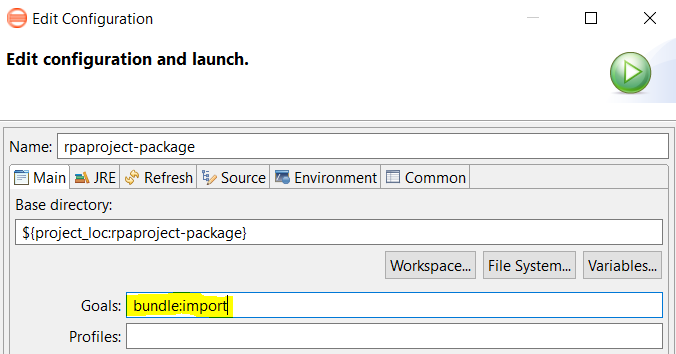
After the project is successfully deployed, open Control Tower and navigate to Advanced > Bot Configurations.
In the list of Bot Configurations, find the three Bot Tasks contained in the imported project. The names of the Bot Tasks from your Asset Bundle start as you've specified in the
<name>property of the BCB module'spom.xmlfile.
Create Business Process in Control Tower
Select Business Processes and click Create New.
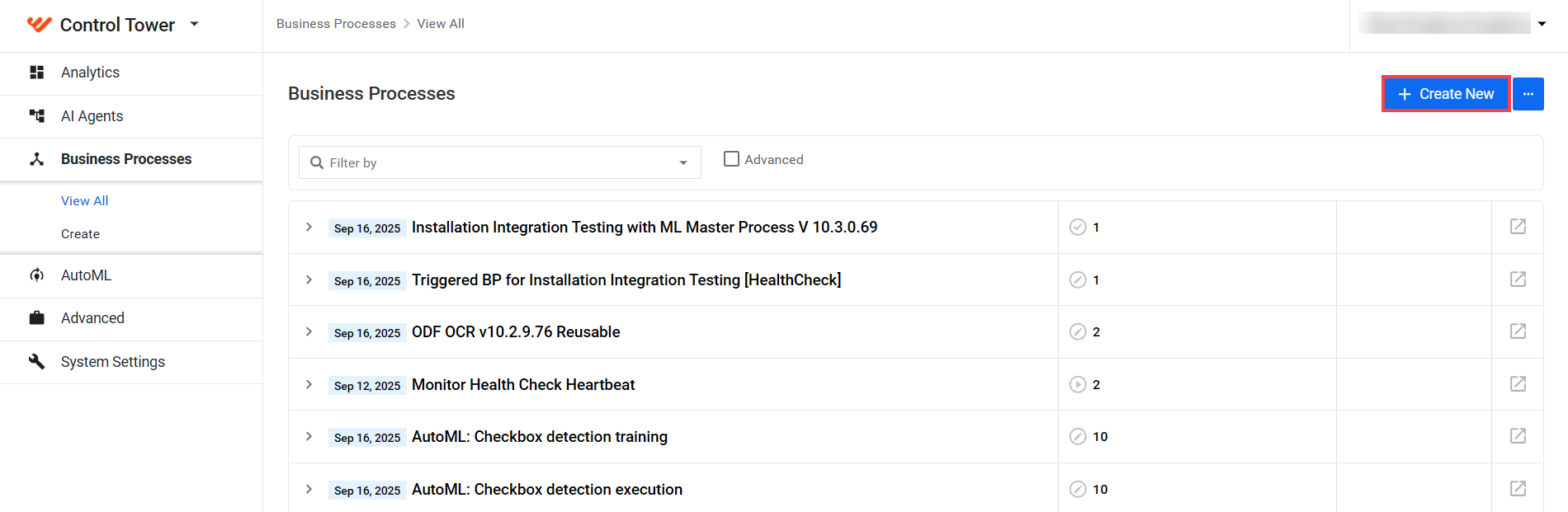
Create the Business Process structure with Start and End elements, rules, and Bot Tasks needed in the project.
To find Bot Tasks from your Asset Bundle, open the Bot Task tab and search for the name of your bundle, for example, rpaproject - RPA/BCB. A basic Business Process can look like this:

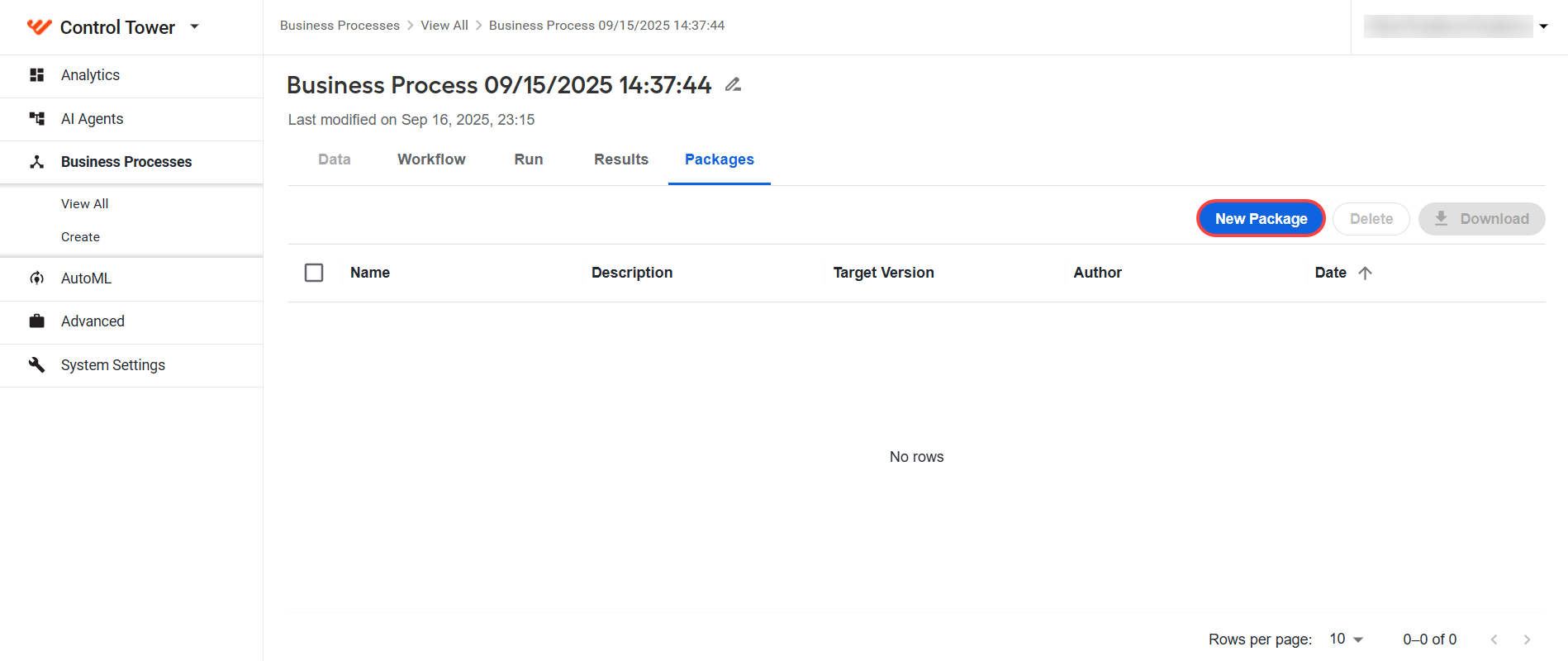
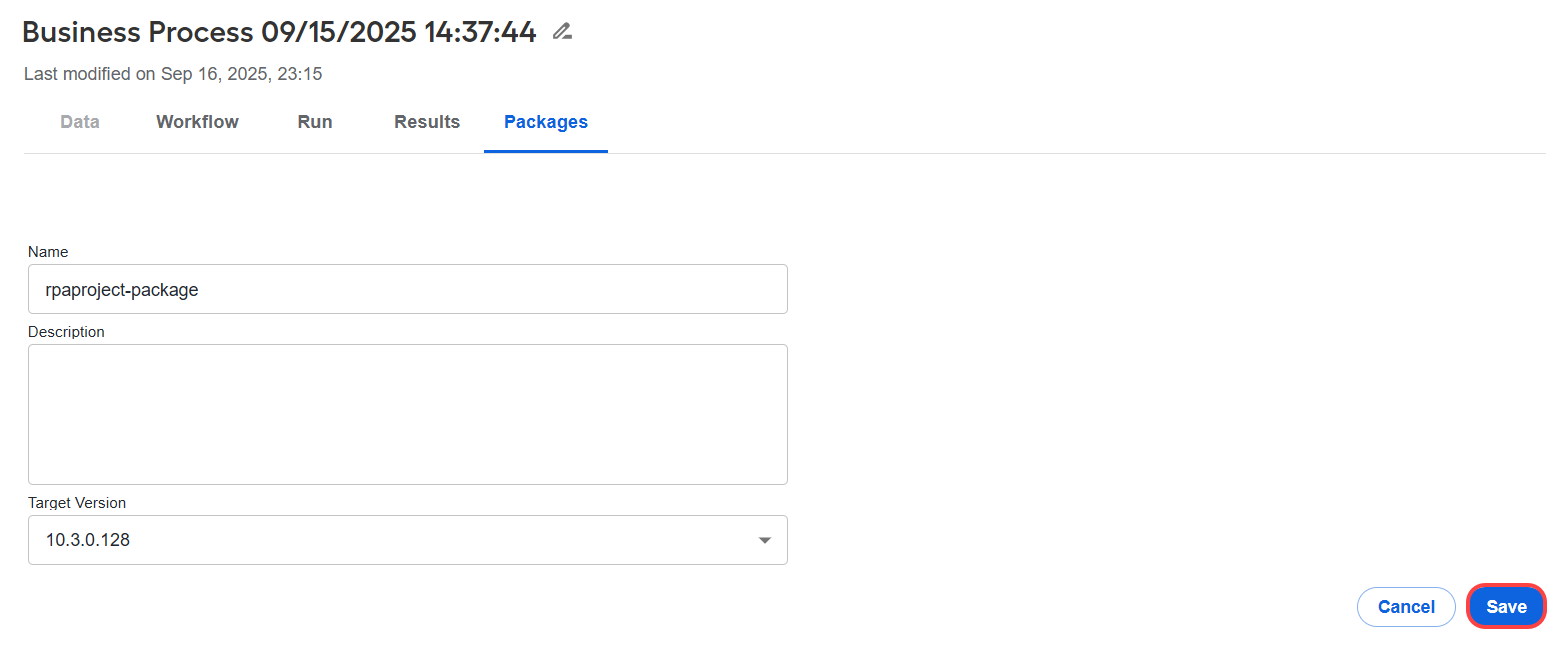
After a successful project run, create a Business Process package by selecting the Packages tab and clicking the New Package button.
Click Save to download the package as a zip file.
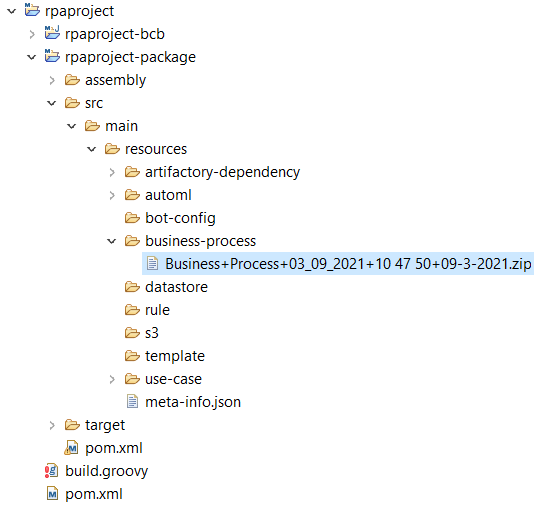
Copy the zip file manually to an appropriate folder in the Package module.
Make required changes to your Business Process. For example, change the name and tags.
Create a new Business Process package.
Copy this Business Process package zip file manually to an appropriate folder inside the Package module after any changes made in Control Tower.
Keep in mind that copying a zip file of your Business Process to the Package module is a manual process. Do this each time when you make changes to it. After all changes are made, deploy the entire project to the remote Control Tower, for example, to the production environment.
For troubleshooting tips, refer to the following support guides: