Issues related to tasks stuck and not processing due to Bot Source configuration
When your Business Process is stuck at a step and doesn't process further, the reason for the behavior is likely a Bot Source configuration.
Investigation steps
Go to each stuck BP, review the steps where tasks are not processing, and open the bot step. The fastest way is to follow the sequence as shown in the image below:
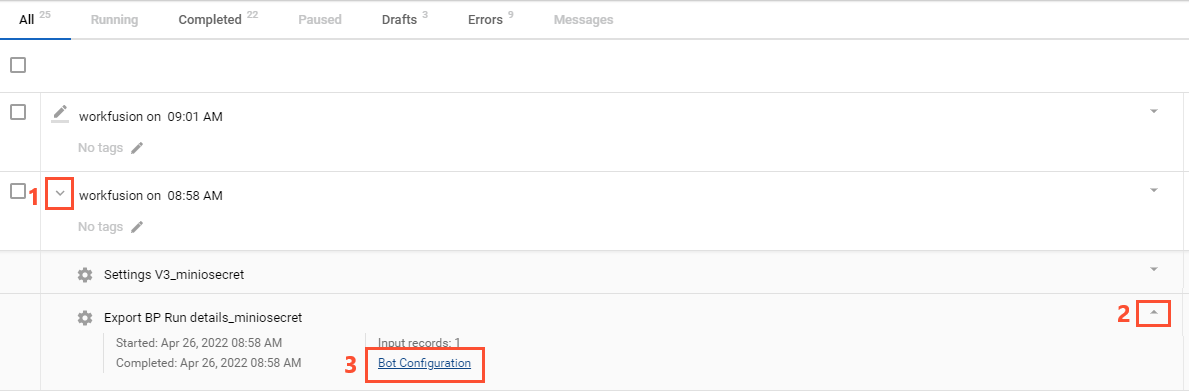
Check if the Bot Source is configured. If yes, pause or stop the associated BP:
v10.2.8 v10.2.9+ 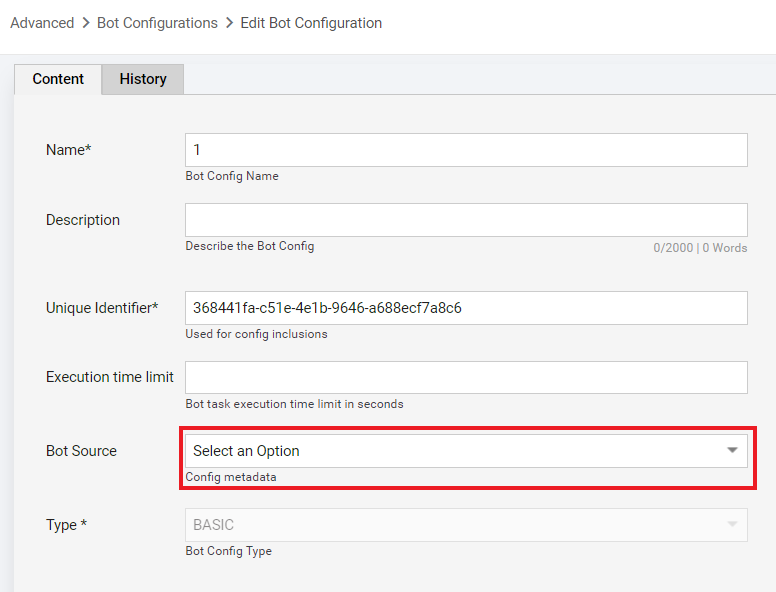
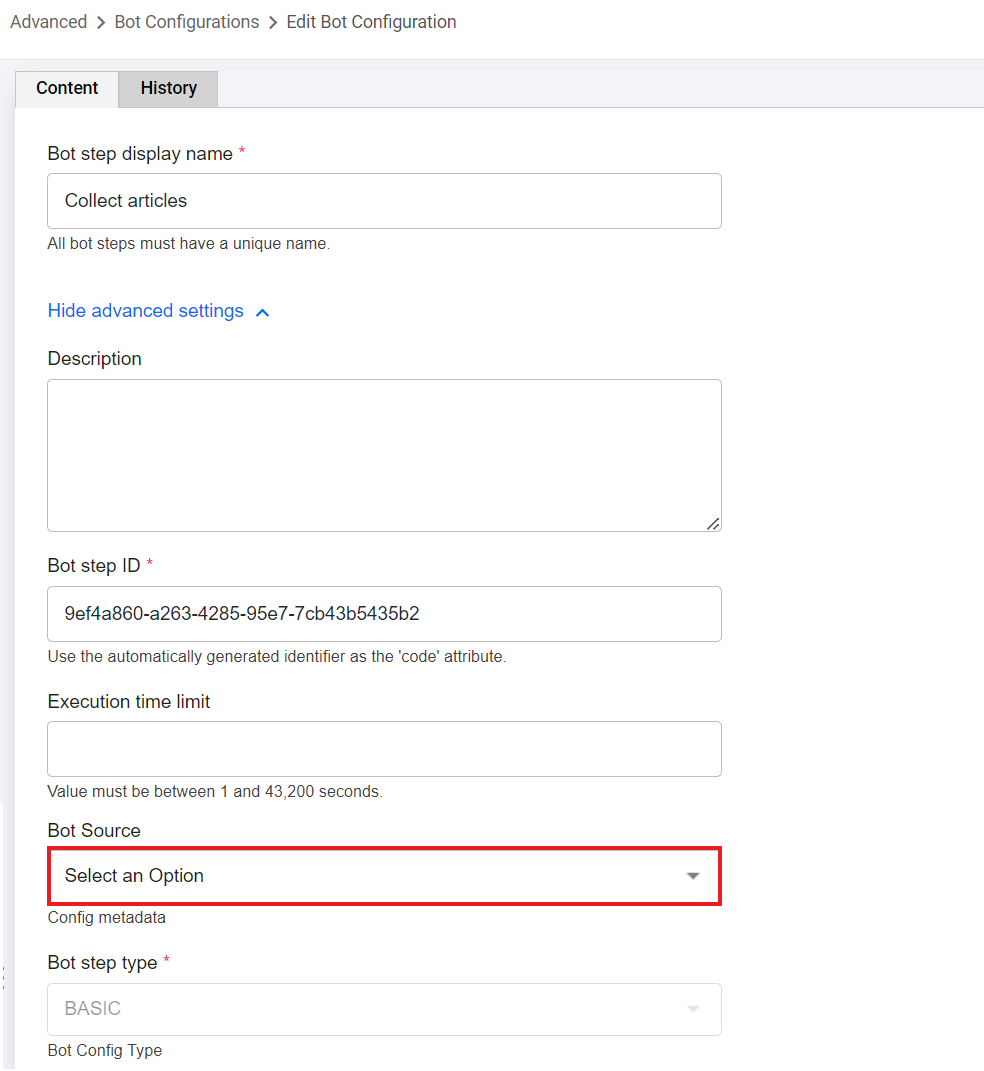 info
infoYou need to stop all BPs using the same Bot Source.
Go to the Bot Sources page and open the Bot Source causing steps to be stuck:
Up to 10.2.9v v10.3+ 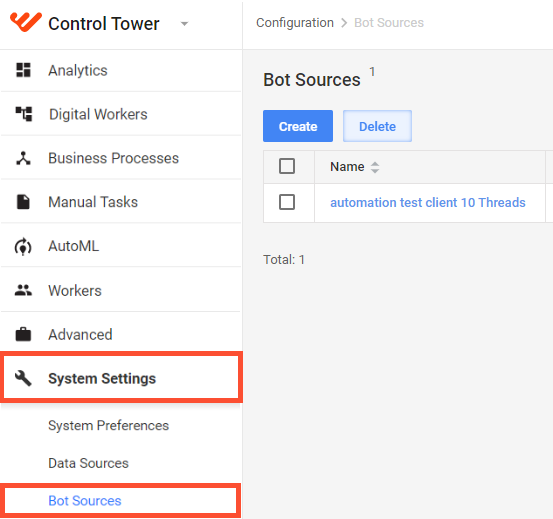
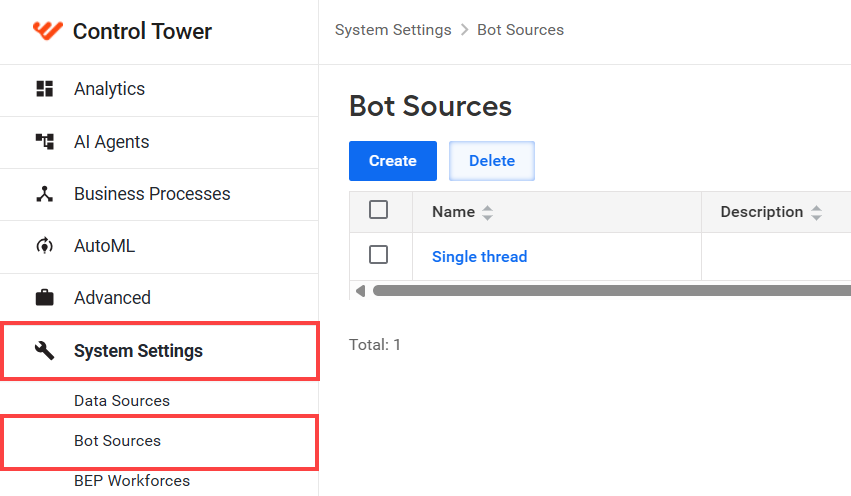
Copy the unique identifier (UUID) from the URL in the browser address line.
Open your ZooKeeper and execute the command below. For details, read Perform ZooKeeper information operations :
ls /control-tower/bot-source/${BOT_SOURCE_UUID}/state/tasks-in-progress
When it turns out that the node you are listing shows something inside, delete everything. After that, go back to Control Tower and resume the stuck Business Processes.
Output
If you confirm the issue still exists, escalate it to the Support team. Otherwise, continue the investigation.
View also: