
How to copy reusable components
To add a reusable component to your WorkFusion Studio recording in Intelligent Automation Cloud Business, perform several easy steps.
- Adjust the Studio interface window to have two recordings available on one screen. To do this, simply drag and drop a needed
.rpae file down to the area where a recording workflow is displayed.
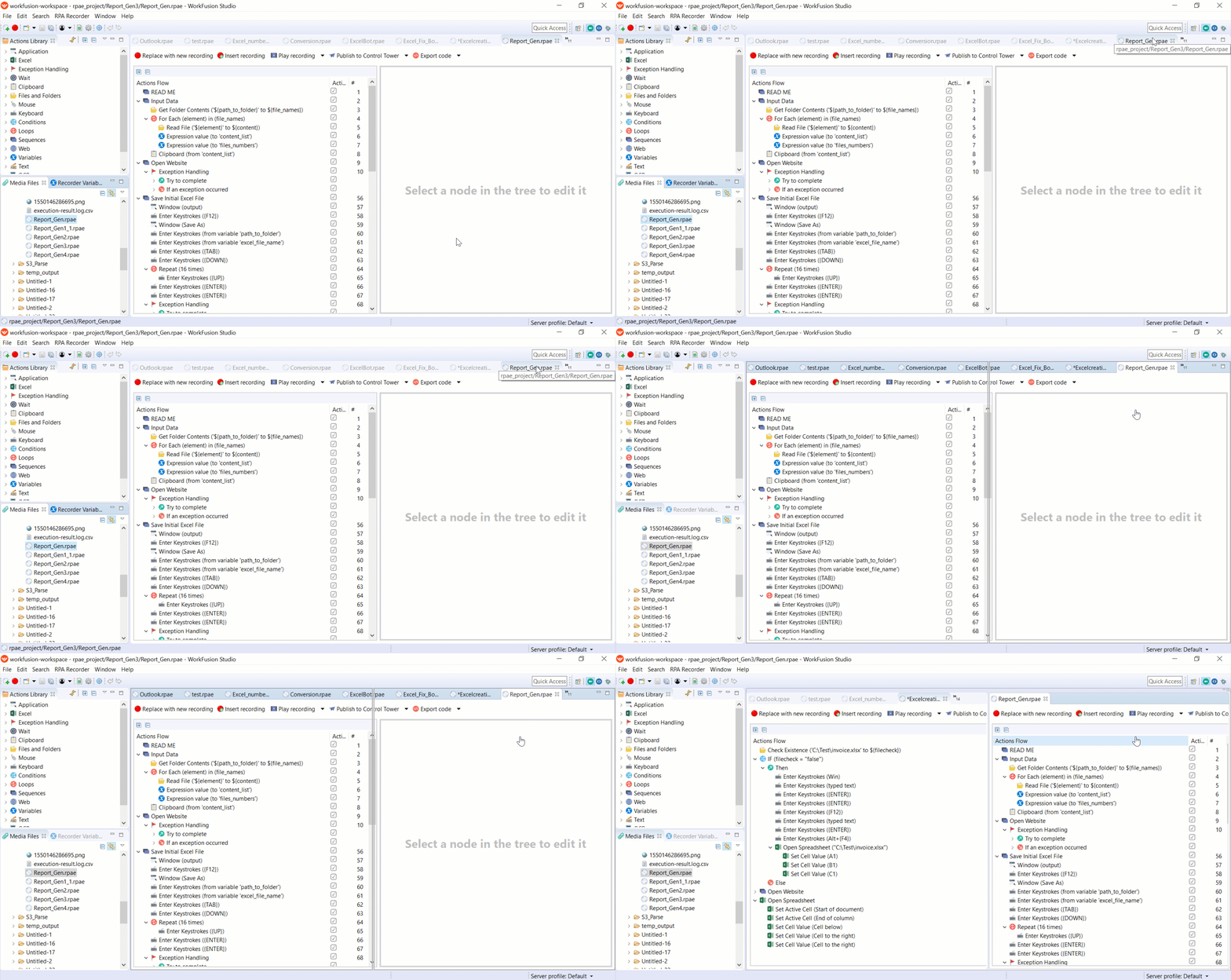
- Select the appropriate group of actions you want to copy and drag and drop it from one recording to another.
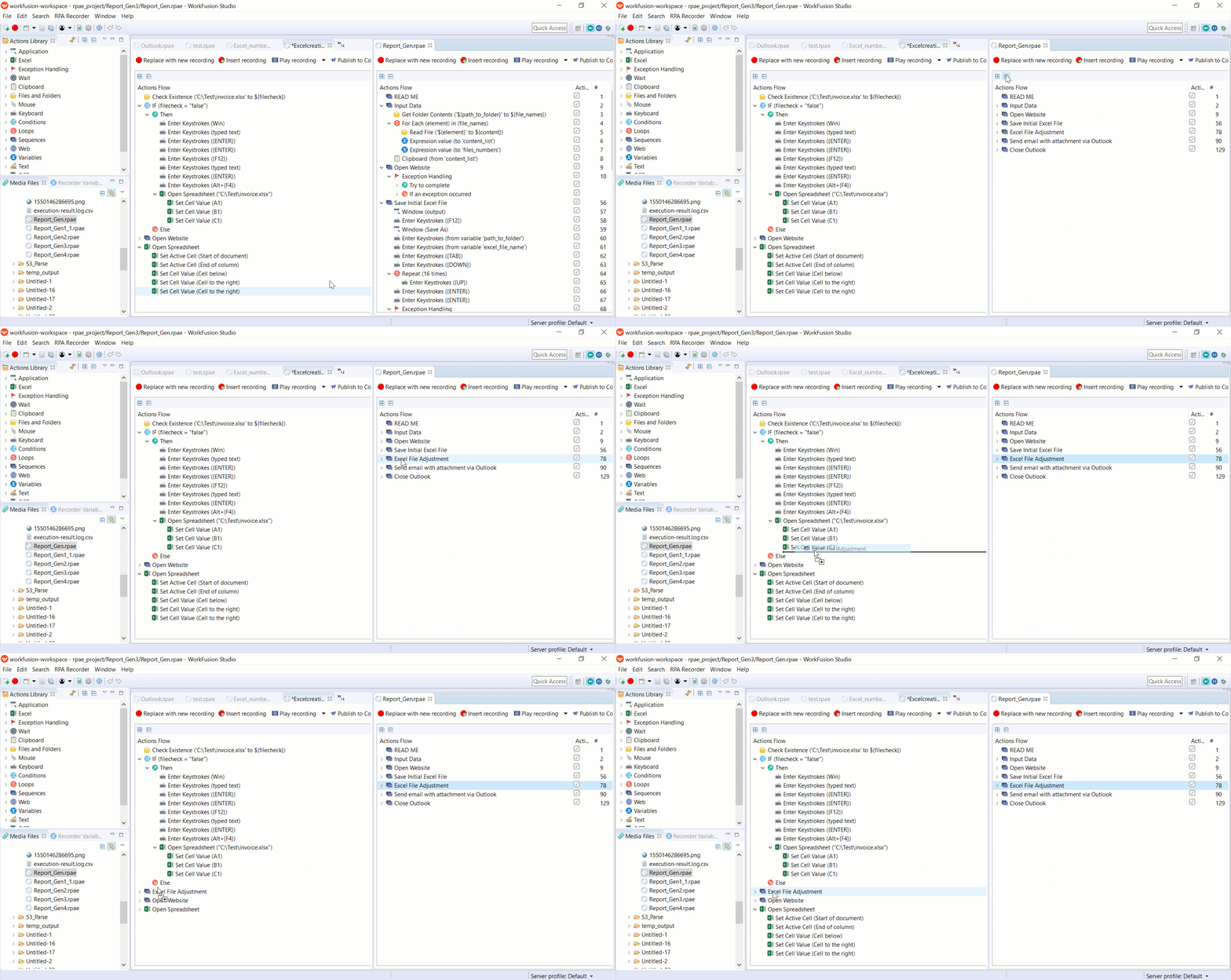
- Return to one recording view in the Studio window. To do it, just drag and drop the recording from one window to another.
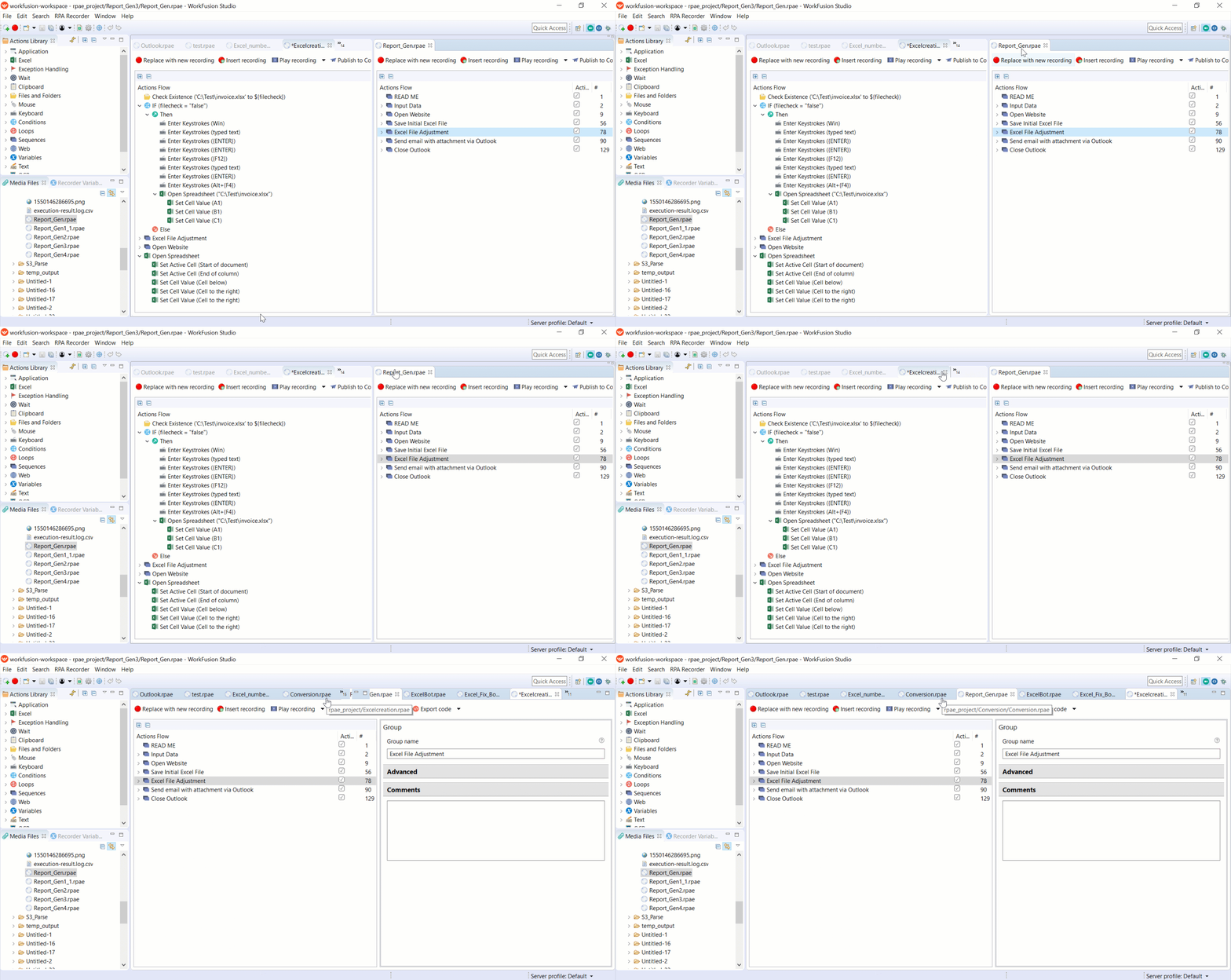
Now, the reusable component is added to your recording.
caution
Be aware that copying a reusable component from one recording to another doesn't copy its variables!
The variables have to be created from scratch with the defined type and values. Variable names should be unique.