Translation workflow
Script groups
On the high level the script consists of the following actions.
- Open the spreadsheet and grab data to be translated and languages to translate.
- Open Google Translate and translate the phrases online.
- Save the translated phrases back to the spreadsheet.
Let's explore these steps in detail.
Script workflow
In this example, phrases from the .xlsx file are translated into Google Translate and the results are saved in the same file.
note
Input file requirements are as follows:
- The file should contain short abbreviations for input and output languages in cells A1 and B1, for example: en, es, de, etc.
- Input phrases should be in column 'A', beginning with the second row.
- The Open Spreadsheet action opens the .xlsx file in the background to read phrases and gets the languages to translate.

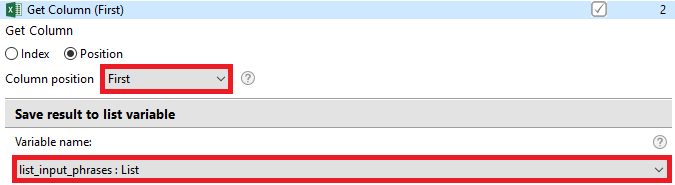
- The Get Column action saves the first column from a file into a List variable.
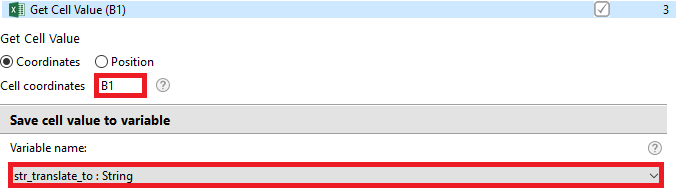
- The Get Cell Value action obtains the language in which the first column will be translated. We get the value from the first cell of column 'B' and store it in the
str_translate_tovariable.
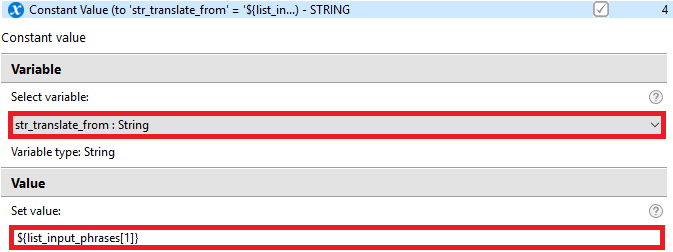
- The Constant Value action gets the value from the first cell in the first column and stores this value in the
str_translate_fromvariable.
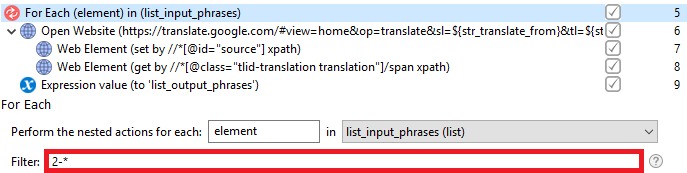
- The For Each loop performs actions for all values from
list_input_phrases, starting with the second element.
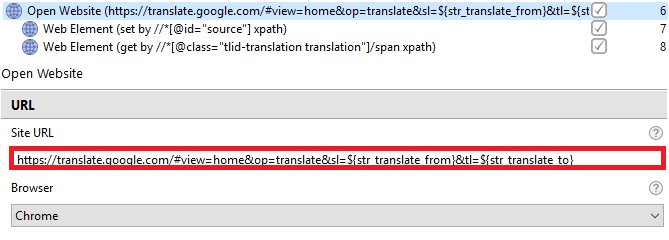
- The Open Website action opens translate.google.com with certain parameters. In the Site URL field, we use variables that contain the languages required for translation.
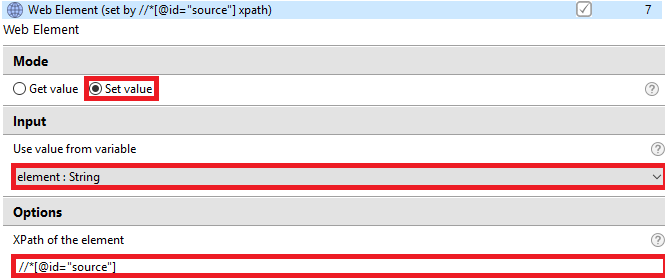
- Web Element - Set value - sets the current input phrase from the
list_input_phrasesvariable.
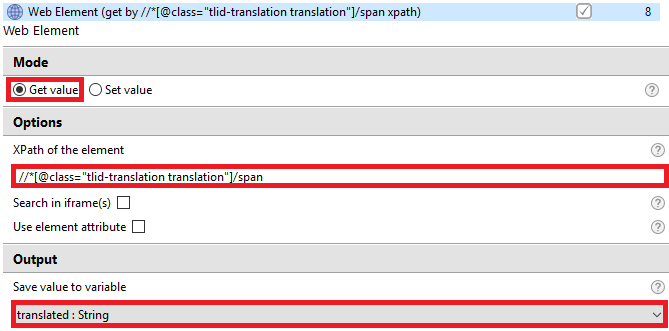
- Web Element - Get value - gets the output phrase and stores it in the
translatedvariable.
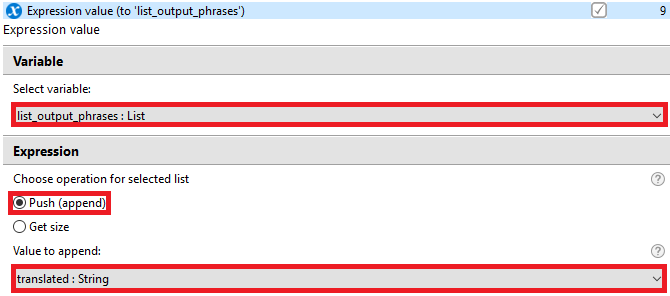
- Expression value adds the output variable to the
list_output_phrasesvariable.
- The Open Spreadsheet action opens the .xlsx file to add translated phrases.

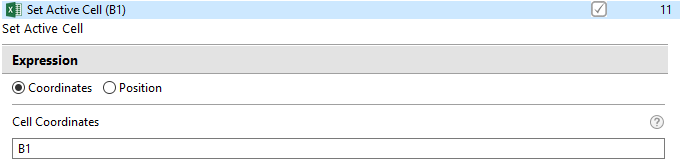
- The Set Active Cell action sets the active cell to add translated phrases to the second column of the table.
- The For Each loop performs actions for all values from
list_output_phrases.

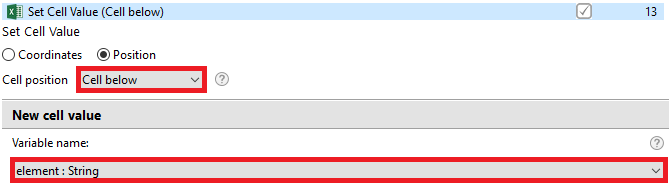
- The Set Сell Value action sets the
list_output_phrasesvalue in the cell under the active one.