
Sunbird 1.3.0
note
Available from March 13, 2018.
Sunbird 1.3.0 contains an updated RPA component of the RPA Express platform, Custom Actions in Recorder, general improvements of RPA Express platform and a few fixes for issues found in previous releases.
New features and improvements
RPA component update
The RPA component in RPA Express has been updated to the latest version containing the WebDriver to enable the use of the latest versions of browsers such as Chrome, Firefox, or Internet Explorer. (Microsoft Edge is planned to be implemented in one of the next releases).
Due to this update the portable browsers are removed from the RPA Express package, as they are replaced in Web Actions to the browsers installed on the end-user machine.
Web actions
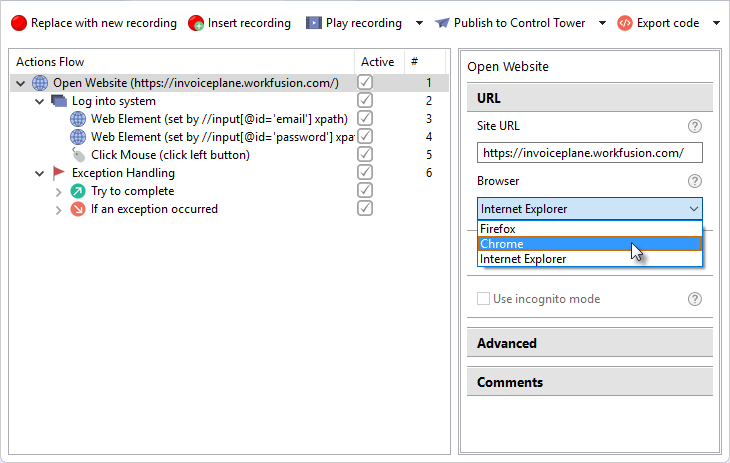
In the Open Website action you have a choice of three browsers. The browser you choose should be installed on your machine with default settings.
caution
When you choose a browser, which is not installed on your machine or installed in a non-default location, the recording playback will be terminated with the exception.
Custom actions
Starting from RPA Express 1.3.0 you can develop and implement your Custom Actions as scripts in recordings.
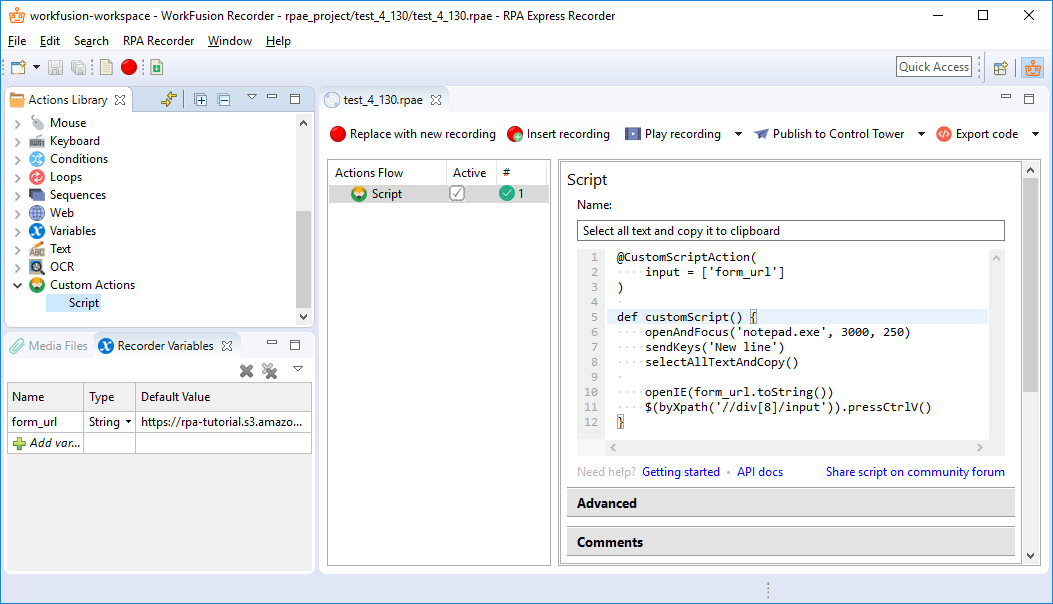
To help you getting started with Custom Actions we've prepared a few examples and the API description.
Additionally, you can share your Custom Action with the other RPA Express users on the forum to get feedback from the others, test it in different use cases and receive appreciation of your efforts.
For more information refer to the Script as Custom Action section.
Recorder UX
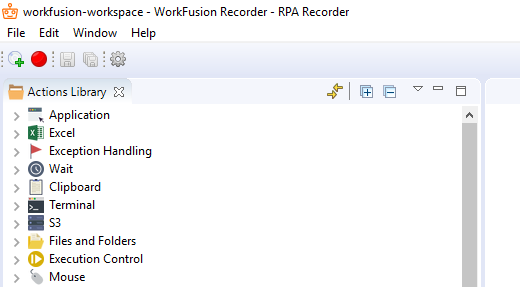
Recorder UI has been reworked to provide a better User Experience through narrowing the focus only on the UI items and controls, which are relevant for dealing with recordings.
Create new recording
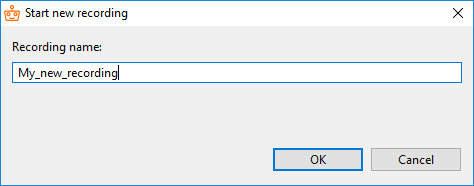
When creating a new recording you don't have to add the extention (.rpae) in the Recording name field as it is done automatically.
It helps avoiding issues with recordings when you may forget to add the extension to your recording so RPA Express can not use it.
Replace with new recording
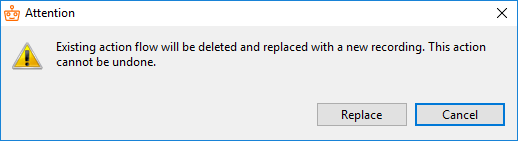
When you click Replace with new recording a warning is thrown to prevent you from an accidential deletion of recording's content.
In the window you can click Cancel to skip replacement, if, for example, you've clicked Replace with new recording by mistake.
Update notes
Recorder UI
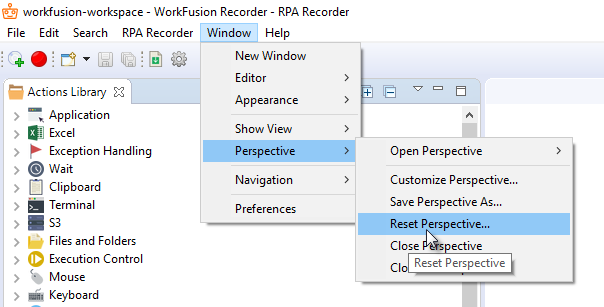
If you had RPA Express installed before, in order to enable the new user interface it is necessary to reset the perspective as shown on the screenshot below.
Sample business processes
In case you've created a backup of sample Business Processes, they will not be updated automatically, but restored from the backup.
Bug fixes
Recorder
- Variables of List type can be selected for output in** OCR** Action.
Known issues
WorkSpace
- WorkSpace sometimes is not accessible upon re-installing RPA Express due to incorrect uninstall of the previous version. The solution is to uninstall RPA Express and delete the RPA Express working folder manually, if it has not been completely removed.
Control Tower
- After re-installing RPA Express, the Publish To Control Tower option does not work for the recordings that have been published already with the previous version. The workaroundis as follows. First, use the Publish As new Business Process option to deploy such recordings to Control Tower. After that the Publish To Control Tower option will work correctly.
Excel Actions
- Set Range fails when copying a large amount of data (currently, limitation is 65,535 characters).