F.A.Q.
How to use a single thread with Dow Jones Risk & Compliance
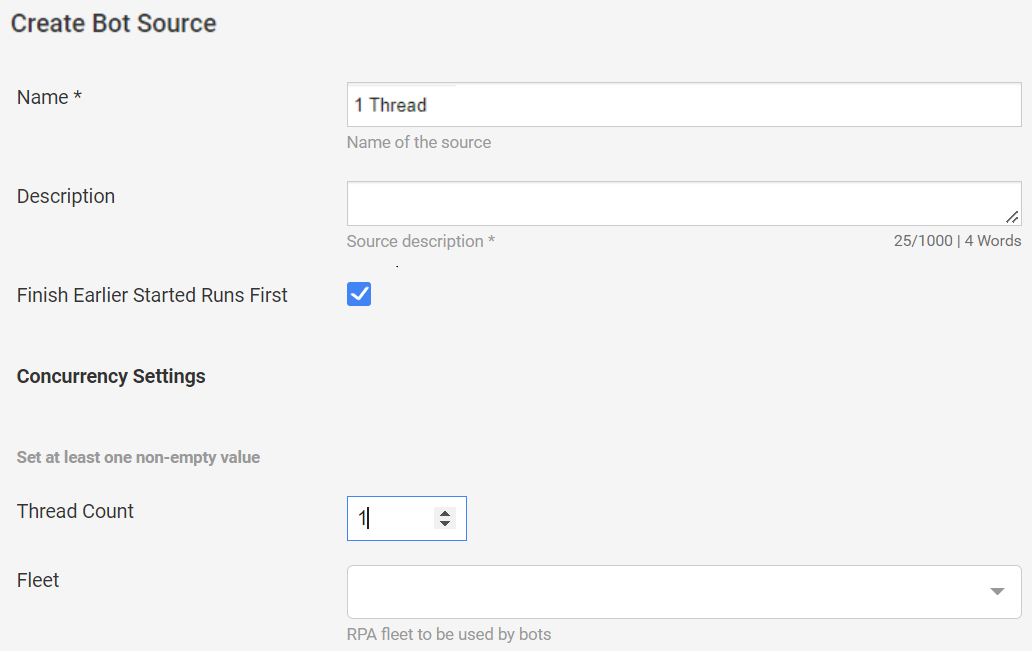
In Control Tower, go to System Settings > Bot Sources and click Create.
In the Name field, enter a name for the Bot Source. In the Thread count field, set the value to
1.
Click Save.
Go to the Names Screening v{your_version} Business Process (BP) and create a copy of it.
Note: the following changes will affect all runs of the selected BP. To make changes in a separate BP, select Create an independent process definition and Create deep copy (new process definitions for all steps).
Open the Workflow tab and edit the Names screening bcb v{your_version} (Search Person Transaction Supplier) step.
In the Bot Source field, select your Bot Source from the drop-down list.
Save the changes and click Run This Process.
How to increase Worker memory (Terminating due to java.lang.OutOfMemoryError: Metaspace)
Connect to the Agent server via SSH.
Open the
worker.ymlfile for editing.$ vi /opt/workfusion/vds-data/workers/app/com.workfusion.spa.ct/worker-app/${worker_version}/worker.yml
#{worker_version} for 10.1.4 -- 10.1.0.10Increase the
heapandmetapacevalues as needed. For example, changemetaspace: 128tometaspace: 512andheap: 1024toheap: 2048.Save the file.
Restart the environment for the changes to take effect.