Overview
A Know Your Customer (KYC) program is a set of policies and procedures implemented by financial institutions to verify and understand the identity and background of their customers. The main purpose of a KYC program is to prevent and detect money laundering, terrorist financing, fraud, and other illicit activities within the financial system.
Introduction to Kayla
In traditional KYC, the KYC information and process are reviewed periodically according to a schedule based on the customer's risk categorization.
Today, regulators and financial institutions (FI) are eager to adopt the event-driven approach. However, distinguishing signals from noise remains challenging and is often cost-prohibitive due to the manual nature of traditional KYC processes.
Moreover, banks and FIs often have heavy integrations with KYC or contract lifecycle management tools, such as Pega or Fenergo. From the time and cost perspective, the bulk of their overhead is sourcing and reconciling the data according to their approved policies and procedures.
Perpetual KYC (or pKYC) helps banks and FIs monitor their customers for key changes without incurring significant overhead and manual labor. These solutions enable reacting to events as they occur. This way, important changes are investigated promptly rather than waiting for a fixed refresh date. Plus, clients with no changes are not refreshed unnecessarily—just because time has passed.
Kayla, your personified AI Agent for Perpetual KYC Refresh, brings the following capabilities to the table:
Coordination of periodic event-driven KYC review activities for entities and associated parties
Continuous monitoring of corporate and government registries for KYC-triggering events, such as changes in beneficiaries, boards or officers, addresses, and so on
Investigations, gathering of data and records from internal systems, the Internet, and commercial databases
Accumulation of facts from compliance investigations and internal audits to ensure adherence to regulatory policies for customers and transactions
Out-of-the-box Business Processes
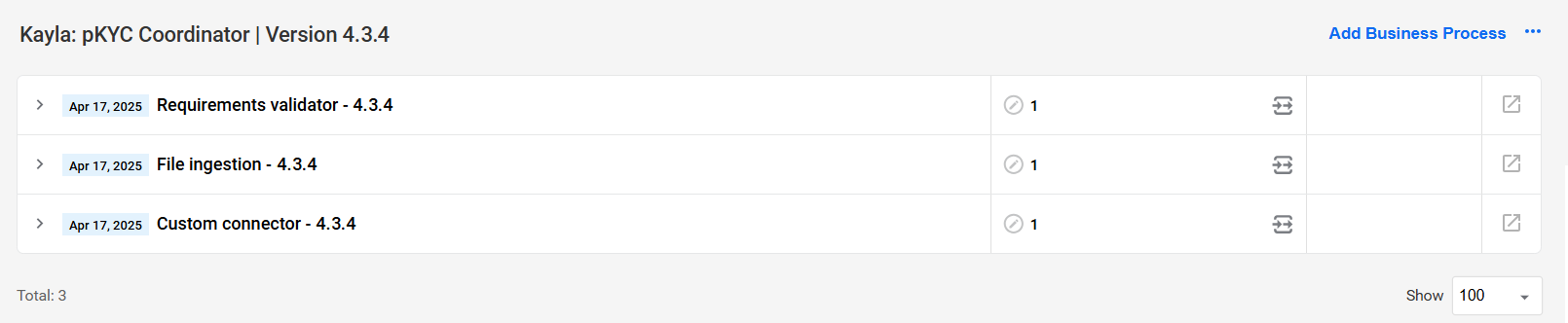
A Business Process (BP) represents the core workflow and design of any automation use case in the WorkFusion platform. Out of the box, Kayla comes with three BPs:
File ingestion
The File ingestion BP monitors the input source for new records, initiates the synchronous execution of the Requirements validator BP as a sub-process, and generates a summary report based on the validation results.

Requirements validator
The Requirements validator BP checks the input data against the preset requirements and initiates the synchronous execution of the Custom connector BP or any other custom BP as a sub-process. It also enables the manual review of the validation results in Workspace if the respective component was enabled during configuration.
Custom connector
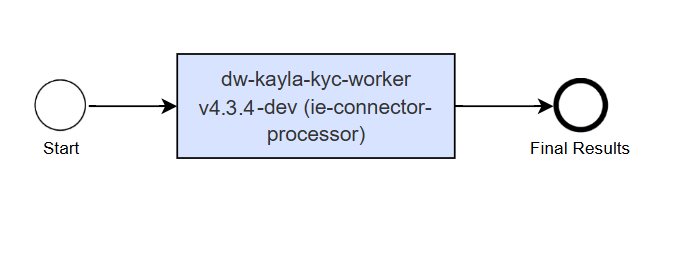
The Custom connector BP ingests data from the custom data provider configured on the Data providers step.
If multiple custom data providers are configured, it is recommended to build a custom BP with a Decision rules step and include it in the Requirements validator BP as a synchronous sub-process. In the custom BP, you must also set the output variables to match those in the Custom connector step of the Requirements validator BP. For details, read Build and integrate custom Business Processes.
General processing flow
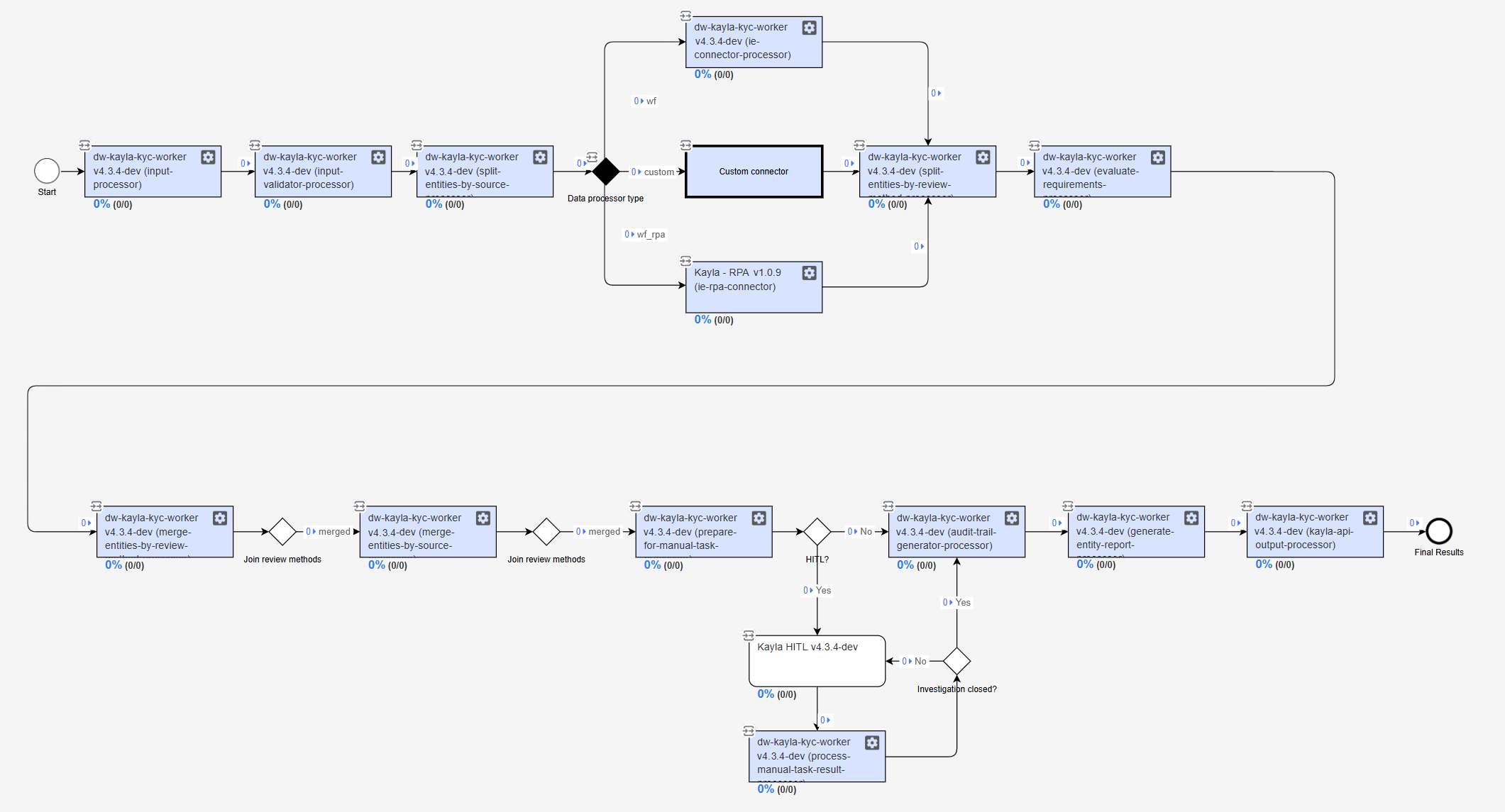
Below is a general description of Kayla's processing flow:
Kayla monitors the input source for new records and ingests them, initiating the Requirements validator BP.
The ingested data is enriched with input from the following configured sources:
The updated information is split into groups and reviewed according to preset rules and review methods:
Exact Match
Manual Review
Name Match
Validate Geographies
Verify Status (not applicable for custom data providers)
Verify Address ML model
When the configuration includes a human-in-the-loop step (optional), Kayla's results are submitted for manual review in Workspace based on the step's configuration.
Entity level reports are generated per each entity.
Information for all entities acquired from different review methods is consolidated into a report. Kayla delivers the report according to the specified output settings.
Download PDF
To download a PDF version of the documentation, right-click the document below, and choose Save As or Print > Save.