Input and output data
Input
There are two options for how you can send data to the Kayla AI Agent:
From a shared file location
From an email box
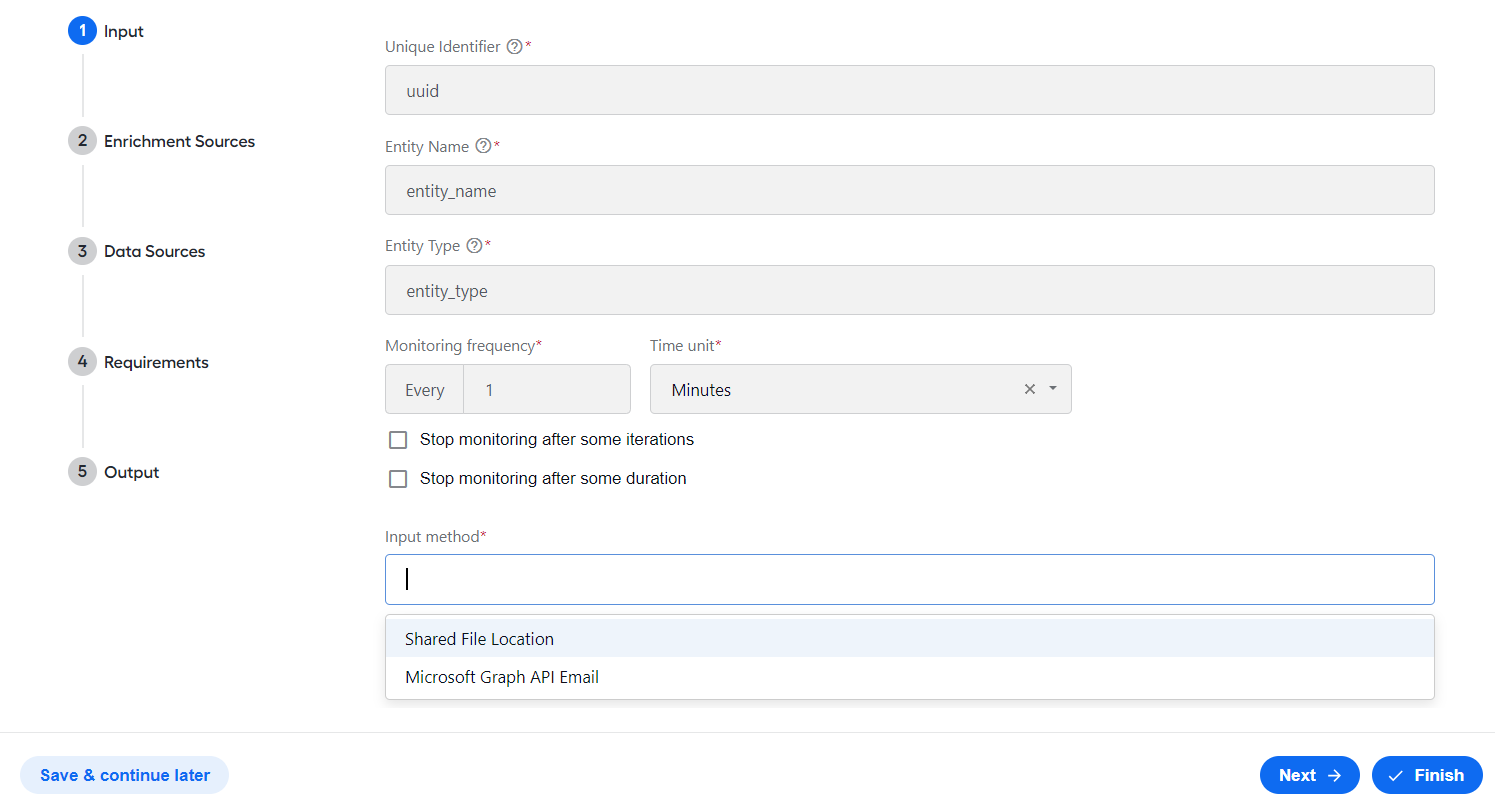
You can set the input method in the Input step during configuration. For details, read Install and configure.
The input file should be of the CSV format and correspond to the following requirements:
It should contain a header row.
Any subsequent rows should each represent an entity that needs to be reviewed, for instance, a pension plan or mutual fund.
It should have the following three columns:
Unique Identifier representing the ID of the entity for Kayla to review.
Entity Name identifying the name of the entity to review.
Entity Type standing for the type of the entity in the row.
The Unique Identifier, Entity Name, and Entity Type column headers in the CSV file should match the values for the same fields in the Input step.
Output
As part of the default workflow, Kayla creates two reports:
Batch summary report created per input file (or patch) of entities and emailed to the address configured for the AI Agent variation. The report is also available in MinIO and Control Tower on the Results tab of the respective Business Process.
noteIf the input file is invalid, an error is thrown, which you can review in Control Tower.
Click the link to download a sample summary report.
Periodic review report created per entity (row in an input file). A link to each entity report file is included in the summary report that is available in MinIO.
If documents were sourced as part of the requirements for an entity, the report is placed in the appropriate folder in MinIO with a direct link to the documents included in it.
Click the link to download a sample summary report.