
Add Bot Task
Bot Tasks contain work to be done by WorkFusion's Bot. These Bots perform the steps in your Business Process which are more suited for automation than human labor. Bot Tasks can exist only as a Business Processes step.
For example: address parsing, determining the width and height of an image, interacting with your API or repository, or filtering content that do not meet certain criteria.
You can add a Bot Task to a BP using one of the following methods:
from Toolbar or Canvas Context Menu. A blank Task is created – you should select a Use Case and design the Task.
from Sidebar or Element Context Menu. Task design is copied from the source Task. You can edit the Task if needed.
If you duplicate a Task/BP, all subsequent changes in source or duplicated Task/BP will be synchronized.
If you copy a Task/BP, you will be prompted to edit its name, and there will be no synchronization between the source and the copy.
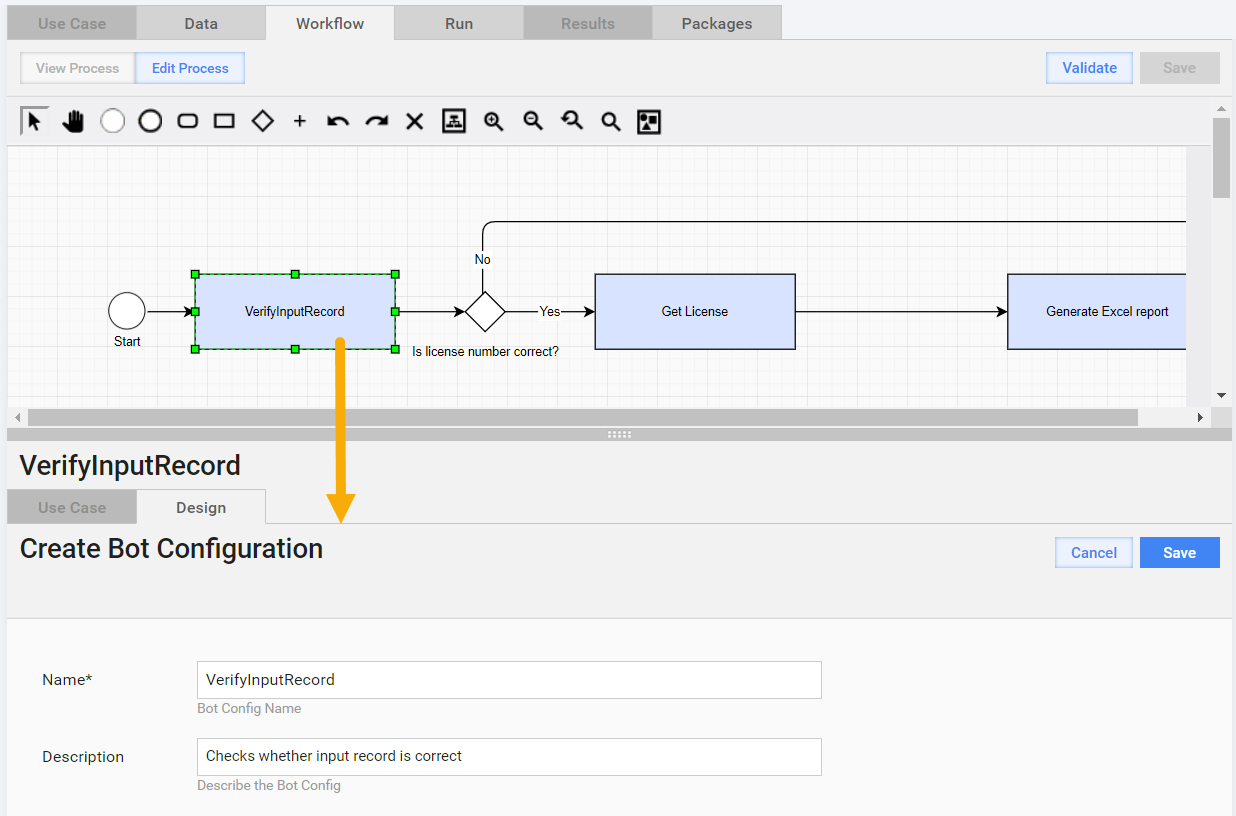
Select Use Case
Selecting a Use Case for a Bot Task is similar to the appropriate step for Manual Task.
tip
If you are not a professional user, we recommend you to select the ETL Use Case category.
Bot Configs can be converted to ETL forms to provide safe reusing and parameter setting. See the description here.
Design Task
- Enter the Task Name.
- Enter the input column name(s) (or answer codes). Some ETL Bot Tasks do not require these parameters.
- Enter output column name(s) (answer codes). Some ETL Bot Tasks do not require these parameters.
- Set other options, if needed.
Do not forget to save the Task before closing it. After saving the Task, save the BP.