Managing Requesters
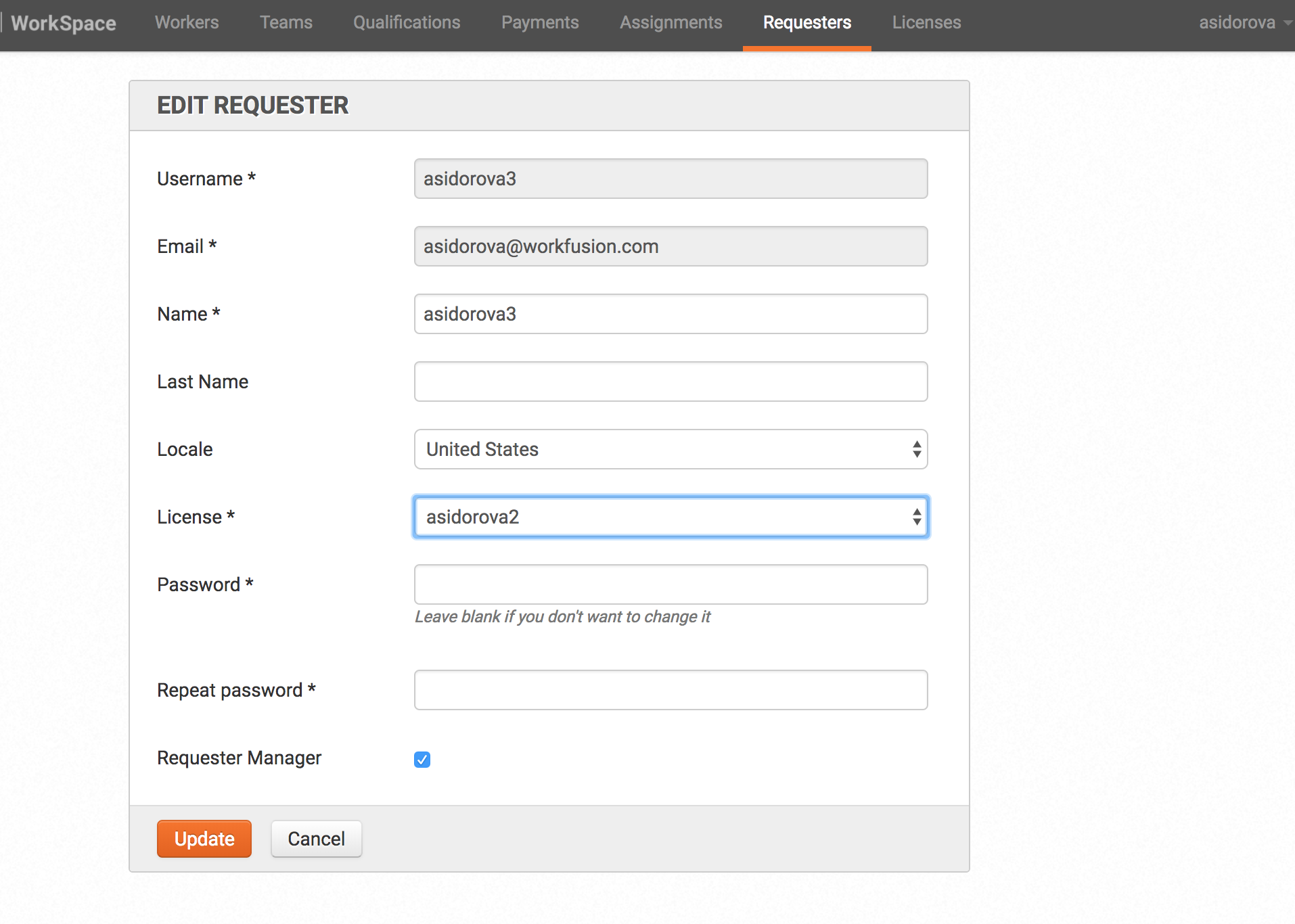
A requester with the manager role can manager requesters.
After login with the requester account, go to the Requesters tab. Create, edit, enable, or disable operations are available here.
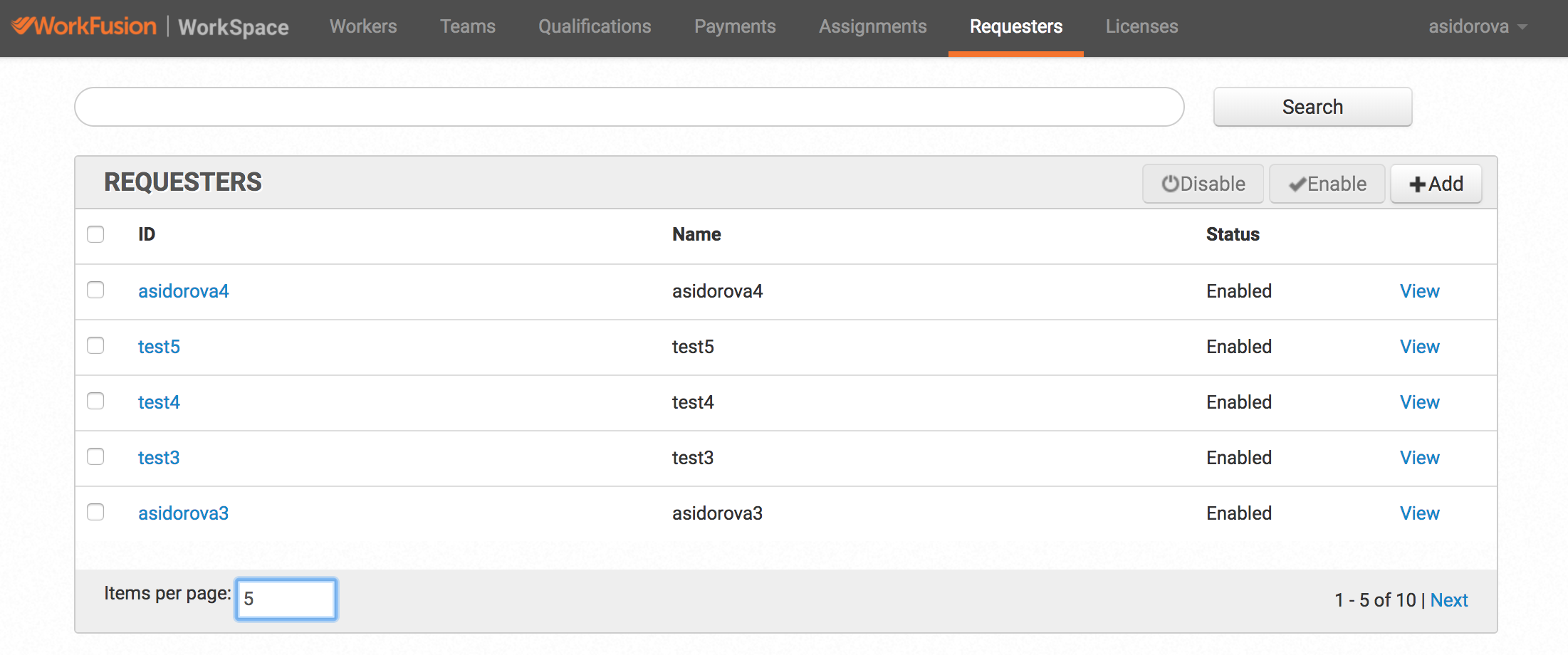
If the tab is not available, it means the requester doesn't have the manager role OR the old version of WorkSpace is used.
There are two ways to add the manager role to a requester:
Execute database script.
UPDATE account SET roles = '{ROLE_REQUESTER,ROLE_REQUESTER_MANAGER}' WHERE id = ID_OF_REQUESTER_ACCOUNTAsk another requester manager to add this role by selecting the Requester Manager checkbox.