
Managing Teams
A Team is a group of Workers that can be assigned different Qualifications.
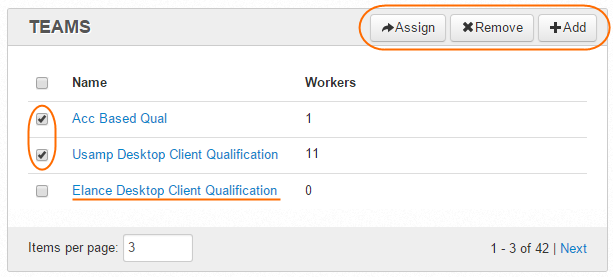
To start managing Worker Teams, click the Teams item in the top menu. You will see the following grid.
Actions with Team
On the Teams page, you can perform the following actions:
- view/edit Teams—Name, Number of Workers.
- add Teams—Click the Add button.
- remove Teams—Select Team(s) and click the Remove button.
- assign Qualification to selected Teams—Select Teams(s) and click the Assign button. All the Team Workers will have the selected Qualifications.
Edit Team
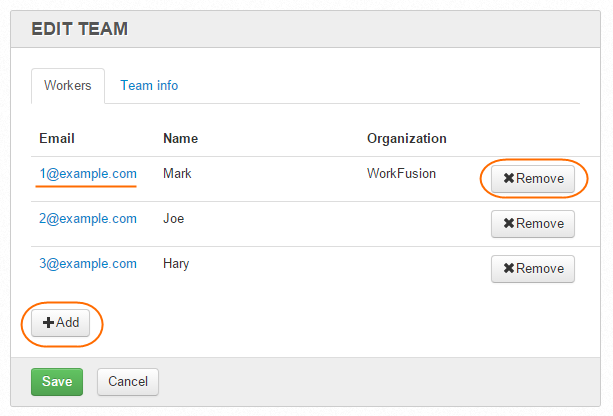
To edit a Team, do as follows.
- On the Teams page, click the appropriate Team Name link.
- Add or remove Workers. To navigate to the Worker Profile, click the appropriate Worker Email link.
- On the Team Info tab, edit the Team Name.
- Click the Save button.