
Enter WorkSpace
Start work with WorkSpace
To log in, perform four steps.
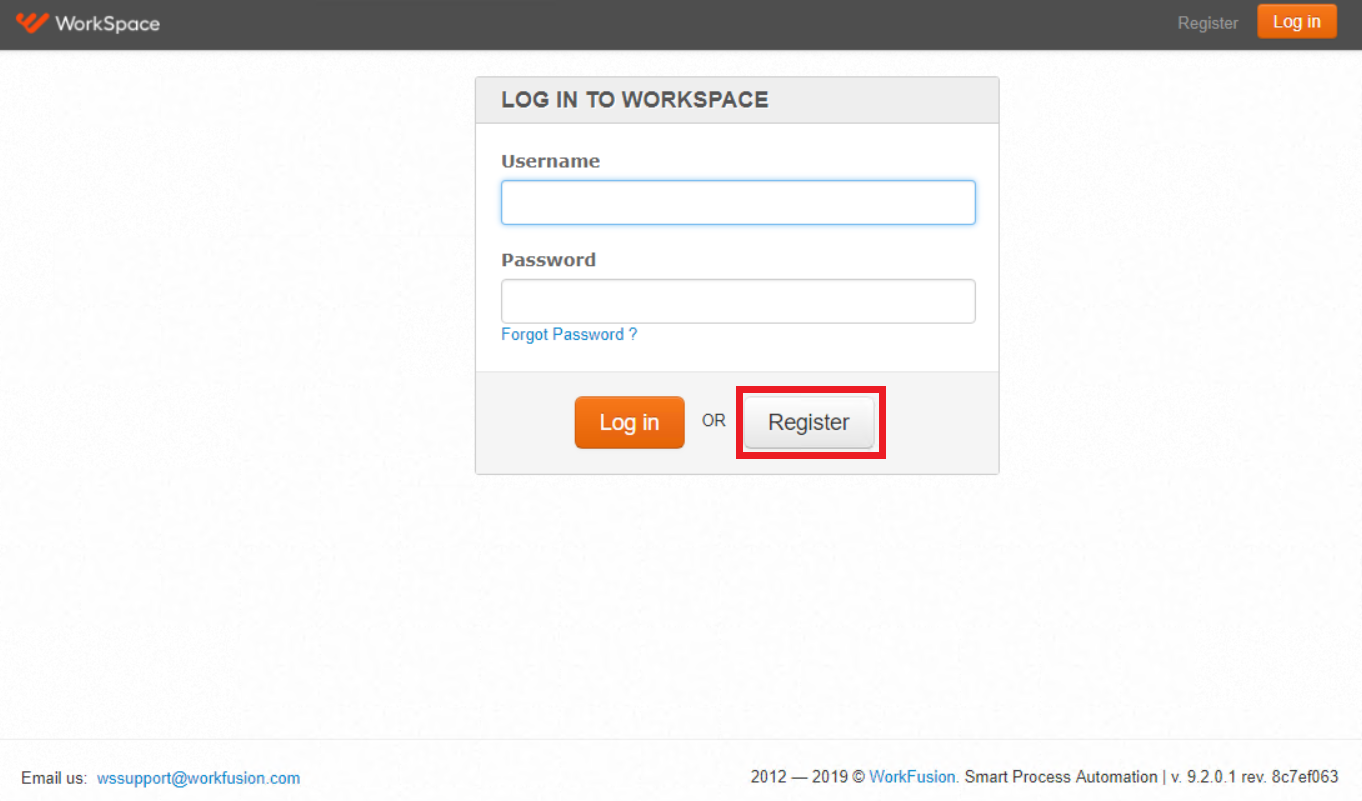
The first time, proceed with the link to WorkSpace and press the Register button.
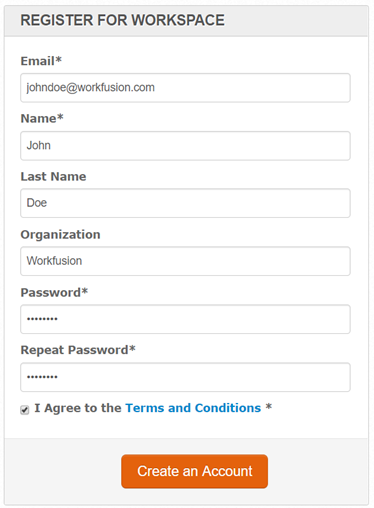
Fill in the registration form and select Create an Account.
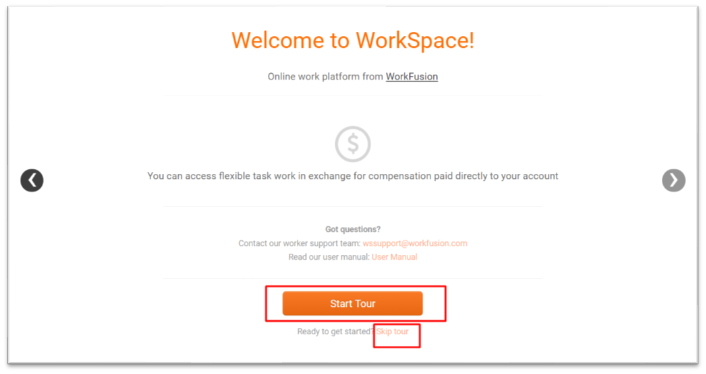
Select Start Tour to look through the Welcome Tour for WorkSpace or Skip tour to go to tasks directly.
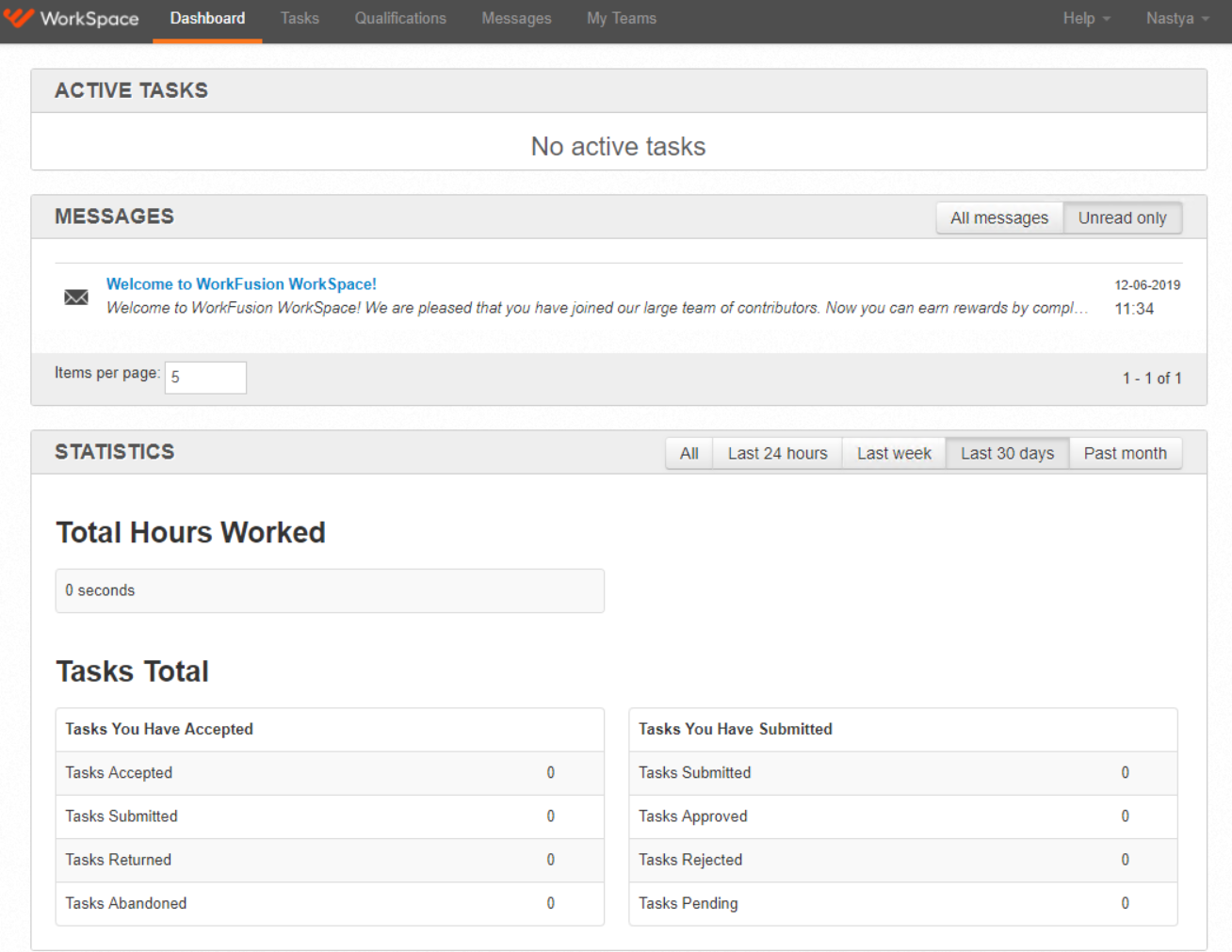
When registered, you'll see Dashboard which contains information on submitted tasks.
Find tasks
Four more steps will find the section which allows us to perform tagging.
Go to Tasks.

Select Category.
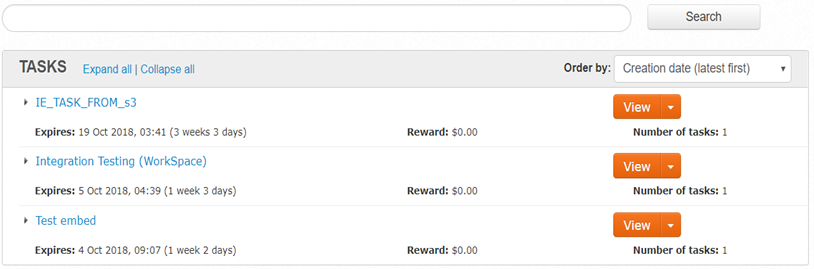
Find the necessary task in the list.
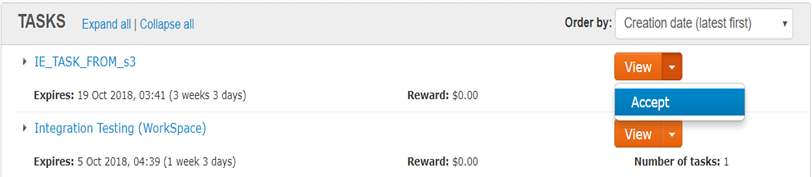
Click on the arrow and press Accept to accept the task.
Move further
Now, you are ready to perform tagging.