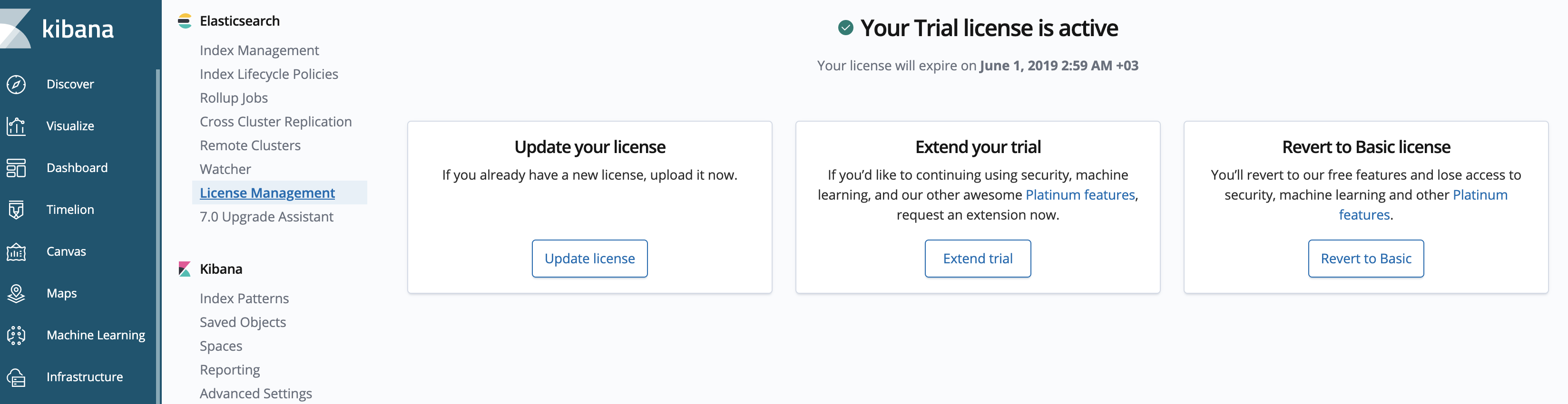
Activate ELK license
The initial installation of Intelligent Automation Cloud Enterprise enables the 30-day trial license for ELK. For production purposes, it is required to update the license via the installer.
The WorkFusion ELK License file must be provided by the installation team or your Account manager.
Activate license
To update the ELK license:
Create a corresponding Service Desk ticket and attach elk_license_request.txt to it. The file is located on the Master server in the Elasticsearch license directory INSTALL_DIR/elasticsearch/license.
Dear Support Team,
Please provide the ELK license according to the following requirements:
Company name: ___
Status of the server (Production, POC, UAT, DEV): ____
Installation type (Basic/High availability): ____
Token returned by prepareLicense API: (the content of the file elk_license_request.txt on the server): ___
In the response message, you will receive file license_elk_response.txt.
Place the request and the response files into the Elasticsearch license directory ( INSTALL_DIR/elasticsearch/license) on the installation server.
$ ll /opt/workfusion/elasticsearch/license
-rw-rw-r--. 1 wfuser wfuser 1721 Sep 20 09:37 license_elk_response.txt
-rw-rw-r--. 1 wfuser wfuser  210 Sep 20 09:36 license_request.txt
Ensure that
WFUSERis the owner of all the files.On the installation server, go to the
PACKAGE_DIRdirectory and run the following command as the application user.$ cd PACKAGE_DIR $ ./install.sh activate_elk master # high-availability mode # OR $ ./install.sh activate_elk master -c local #basic mode
note
The procedure is the same for high-availability environments: you only have to run the activation on the primary installation server.
Verify license
To verify the ELK license:
Go to Kibana, for example, at https://kibana_lb_hostname/kibana/.
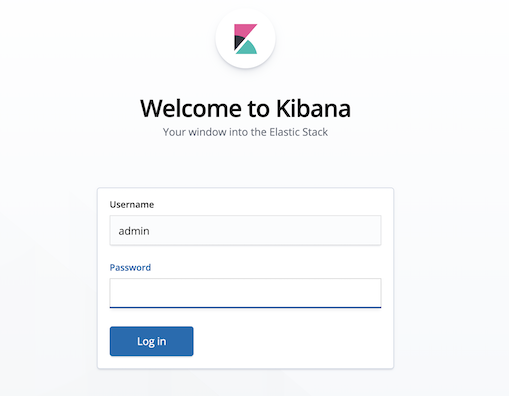
Authenticate to Kibana using the ELK administrator credentials you specify in the
config.ymlfile during the installation.
On the left menu, click Management.
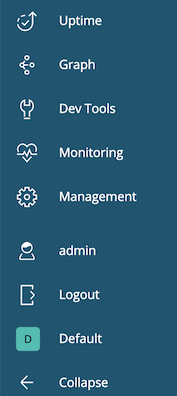
Go to the license management section and check your expiration period.