Create Manual Task
In Control Tower, you can create a Manual Task in one of the following ways:
Create from Operation
Operations are preset templates designed to simplify Manual Task implementation. For more information, refer to Create and manage Operations.
important
The recommended method to create any Manual Task type is to use the Task Designer Operation. However, you can also choose any other Operation category and proceed the old way to design tasks.
To create an MT from an Operation, follow the steps below:
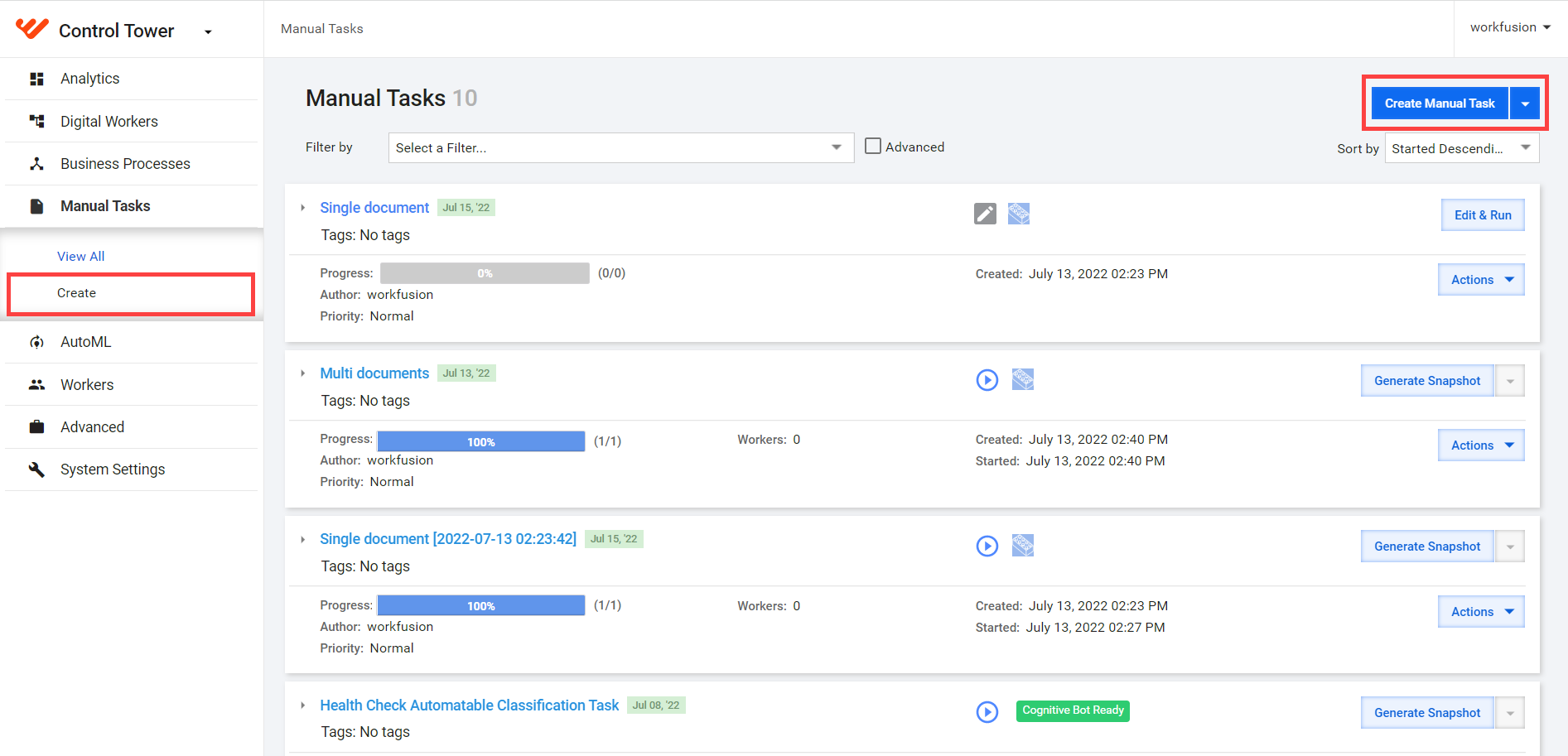
In the main menu, select Manual Tasks > Create. Alternatively, select Manual�Tasks > View All > Create Manual Task.
Select an Operation Category to see all available Operations for it.
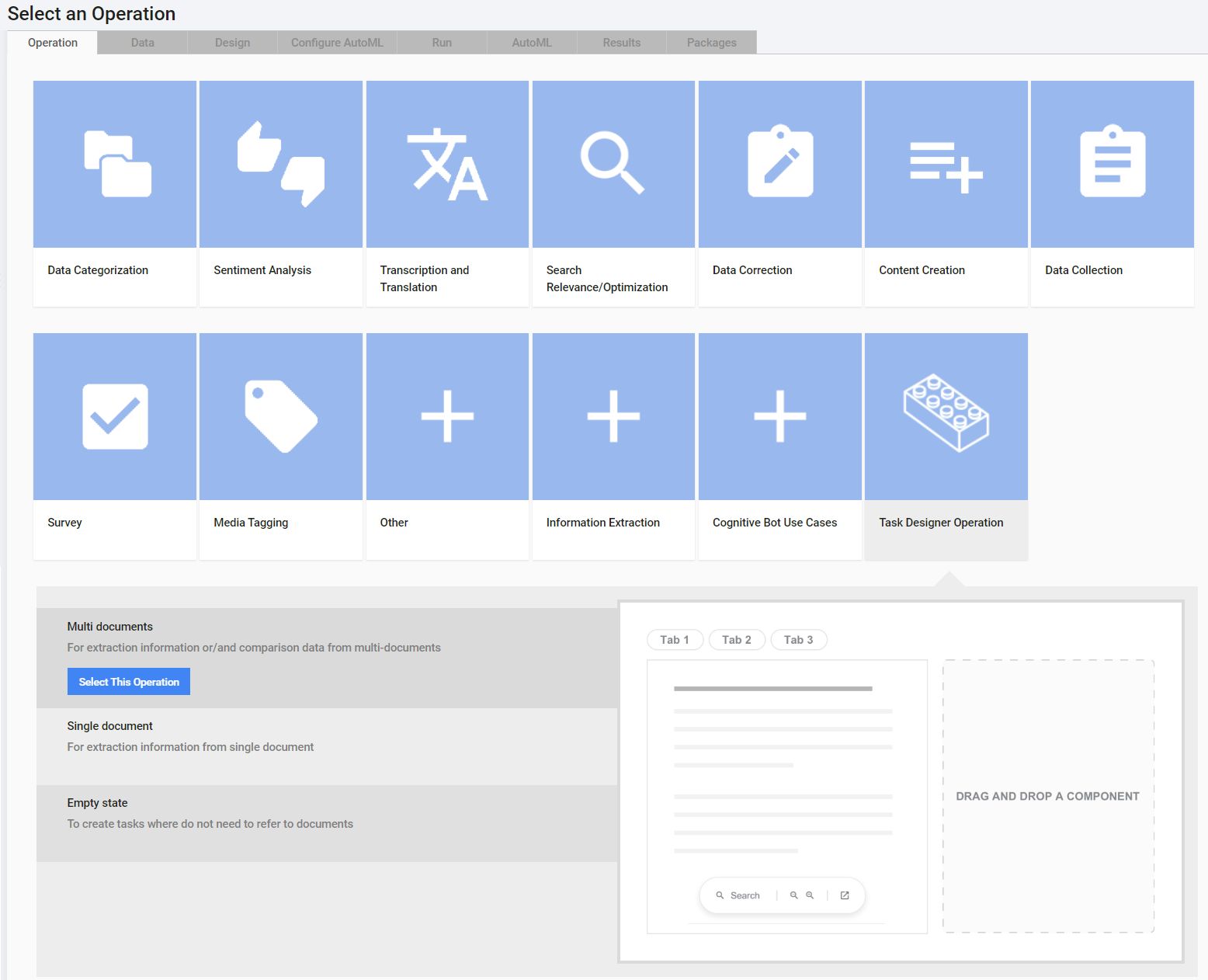
- Select a specific Operation and click the Select This Operation button. Operations have a preview image on the right side (if any is available).
caution
Once you've chosen an Operation, you cannot change it on subsequent steps. If you need to choose a different one, create another Manual Task without saving the current one.
Detailed Operation description
Available Operations include the ones listed below:
Data Categorization:
- Image Tagging
- Business listing categorization: utilize the taxonomy to accurately tag a business with micro categories based on the services it provides.
- Adult Content Classification: classify the content, including nudity and sexually explicit adult content, as viewed for a single product or offer.
- Assign Type of Website to Movie Websites: choose from six types and assign one to provided movie websites.
Sentiment Analysis:
- Sentiment with 5 Choices: classify a text as positive, negative, mixed, neutral, none.
- Sentiment with Yes/No Choices: answer Yes or No if a text includes the provided excerpt.
- Sentiment with 4 Choices: classify a text as positive, negative, mixed, neutral.
- Classify Sentiment toward the brand: read the provided article and classify the sentiment that the author expressed toward a brand or product.
Transcription and Translation:
- Moderate Translated Reviews: moderate the translation quality of user-generated hotel reviews.
- Translate Reviews: translate user-generated review snippets.
- Transcribe the text displayed on the image: enter the text from an image.
- Tax Bill Transcription: transcribe tax bills.
Search Relevance/Optimization:
- SEO Optimization: provide a short description of a text.
- Search Intent: decide whether or not a search query is looking for the same products.
- Search Intent with Taxonomy: decide whether or not a search query is looking for the same products.
- Music Search Intent: decide whether or not a search query is looking for music or musicians.
- SEO Optimization: Search Query Identification: classify a search engine query as specific music, general music, or not music. Look at the first two pages of Google or Bing to decide. Mind that it can include offensive or adult language.
Data Correction:
- Match Cover Letter vs. Invoice
- Product Name to UPC Matching: match a product name and its universal code (UPC).
- Verify/Correct Location: verify or correct the location of a business.
- Product description matching: match products and descriptions.
- Business Listing Verification: verify the business listing information.
- Verify Product Image: verify a product image against a name.
Content Creation:
- Moderate Product Reviews: moderate the review quality of user-generated product reviews.
- Product Review: write a product review.
Data Collection:
- Find Product UPC code
- Find hotel's official website: find the official website of a hotel based on its name and address.
- Find Company Logo: find a company logo.
- Find Hotel Info: find a hotel information template.
- Find a Person's Photo: find an executive photo.
- Collect Venue Information: collect venue information.
- Geocoding: manually find the center-point (latitude and longitude) of a specific building.
- Find Schedule: find schedule information.
- Find Person Profile: find a person's profile.
- Find Official Website: find an official website.
- Find the business official URL: locate the official URL of a specific company.
- Document attributes extraction: collect basic information about a given document.
Survey:
- Survey: includes a simple survey.
Media Tagging:
- Identify the number of people from Image
- Identify Age/Gender from Video: identify the age or gender of the main character in a video.
- Short Video Tagging: watch and tag a short video.
Other:
- Miscellaneous Tasks: create a task from scratch.
Cognitive Bot Use Cases:
- IE Cognitive Bot Task 10.2.0.9: input data you can download from the ie_input Data Store according to your version.
- Classification Cognitive Bot Task 10.2.0.9: input data you can download from the classification_input Data Store according to your version.
Task Designer operation: recommended method to create Manual Tasks. For details, refer to the Design custom Manual Tasks topic.
After you select an Operation, proceed to upload data and design the Manual Task.
Import as package
To import a Manual Task, go to Manual Tasks > View All and proceed as described below:
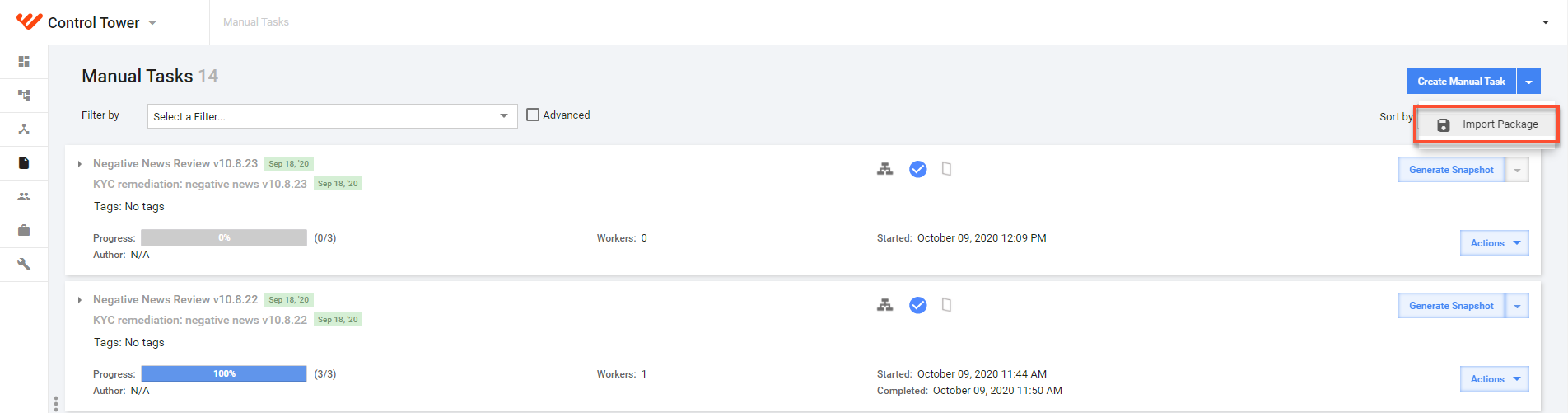
Click the Create Manual Task drop-down box and select Import package.
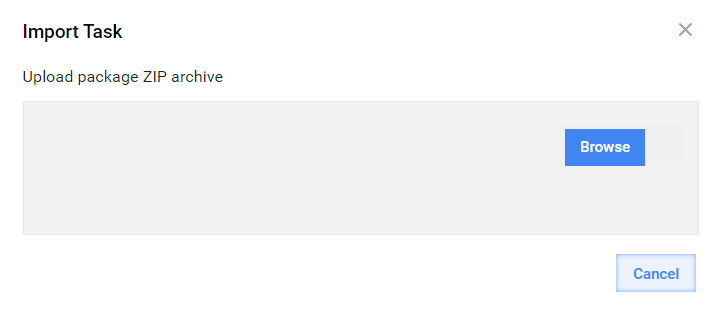
In the window that follows, click Browse and select a package archive.
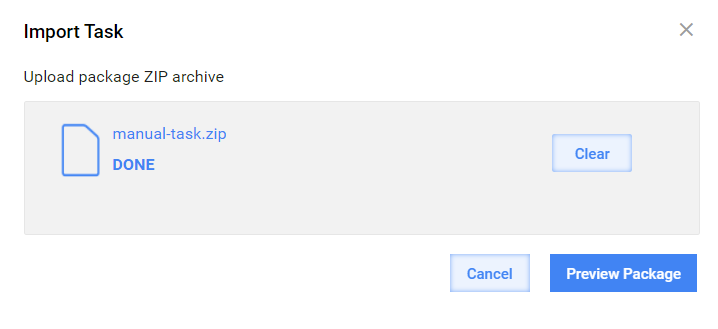
On uploading the file, click Preview Package.
As soon as the check is done, you will see the package details. Click Import Package to finish.
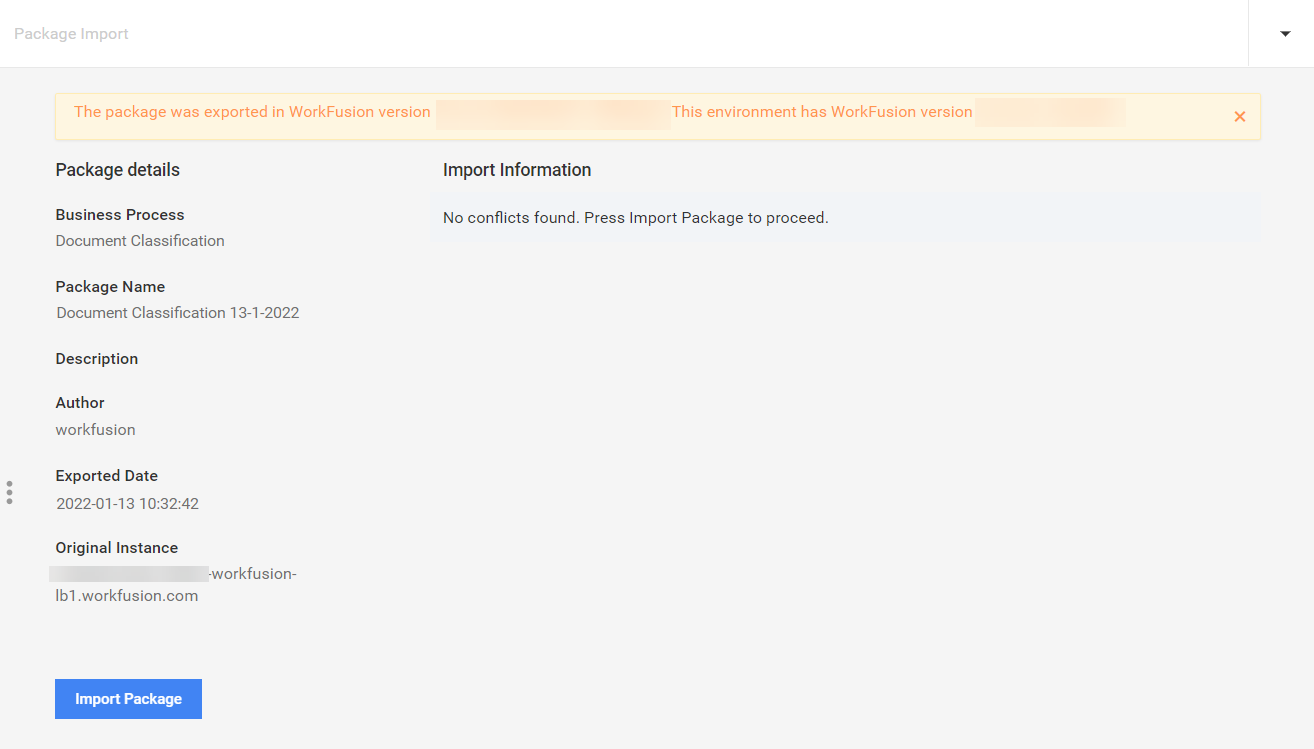
In case the check reveals any conflicts, resolve them as described in Migrate packages of tasks and Business Processes.
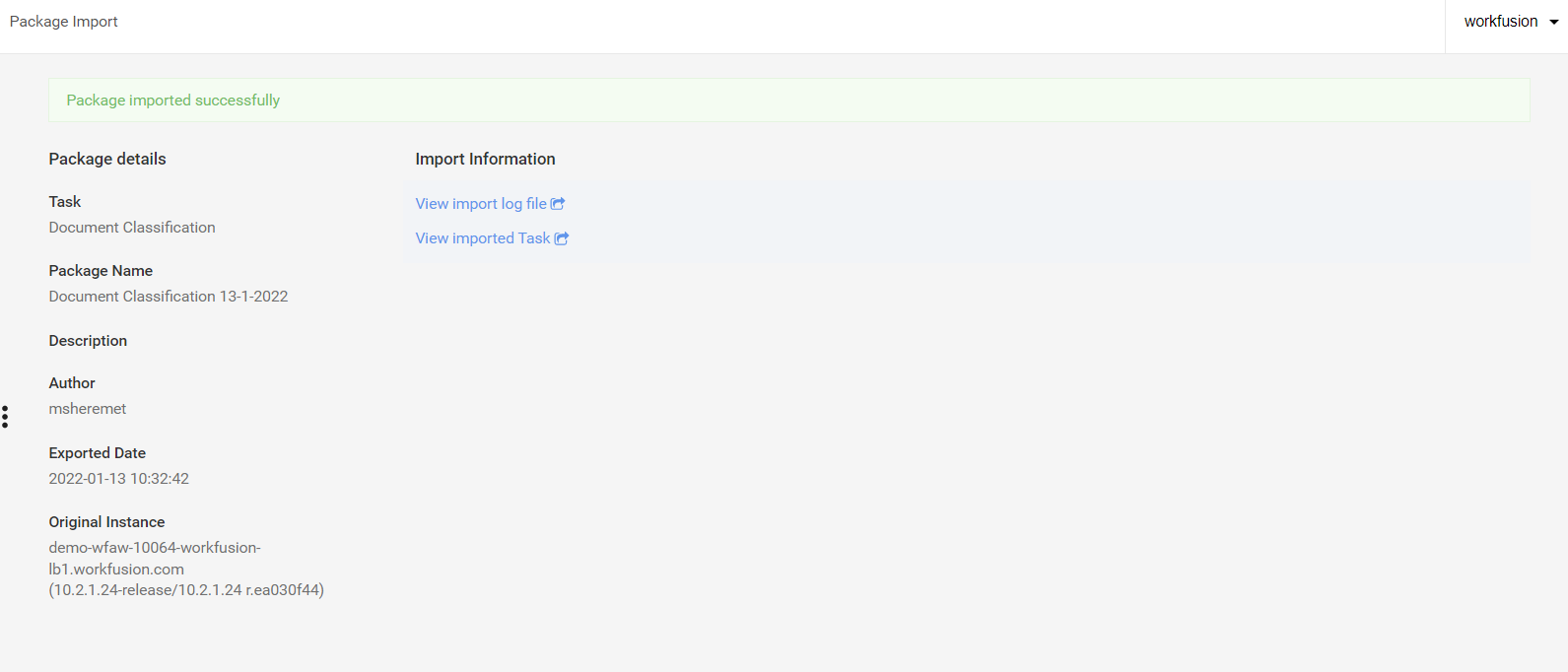
When the import is finished, you see the message that the package is imported successfully. You can view the import log or imported task right from the screen.