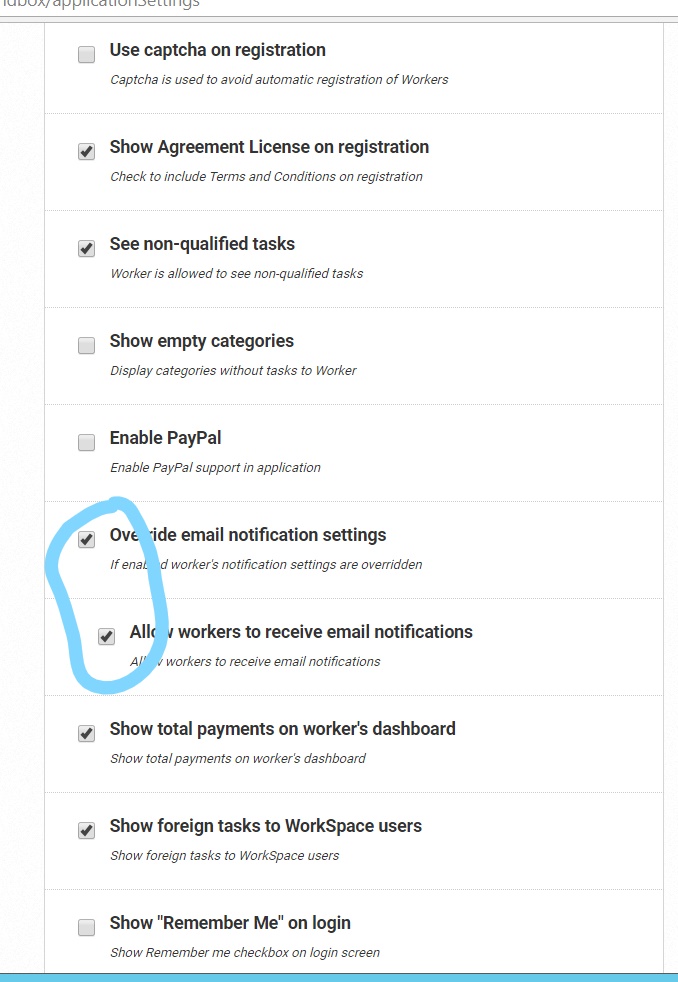
Email notification
The instruction details how to configure email notifications from WorkSpace and Sandbox.
For getting notifications about new messages in a worker's inbox, make sure that a user has the following configurations in WorkSpace and Sandbox:
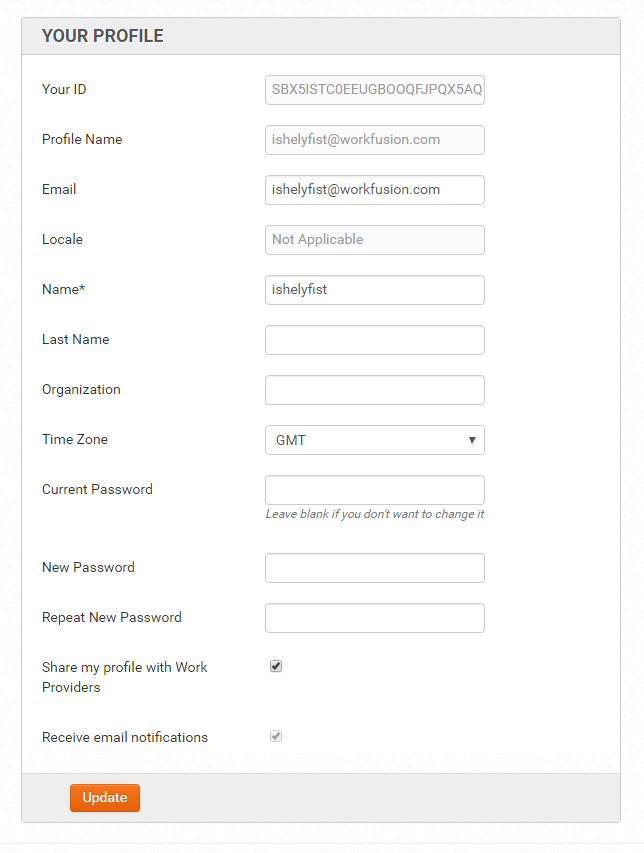
Log in to WorkSpace or Sandbox under a particular worker, go to their profile, and check in for received email notifications.
The worker must also be on the worker list in WorkFusion (a user appears there after submitting their first task). Otherwise, the user won't be able to have any email notifications.
Log in as the WorkSpace's admin and check the application settings for the following configurations: