Dataset Split (Classification)
Task: split dataset into test and training for Classification.
Jupiter Notebook: DataSetSplitterClassification
Input:
- Tagged data saved to a Data Store
- A CSV file with tagged text
Splitting data has peculiarities in the Information Extraction and Classification Use Cases, so select the notebook accordingly: DataSetSplitter for IE and DataSetSplitterClassification for Classification.
To split a dataset, do the following:
Launch all the dependencies and prerequisites.
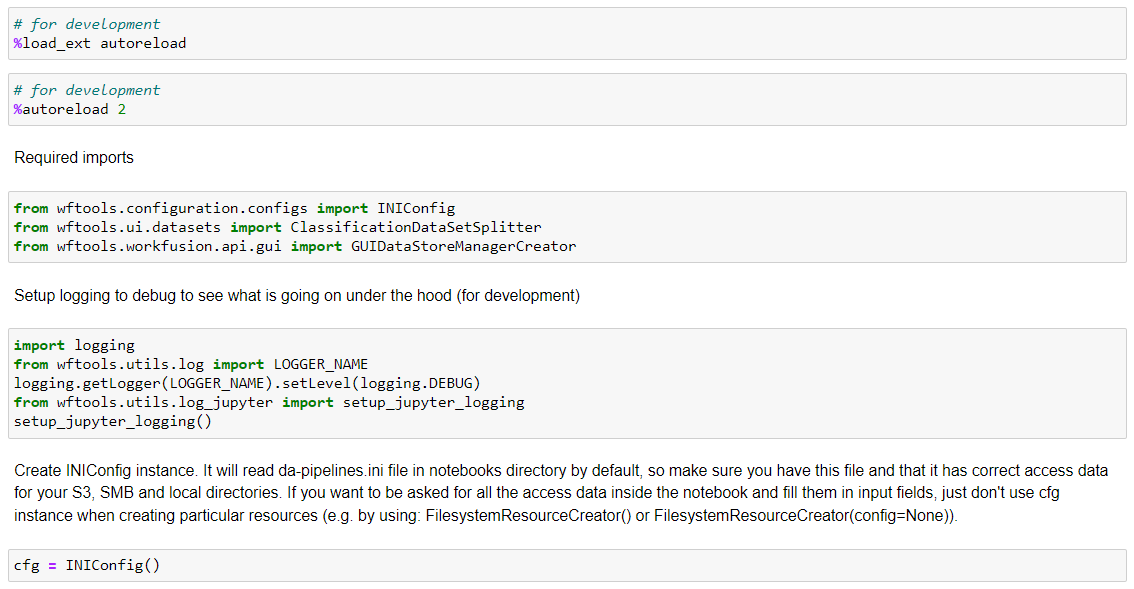
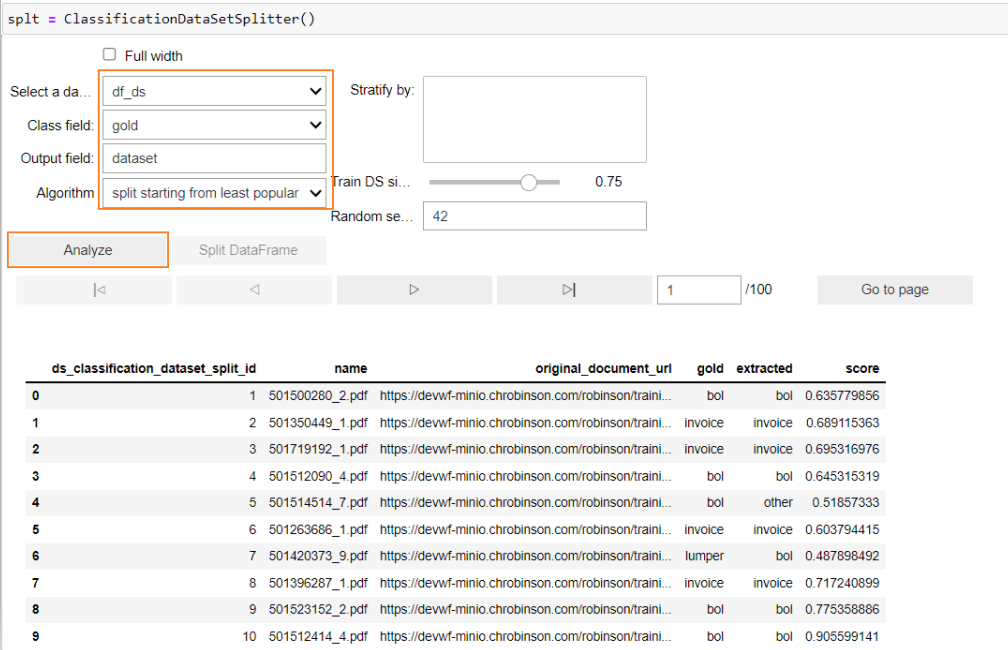
Upload data by any method specified here. Launch ClassificationDataSetSplitter. In the following menus, specify all the data, and click Analyze.
- Select a dataframe: specify the name of the dataframe that contains the dataset to split.
- Document field: select a column in the dataframe that contains gold data (name of the class).
- Output field: specify the name of the new column containing the decision if the document should go for test or training set.
- Algorithm: select a method to split the data.
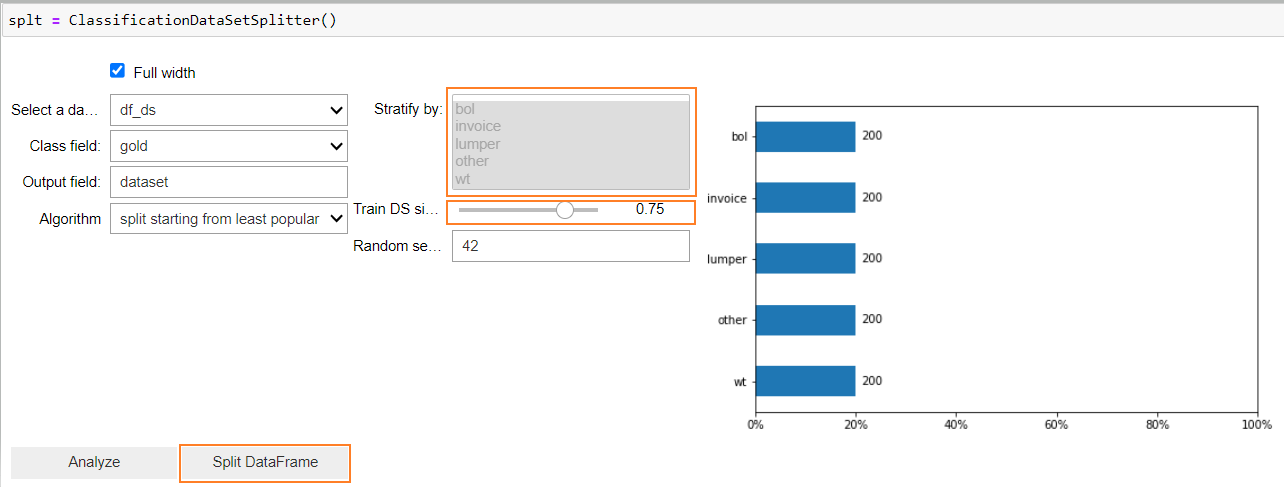
After the analysis, the identified classes are displayed. By default, they are all selected to be included in the splitting, which can be adjusted by user selection if some classes have to be dropped.
In the menu, you can adjust the test and training set proportion.
Click Split DataFrame to receive the result of splitting.
Save the result of splitting to a new dataframe.

Now, you can filter test and training sets from the output column of this dataframe to save them.

Run the following steps to save files locally. Specify the path and filename in each case.
