Install DA Tools
To install DA Tools, you don't need to pre-install dependencies or applications. Follow the steps:
Download a zip archive with DA tools. Select one corresponding to your OS version—Windows or Linux. Use the workfusion password if you need one.
Extract the downloaded zip archive to a folder with a short path, for example, on the
C:\disk.Run the
start_bundlefile.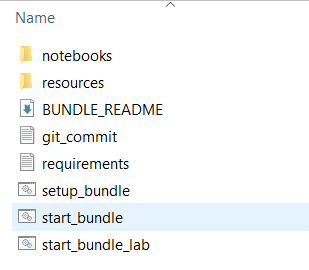
If there is a warning, select More info > Run anyway.
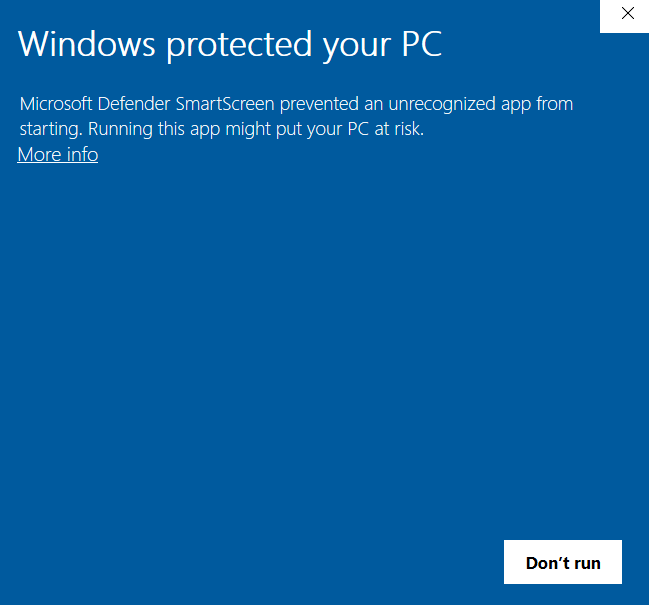
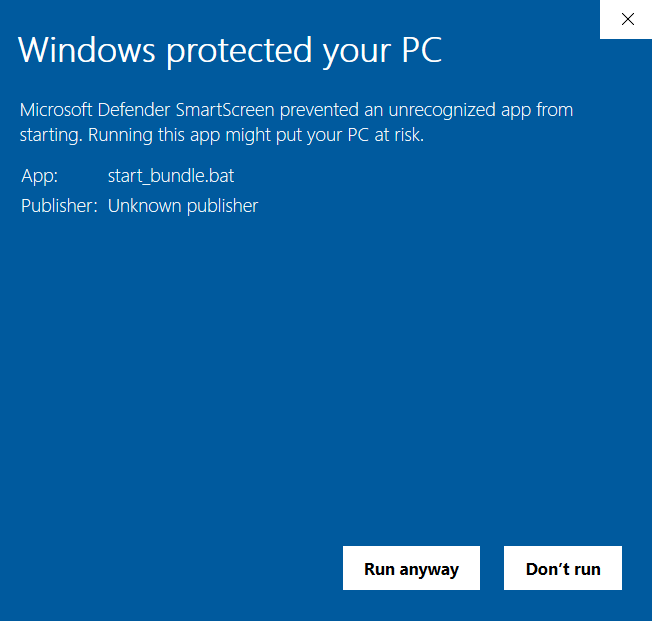
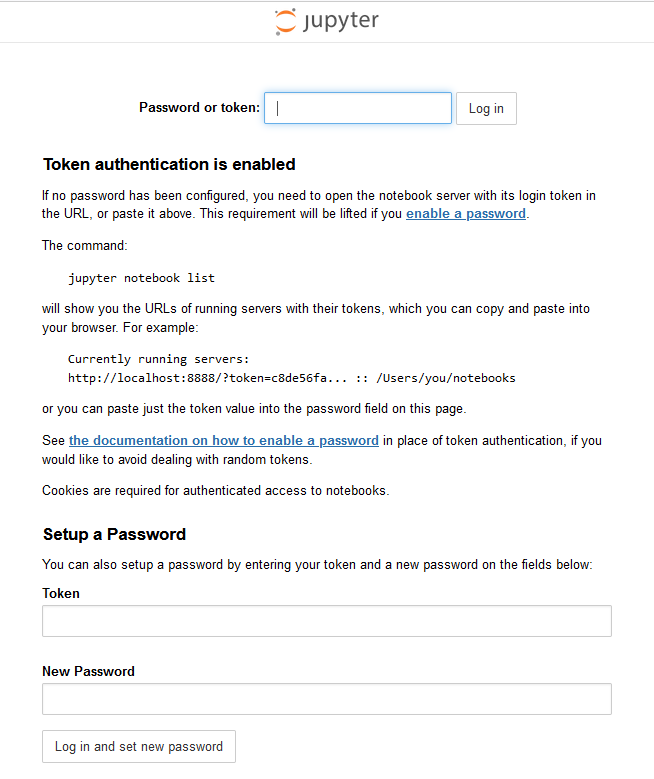
Jupiter Notebook launches in your default browser. If it’s not Google Chrome, copy the link and paste it to Google Chrome.
If a token is required for the first launch, copy and paste it from the command line.

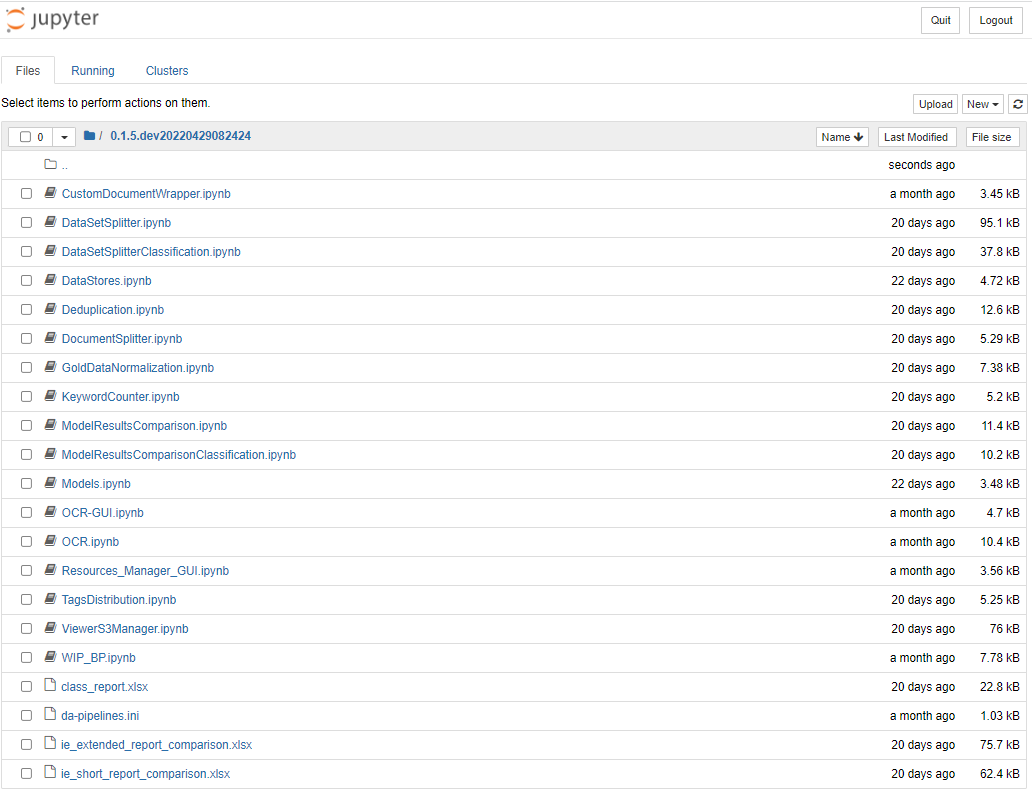
Finally, you should see the page with the folder containing all notebooks. Click to open and see the list.

Now, you can start working with the DA Tools.