Simplify project
There are certain situations where the four-business-process design is an unwanted complication. In the case of simple PoC or an educational project, it can be time-saving to simplify a project generated from the ODF 2 Archetype.
The guide provides step-by-step instructions on manually deleting parts of a generated Maven project so that only the intake Business Process is applied and created in Control Tower.
Generate a project from the ODF 2 Archetype and open it in the IDE of your choice (IDEA or Eclipse):
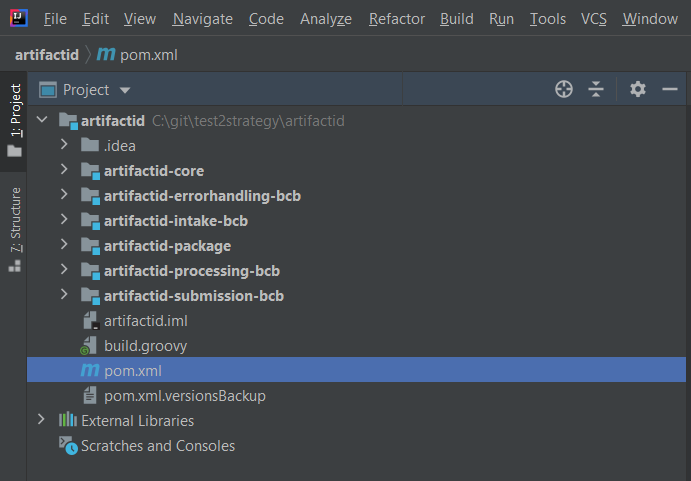
Delete three Business Process packages from
[PROJECT]-package/src/main/resources/business-process/. As a result, you should have onlyData_Intake_v_X.X.zipleft.Delete three Maven modules for BCB Business Processes you want to get rid of:
[PROJECT]-errorhandling-bcb[PROJECT]-processing-bcb[PROJECT]-submission-bcb
Open the root
pom.xmlfile, scroll to the end, and remove three modules you have just deleted: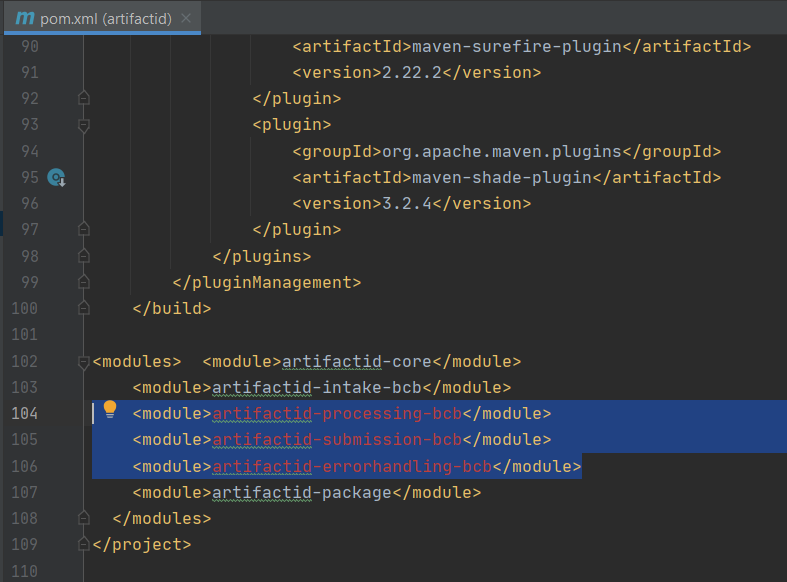
The resulting
pom.xmlis as follows: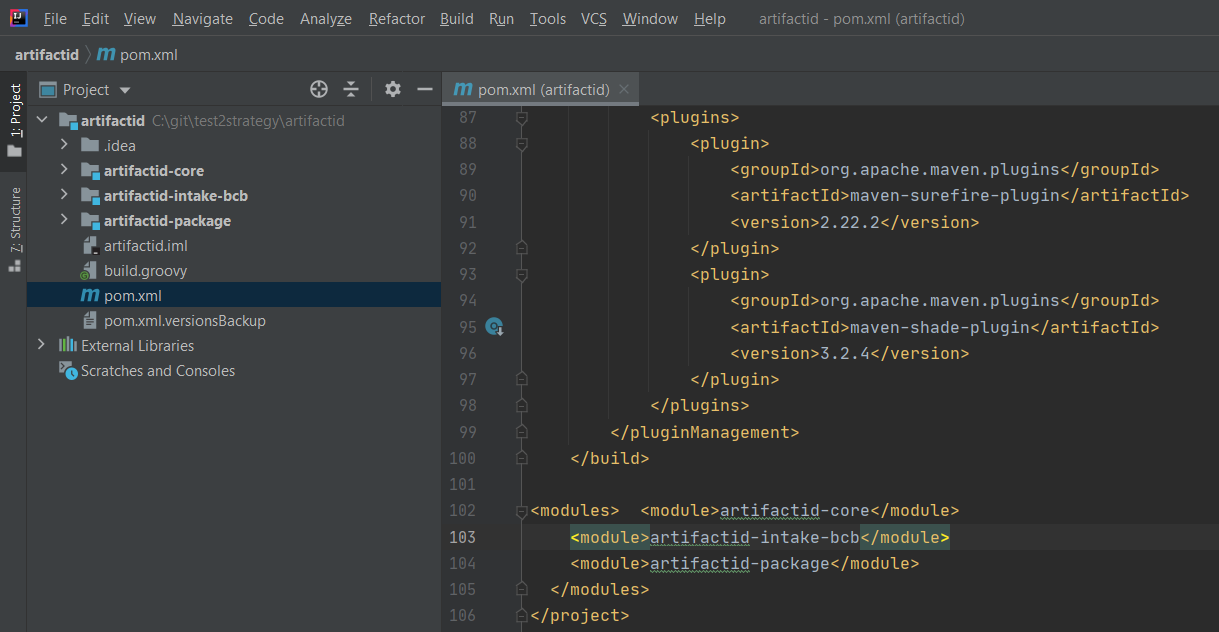
Remove dependencies for these deleted modules from
[PROJECT]-package/pom.xmland[PROJECT]-package/assembly/package.xml.Build a project with
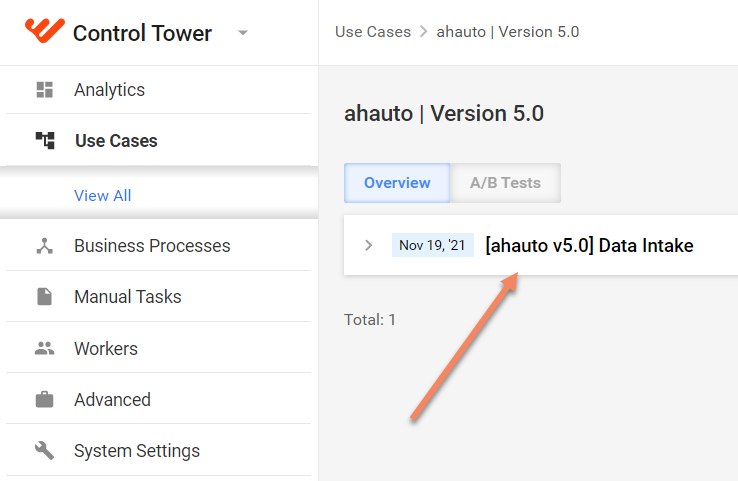
mvn clean installin the root folder.To verify you created a single Business Process, deploy the project into the IA Cloud environment: IA Cloud Developer or IA Cloud Enterprise. For IA Cloud Developer, launch the Control Tower & Workspace component group and run the
mvn bundle:importMaven command from the[PROJECT]-packagemodule. Go to Control Tower > Use Cases to view the output.