
Normalize data values
Task: Clean up or format data values in gold or extracted values.
Jupiter Notebook: GoldDataNormalization
Input:
Tagged data saved to a Data Store
CSV file with tagged text
To normalize data values, follow the instruction below:
Launch all dependencies and prerequisites.
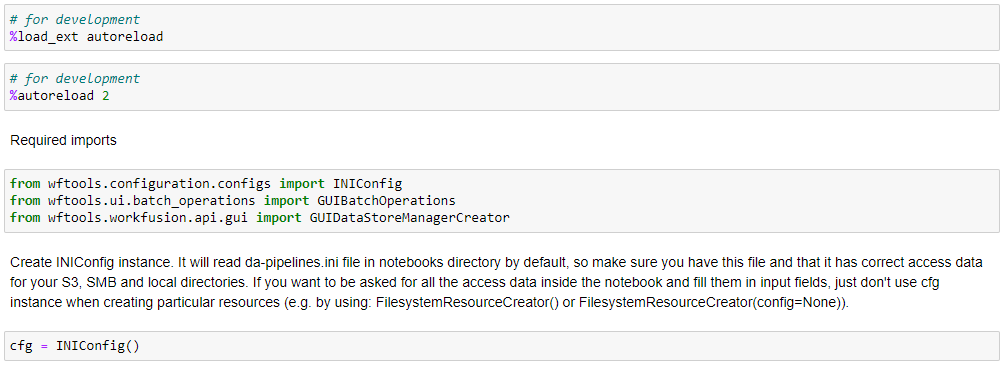
Upload data by any available method.
Import normalizing functions.

Open the widget for normalization, specify all data in the drop-downs boxes as indicated below:
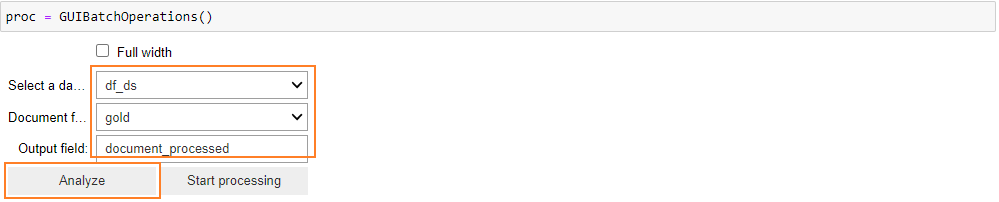
Select a dataframe: enter the name of the dataframe that contains the dataset to normalize
Document field: specify the column in the dataframe that contains the data (tagged text) to normalize
Output field: add the name of the new column that contains normalized data (tagged text).
Click Analyze.
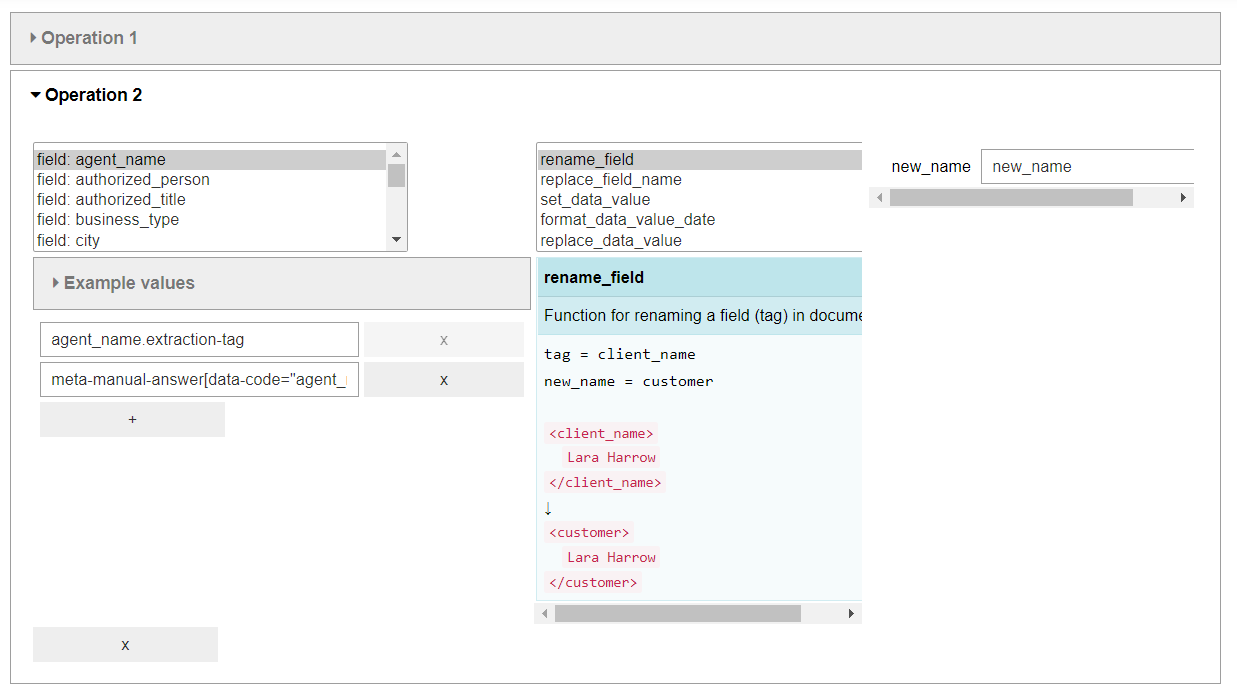
A widget to normalize data is opened with available fields and their data-value samples. Perform required normalization.
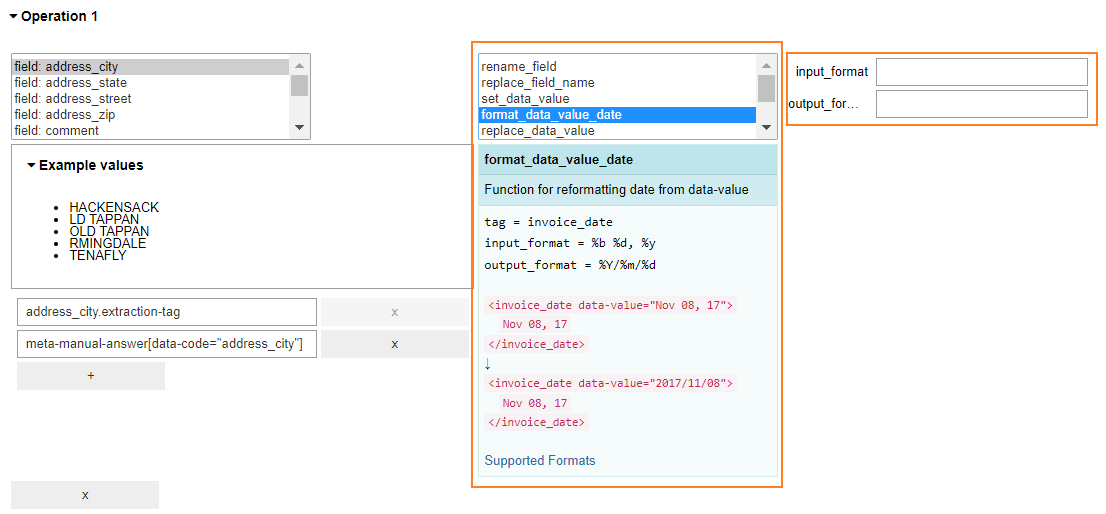
Available normalization options are as follows:
Rename a field or change the name partially
Set a data value.
Format a data value.
Replace a data value.
Remove a field.
Bring the data value to a lower case.
Replace the data value with regexp.
There are short instructions for each function and fields to input data.
To add multiple operations, click +.
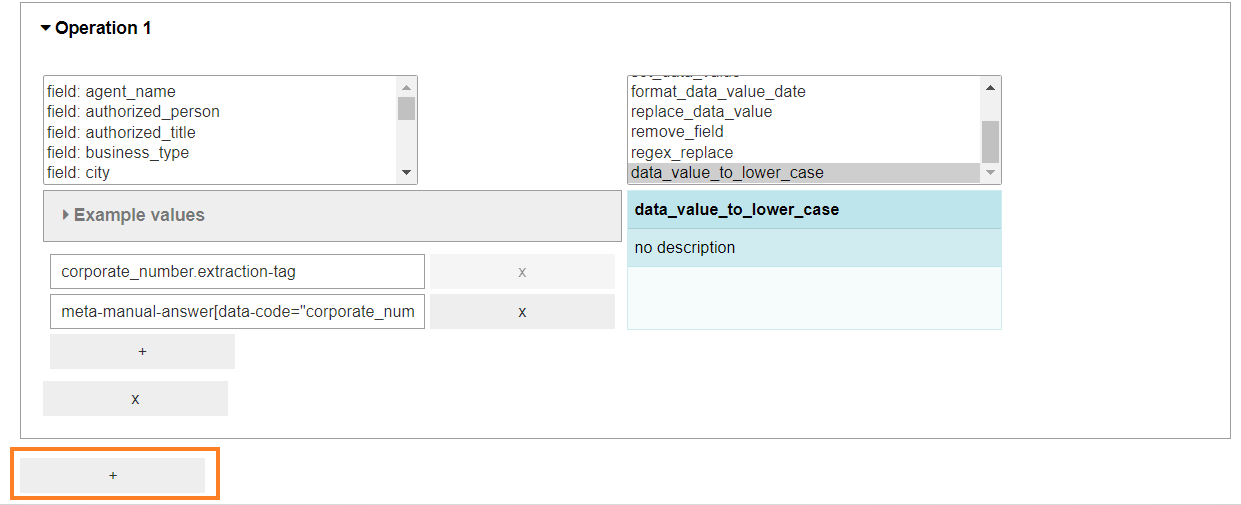
Sample result:
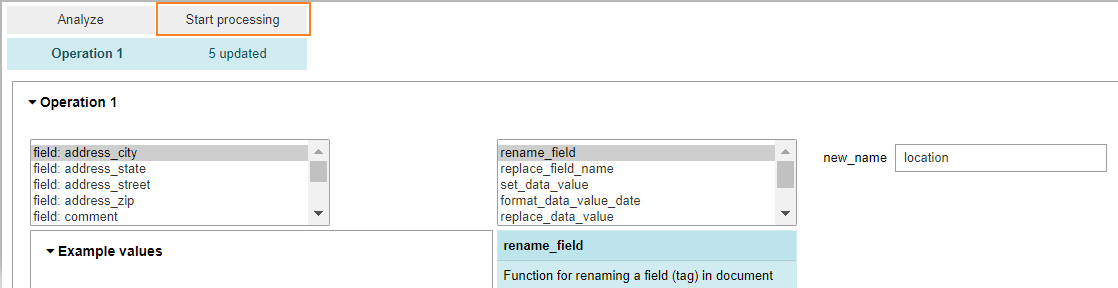
When data for normalization is provided, click Start processing.
Save the output to the dataframe and provide the path and file name to save the result locally.
