
Configure custom sorting for Manual Tasks
WorkSpace enables sorting by date created and due date. However, sorting by these fields doesn't guarantee proper task order within the same run. Therefore, the FIFO mechanism was introduced. For details, refer to FIFO.
warning
Dynamic Task Rendering is not supported since IA Cloud Enterprise version 10.2.0. You must not enable it, otherwise custom sorting will not work.
Control Tower
The pass column named _sys_record_order (from CSV or Bot Task) contains a JSON object with the hitOrder and hitOrderDate parameters.
| title | _sys_record_order |
|---|---|
| Task 1 | {hitOrder:2,hitOrderDate:'2020-03-11T10:15:55.935'} |
| Task 2 | {hitOrder:1,hitOrderDate:'2020-03-11T10:15:55.935'} |
| Task 3 | {hitOrder:1,hitOrderDate:'2020-04-11T10:15:55.935'} |
As a result, Manual Tasks are sorted based on the hitOrderDate and hitOrder parameters in the ascending order. For the example above, the tasks are displayed in the following order: Task 2, Task 1, Task 3.
WorkSpace
In WorkSpace 2.0, there is no need to enable FIFO in the properties file. It is available via the Custom sorting feature.
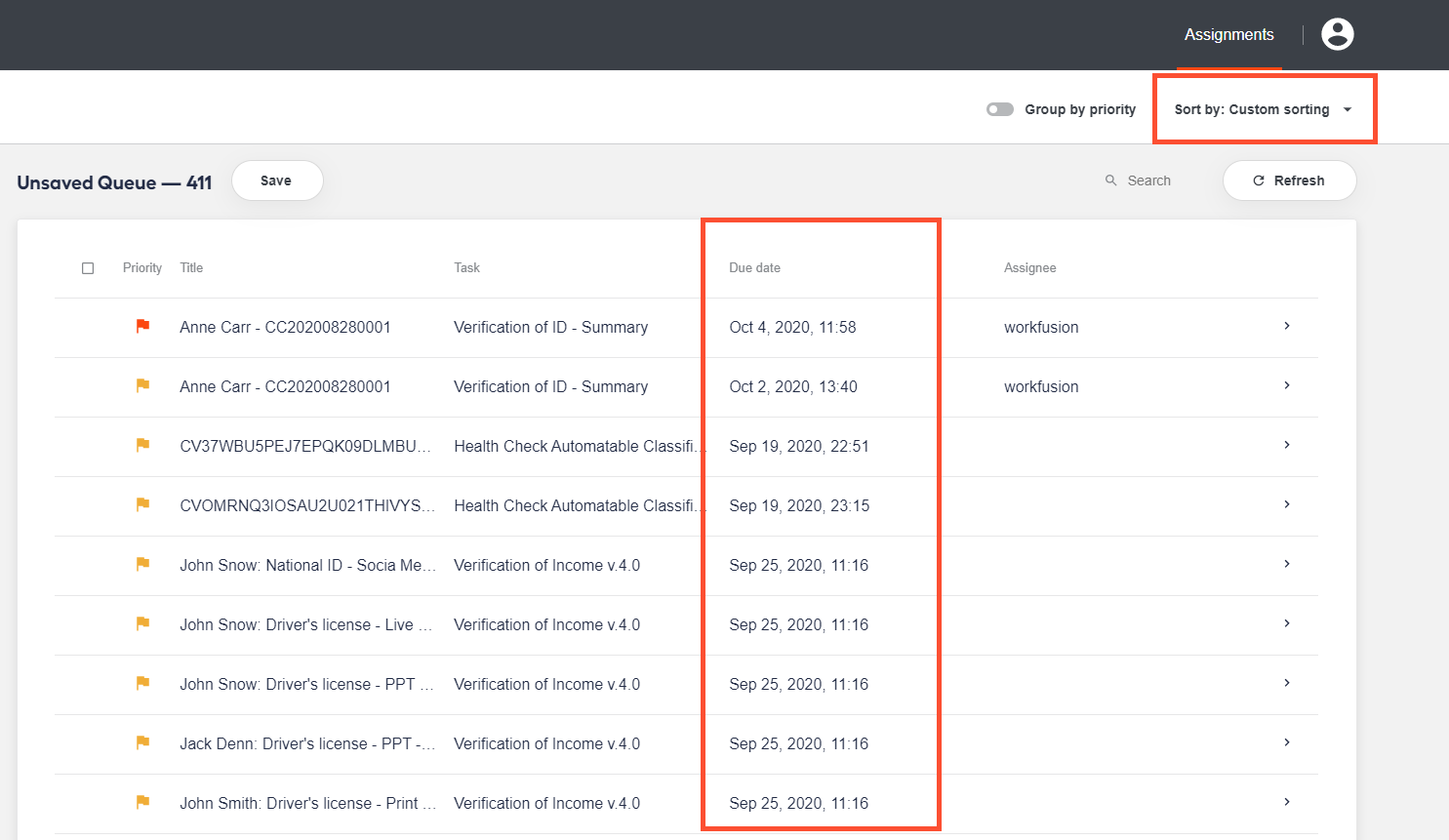
The content is saved to the hit_order and hit_order_date columns of the hit table. For backward compatibility, it is also saved to the custom_attributes column.