Wait
Wait actions are intended for pausing bot execution for a defined period of time and for searching images on user screen. These actions are not recorded automatically. You need to drag them from Actions Library to Actions Flow while editing a recording.
Wait
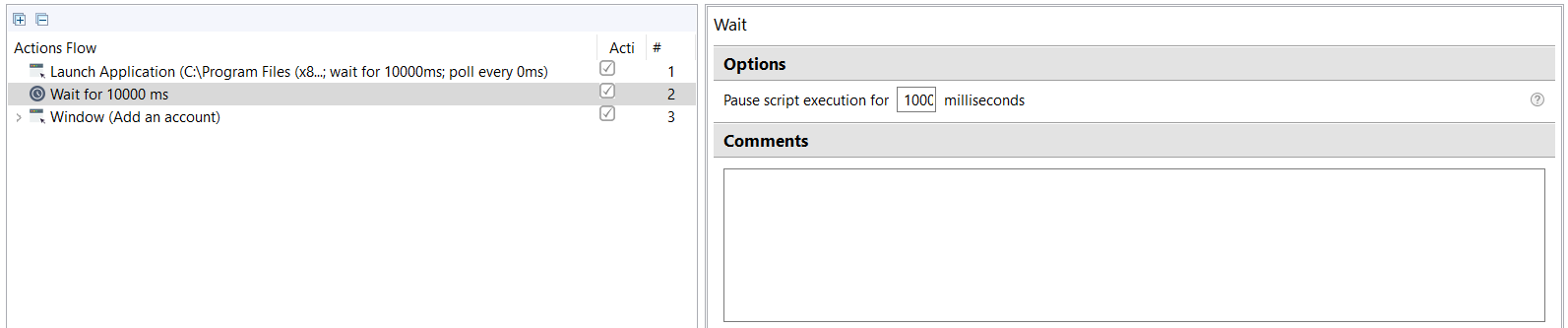
The action pauses the bot execution for a specified amount of time, then automatically resumes.
Wait for Image
The action performs a search for a defined image on the current screen and puts the search result into a boolean variable. The values are as follows:
true: if the image was found on the current screen.false: if the image was NOT found on the current screen.
While automating a web application, use the Wait for Image action to wait for an element to appear (button, link, image) before interacting with it.
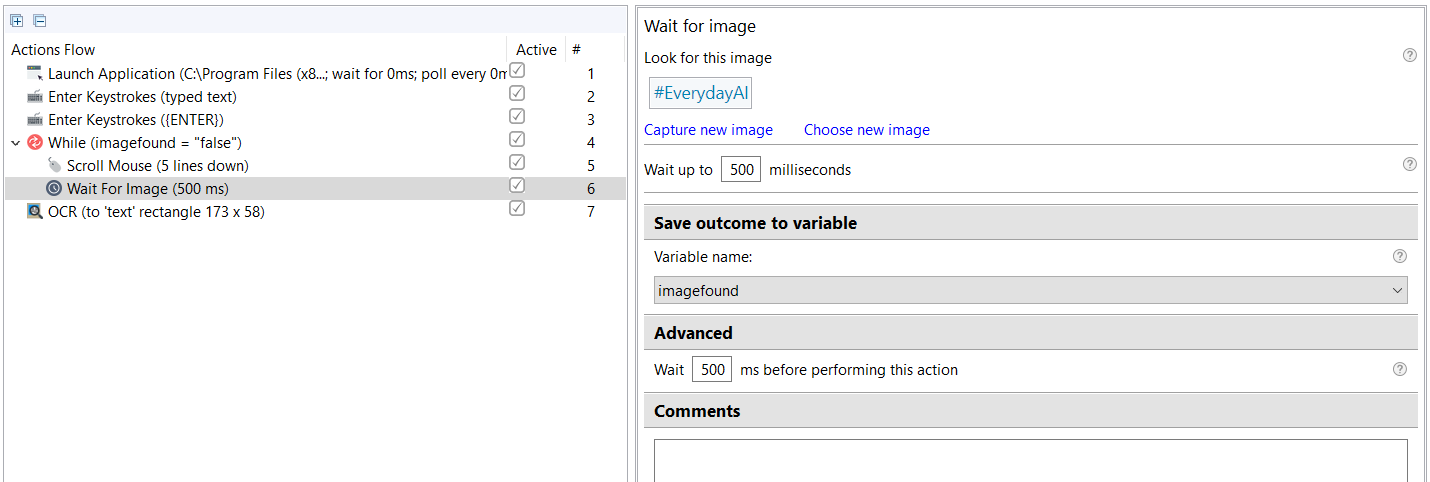
The parameters are as follows:
- Image to find: specifies the image to look for on the screen.
- Wait up to: defines the period, during which the bot will try to find the image on the screen.
- Save outcome to variable: the value of the selected boolean variable becomes
trueif the image was found, andfalseif not.