Release notes
Version 2.0.2.1
- Released: April 18, 2023
- Compatible platform version: IA Cloud 10.2.6+
Bug fixes
The NSS model can now handle document.content from training.
Fixed the issue with sending requests to the NSS BP via the External Streaming API. The problem was that the Firco provider didn't provide any data to users if the input hadn't returned Alerts or Hits. Now you receive a meaningful response with the COMPLETED status.
Resolved the oversampling issue that was caused by the force Auto-QC feature.
Fixed the issue with the model producing ML errors when a CSV provider is run.
Version 2.0.2
- Released: March 21, 2023
- Compatible platform version: IA Cloud 10.2.6+
New features
Added support for dataset creation via configuration on the DW interface.
Enhanced the configuration of model rules by updating the logic and enabling users to specify when a case should be considered a false positive.
Revised the streaming API logic when screening with Firco to give the API unit value greater priority than the unit value defined in the interface.
Bug fixes
- Resolved the issue to ensure multiple hits with the same ID are processed.
Version 2.0.1
- Released: January 17, 2023
- Compatible platform version: IA Cloud 10.2.6.1
New features
Updated data filtering for Firco Trust provider to:
- Remove obsolete records older than 90 days, irrespective of the hit type.
- Remove non-name hit types.
Updated the resolution logic to include information in the explanation only if this information was used as criteria for matching. For example, location information is not included in the hit/alert resolution if not used as matching criteria.
The report name included as a hit attachment in Firco Trust no longer contains any special characters. This helps overcome Firco Trust’s limitations that don’t allow users to open the report.
Added the capability to generate a dataset via the UI. You can find this feature in step 2 of the AI Digital Worker configuration interface.
Updated logs to inform users about empty CSV input files. The technical log message is no longer displayed.
Added validation for input format files on the configuration screen.
All ML models in the DW configuration interface are now available for selection.
Upper- and lowercase characters are no longer accepted in UI config when using Firco Trust as an input provider.
Bug fixes
- Alerts with the “Needs further review” status are no longer selected for Auto QC.
- Fixed CSV providers failing with no hits found.
- The NSS 2.0.x installation no longer fails on environments where NSS v1.x is already installed.
- Fixed the issue with Russian names from WC1 not appearing correctly in Manual Task or Quality Check.
- Added the fix to ensure that non-Name messages are not selected for Auto QC.
Version 2.0
- Released: December 13, 2022
- Compatible platform version: IA Cloud 10.2.6.1
New features
Installation and configuration of Evelyn is now possible using the UI via Solution Catalog.
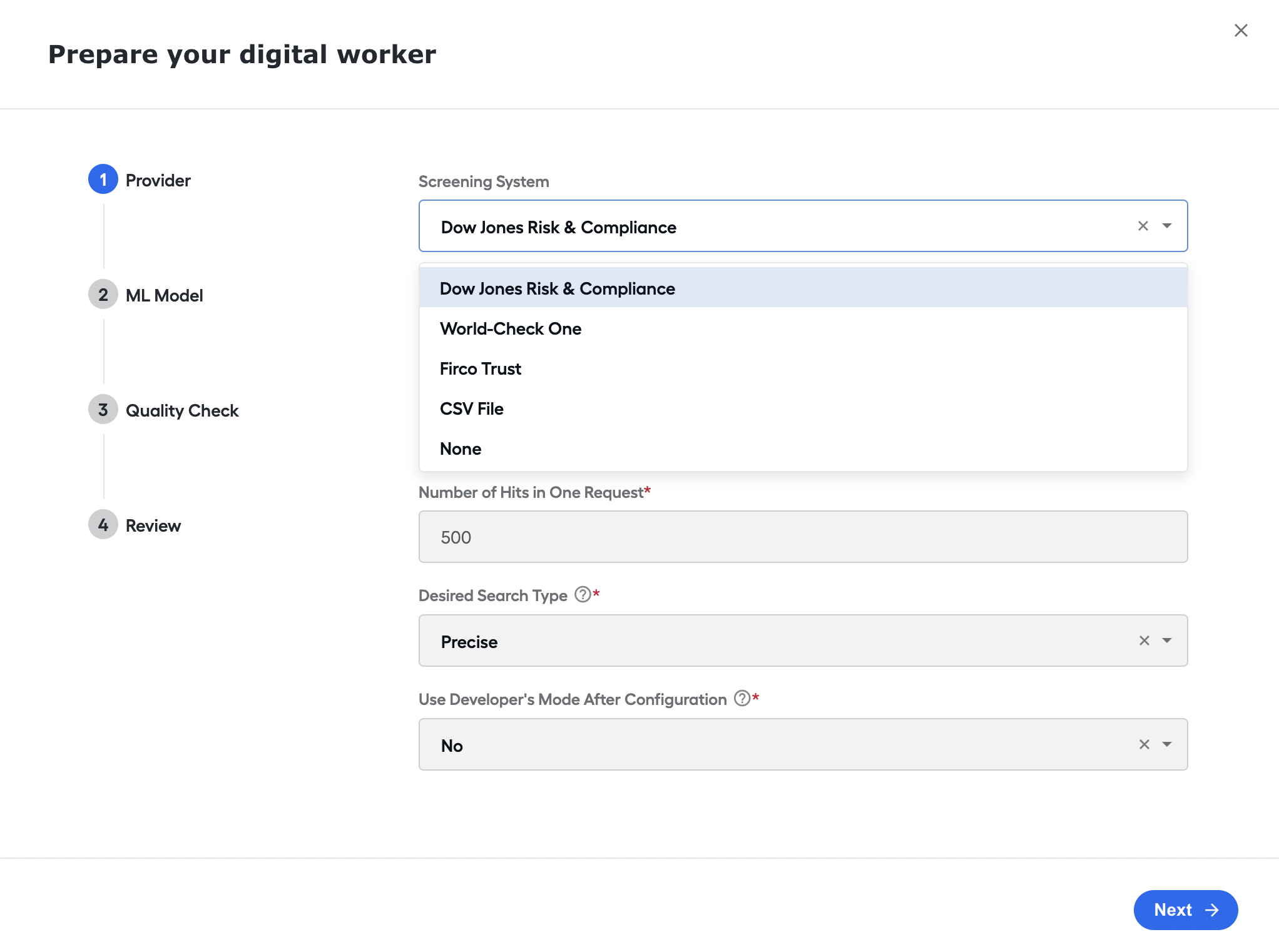
Users can now enable and disable the Auto Quality Check (Auto QC) feature from the UI. Step 3 of the configuration screen contains a checkbox to toggle the check. You can specify the percentage of alerts to be checked in the text box.
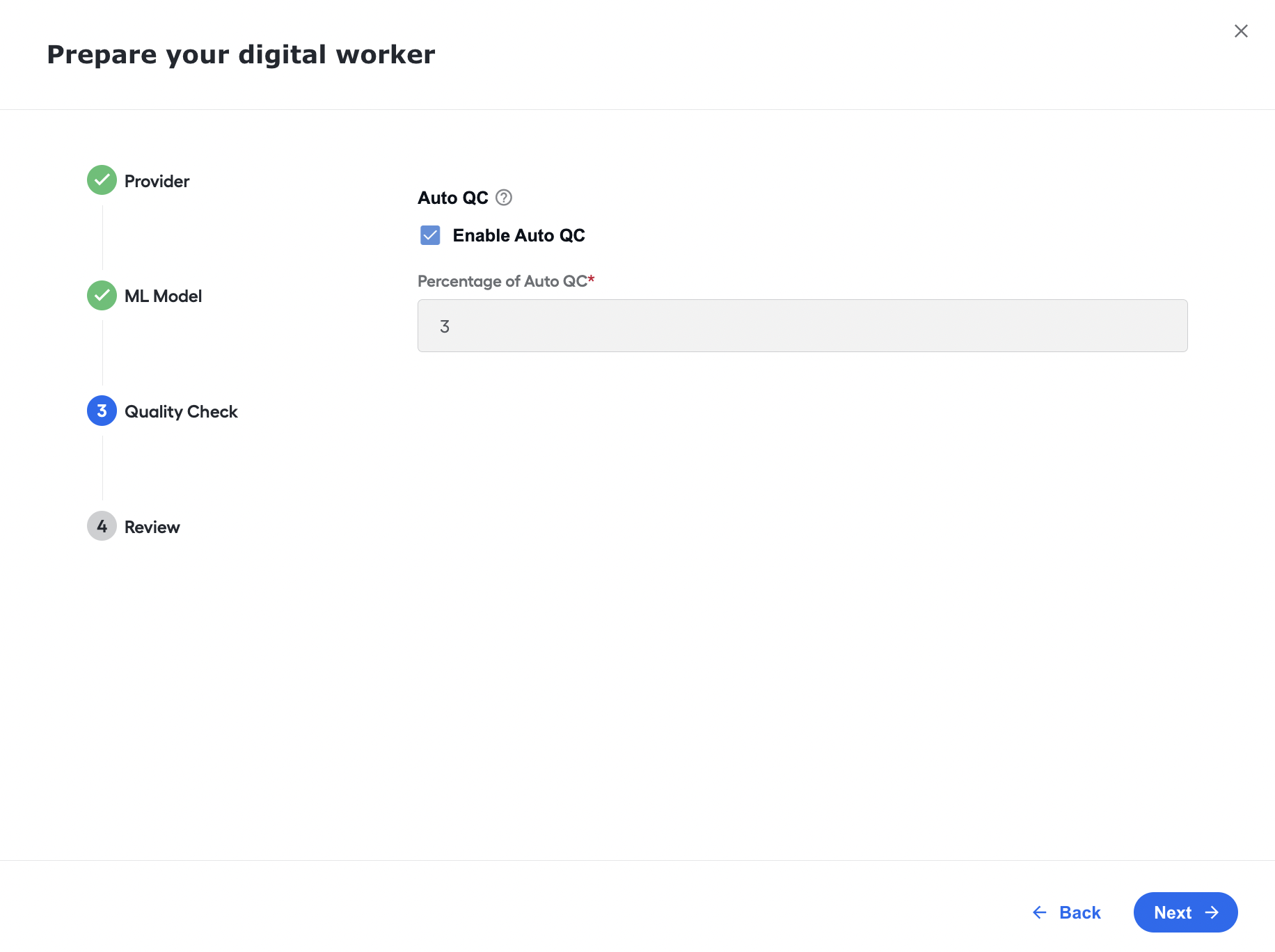
You can now toggle obsolete hits for Firco Trust via the UI, on the Provider step. Once the feature is enabled, select the number of days you want to enable obsolete filtering.
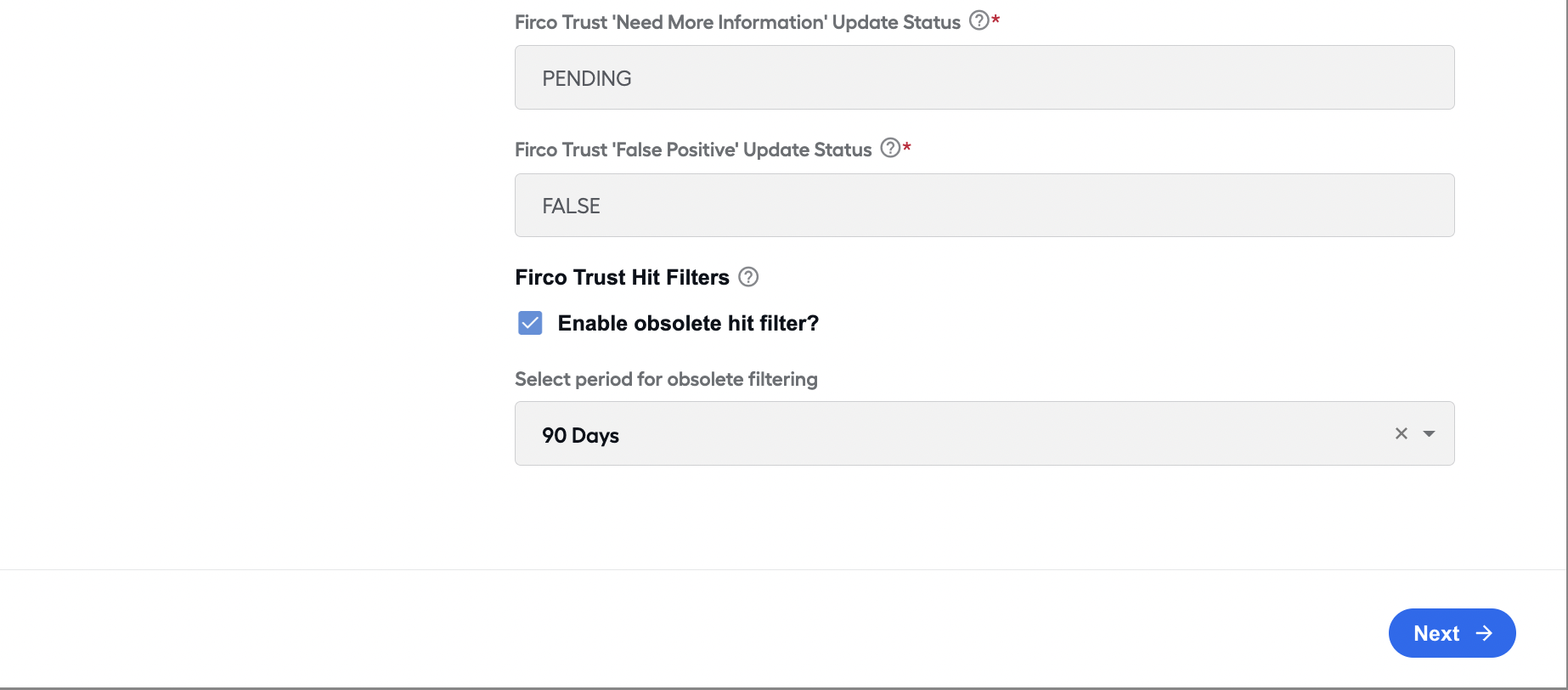
We updated the transaction calculation logic for historical data in non-PROD environments. To better capture transactions to track their actual testing level, we changed the CSV upload method to capture the number of alerts in addition to the number of hits and then sent the alerts as transactions for billing.
If the user selects CSV as the Provider on step 1 of the UI Config, they are prompted to provide a location on the MinIO S3 where the CSV files will be provided.
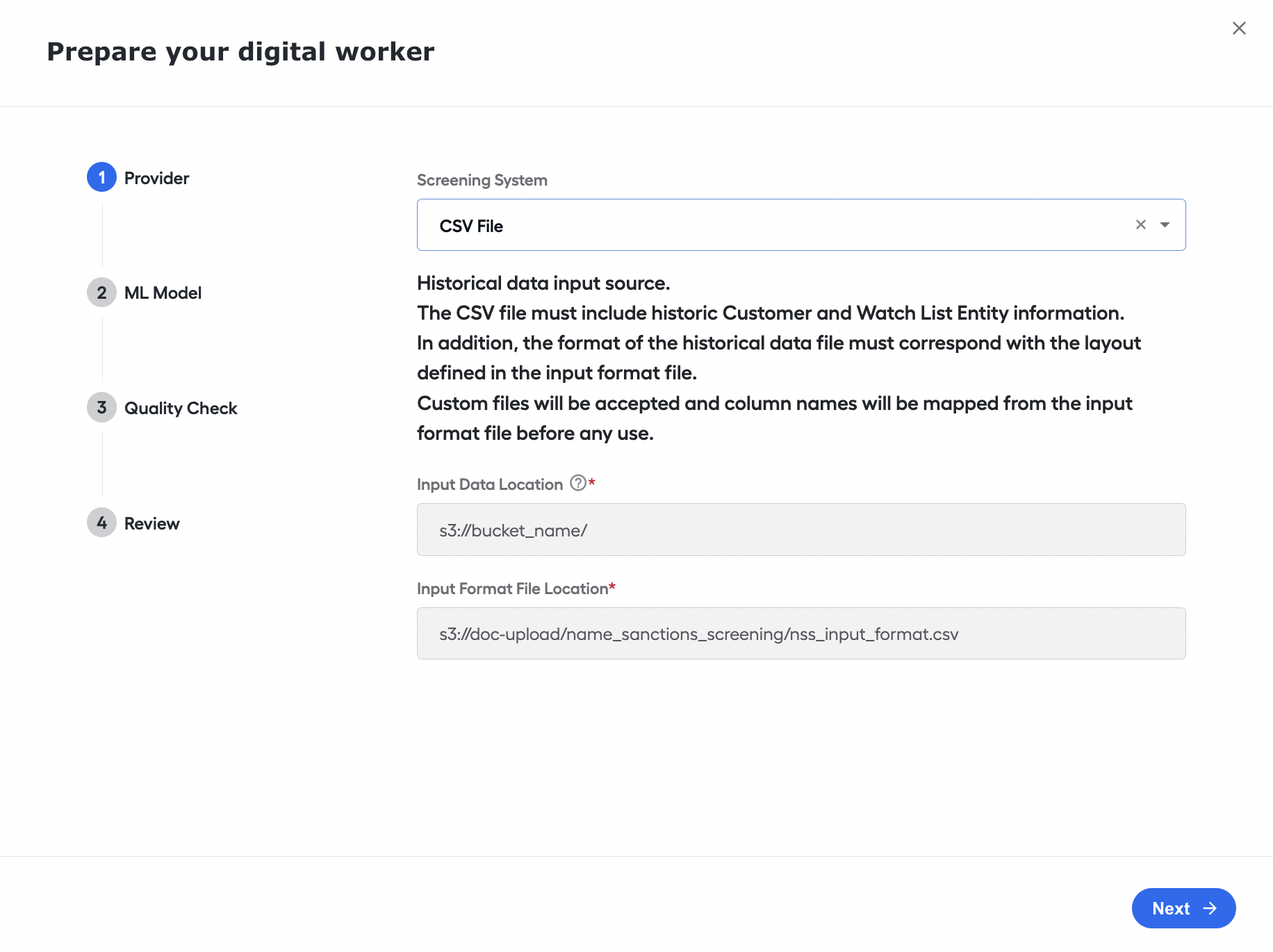
Now you can start the Evelyn AI Digital Worker via CT REST API. With this release, the API can:
- Initiate screening via REST API for Firco Trust.
- Initiate screening via REST API using CSV provider.
- Make full alert screening via REST API.