Perform location validation
Enable location validation
To enable the location validation bot step, go to Settings > Data Enrichment, set Address verifier to Google Web Services. For configuration details, refer to Install and configure | Data enrichment.
To obtain a Google API key, refer to the Geocoding API documentation.
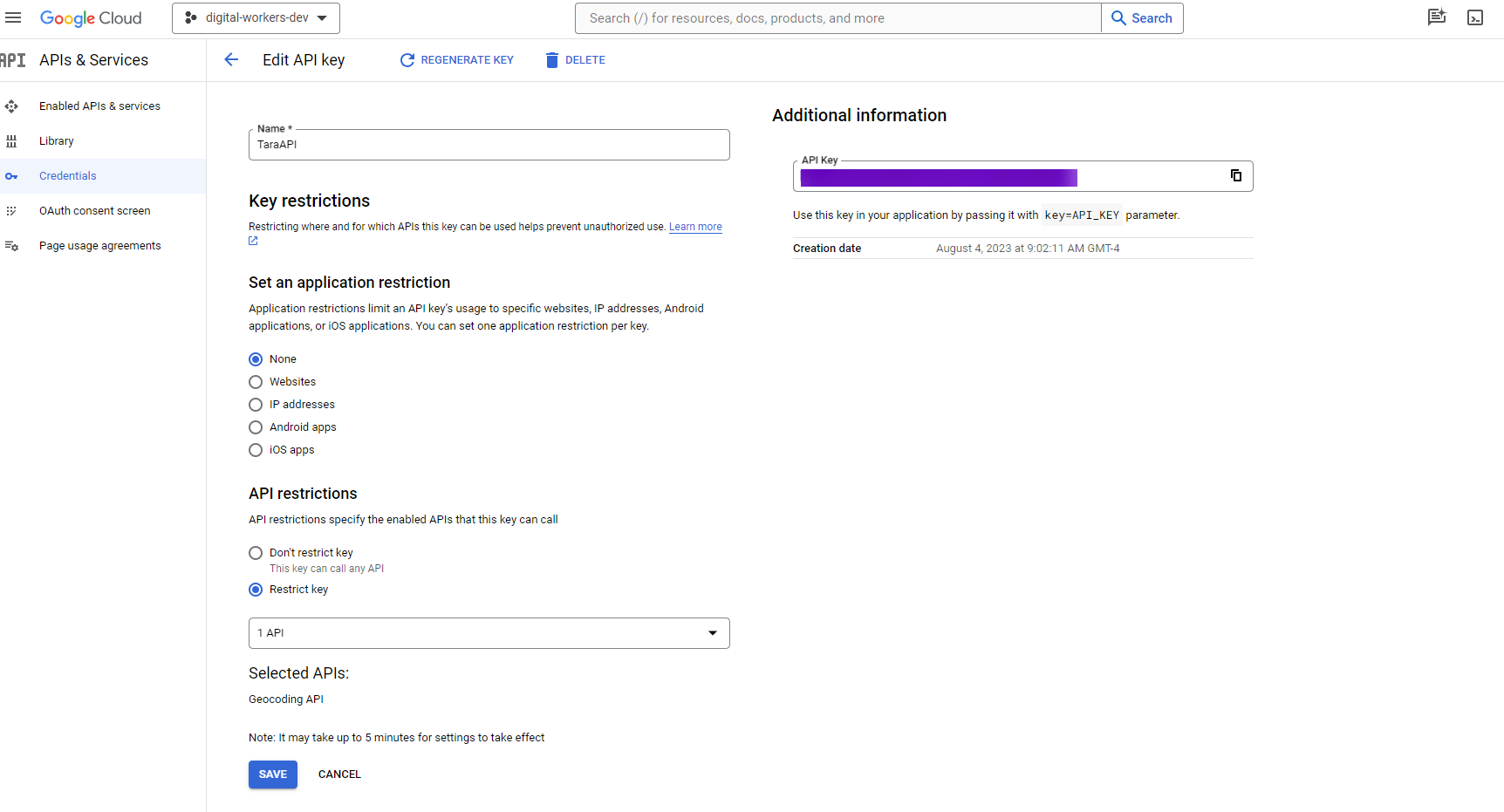
See a sample call for testing purposes.
Run location validation
If screened data or additional data contains address information, the location validation bot step sends this information to Google Geocode API to determine whether the address is valid.
By default, if the country value is available, the validation is skipped. However, this behavior is configurable, and validation can be enabled even when the country is already known. Validated address maps are included in an HTML report if you choose to generate HTML reports.
Interpret Google Maps API results
If a result JSON contains a partial_match element, it indicates that Google could only find a partially matched address. In this case, the address is treated as neither exact nor validated. However, partial addresses often return accurate country information, so the country is still considered validated.
If the result JSON does not contain a partial_match element, the address is considered valid. Relevant data, such as location coordinates, place ID, and country information, can be extracted from the JSON. However, in many cases, the address refers to a general region rather than a precise location. A valid address is accepted only if the location type is set to ROOFTOP.
Pass location validation data to Python model
Location validation data is stored in document/attributes/additional_bp_params/locationValidation, where additional_bp_params is an array. Each element in this array contains validation information for a corresponding hit in the message.
Address and country data are both used to decide whether the model returns a location match or mismatch.
View Geocoder results
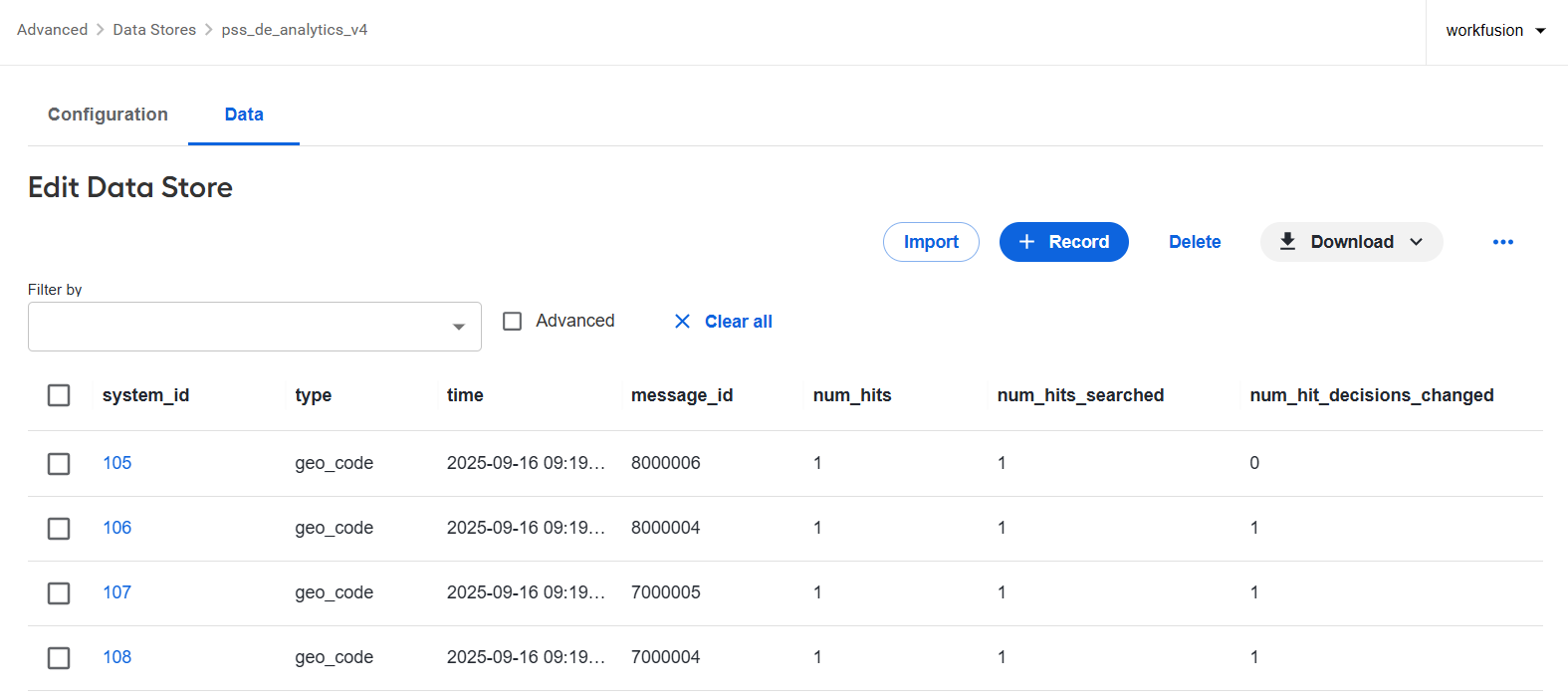
When the Geocoder is enabled, the pss_de_analytics_v4 Data Store records the following data for each alert message:
num_hits: total number of hits in the message.num_hits_searched: number of hits that contain an address and were processed by the Geocoder address validator.num_hit_decisions_changed: number of addresses identified as valid by the Geocoder validator.