User Group Management
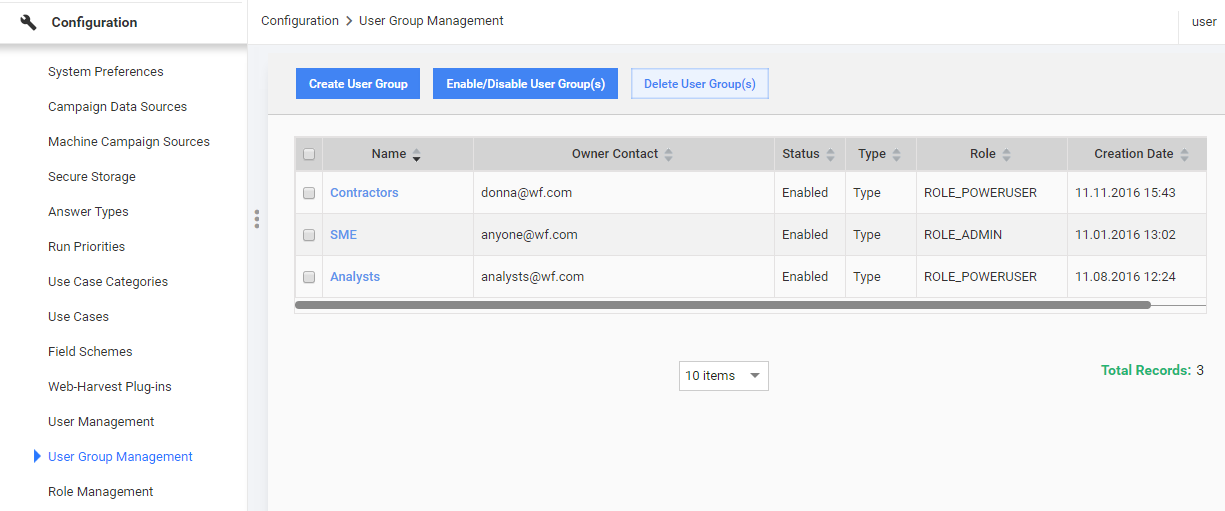
The User Group Management dashboard lists all the current user groups in the system and provides access to all User Group Management functions (create, edit, delete, enable, and disable).
It is accessed via the Configuration Menu: Configuration > User Group Management.
Creating a User Group
You can organize and manage users by including them into specific groups and setting Roles and Filters on a group level:
- Click the Create User Group button.
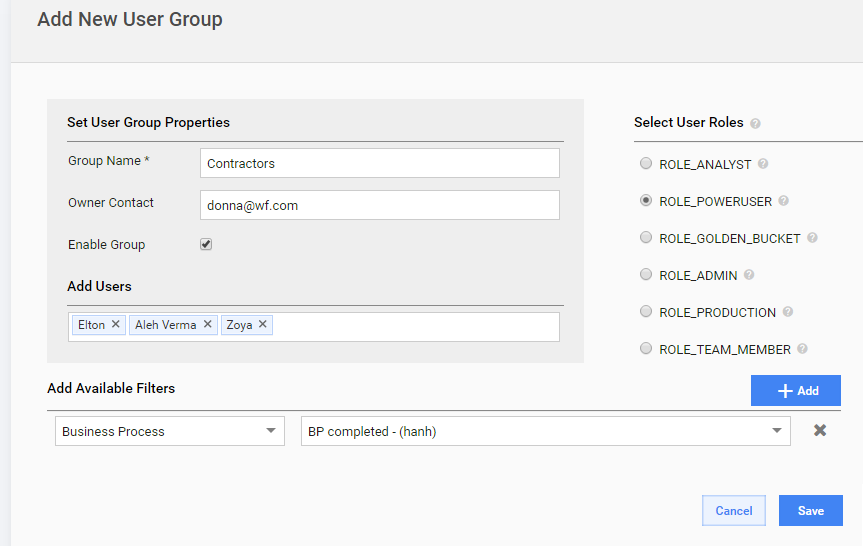
- Enter the Group Name and Owner Contact.
- Start typing or selecting user names in the Add Users field.
- Assign a Role to this group under the Select User Roles panel.
- Add Available Filters if you want limit access for this user group.
- Click the Save button.
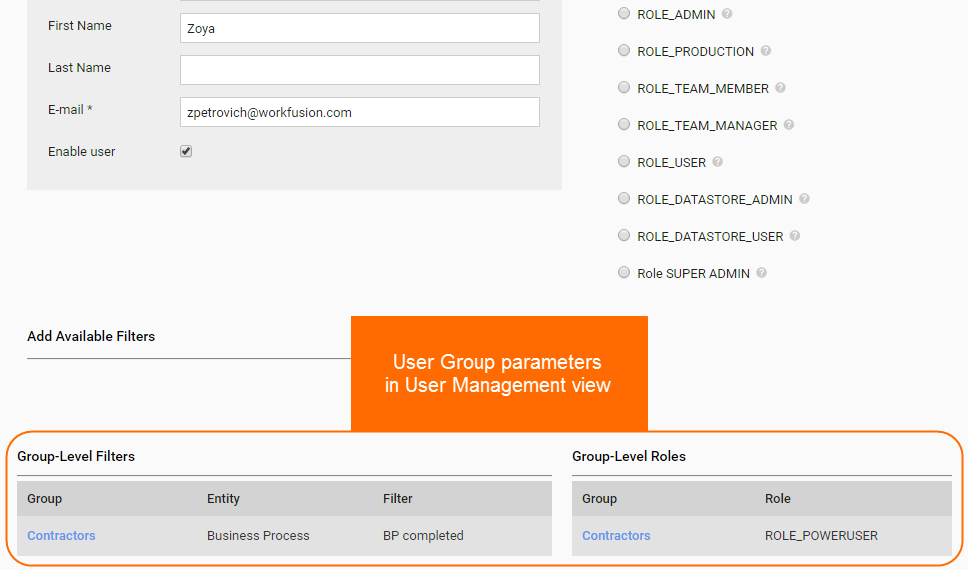
As a result, each user will have both group-level and personal permissions and available filters which can be viewed on user management page.